Managing Bookings from 5 Platforms Without Losing Your Mind
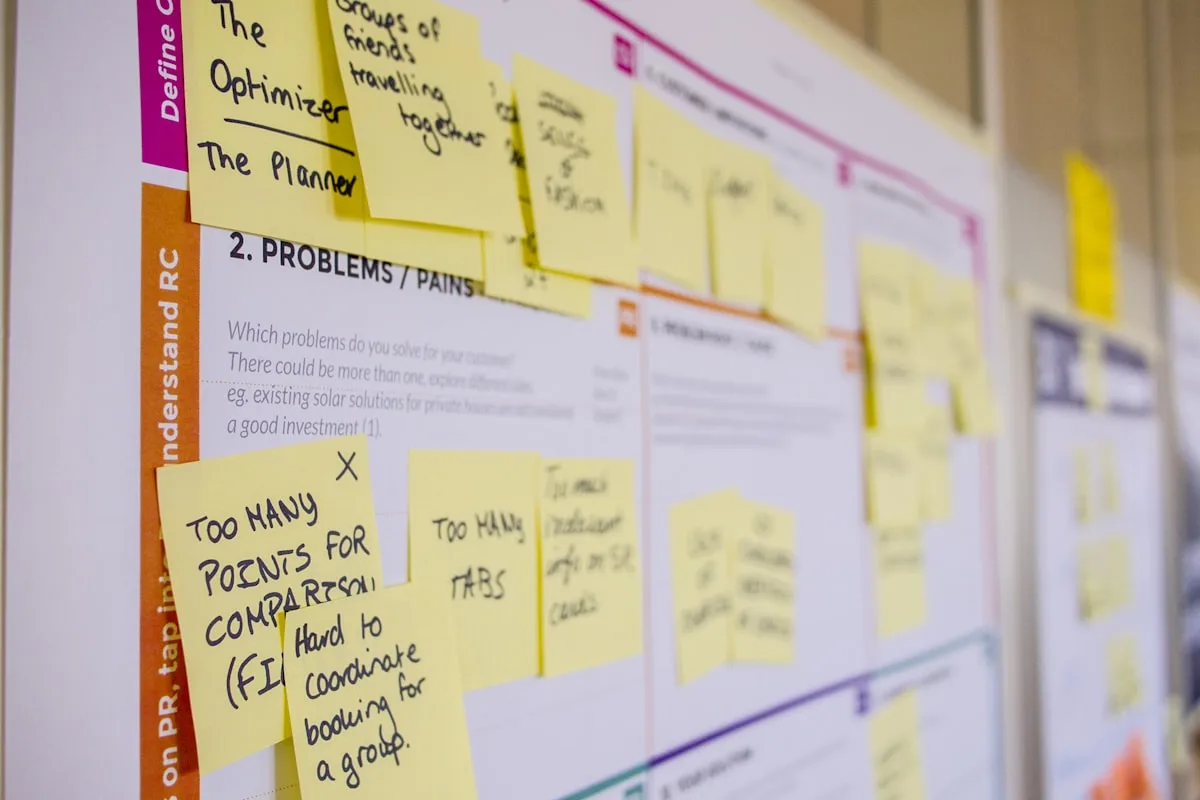
The tab-switching tax
Here's a typical morning for a multi-platform host:
- Open Airbnb. Check messages. Two new enquiries. One booking confirmation.
- Open Booking.com. Check the extranet. One new reservation. A modification request.
- Open VRBO. Check the dashboard. Nothing new — but better check the calendar to be sure.
- Open HomeExchange. A swap request for July. Need to check availability across all platforms before responding.
- Open email. A direct enquiry from a returning guest. Need to check availability across all platforms before responding.
- Open the spreadsheet. Try to update all the bookings you just found across four platforms.
- Open Xero. Create invoices for yesterday's bookings. Try to remember the amounts.
By 10am, you've opened seven applications, switched between a dozen tabs, and done an hour of admin work. You haven't responded to a single guest yet.
This is the multi-channel tax. It doesn't appear on any invoice, but it costs you time, focus, and eventually mistakes.
Why multi-channel management is harder than it looks
Each platform has its own data format
Airbnb sends confirmation emails with one layout. Booking.com uses a completely different format. VRBO uses another. HomeExchange is different again. Manually extracting guest names, dates, amounts, and booking references from four different email formats is error-prone and tedious.
Calendars don't truly sync
Even with iCal sync between platforms, there's a delay window where double bookings can occur. And iCal only blocks dates — it doesn't tell you who booked, what they paid, or which platform the booking came from.
Revenue is fragmented
Your Airbnb revenue is in the Airbnb dashboard. Your Booking.com revenue is in the extranet. Your direct booking revenue is in your Stripe account. Your home swap has no monetary value at all. Getting a unified picture of your business performance means manually consolidating data from multiple sources.
Guest communication is scattered
Messages come through Airbnb's inbox, Booking.com's messaging system, email, WhatsApp, and sometimes phone calls. There's no single place to see all guest communication, and no way to ensure nothing falls through the cracks.
The consolidation solution
Airflow acts as a single hub for bookings from every channel. The mechanism is deliberately simple: email forwarding.
One inbox, every platform
Set up auto-forwarding from your booking notification emails to your Airflow address. Every booking confirmation — from any platform — gets processed automatically:
- Airbnb bookings: Guest name, dates, amounts, fees, and payout extracted
- Booking.com reservations: Guest details, room type, rate, and commission extracted
- VRBO bookings: Guest information, dates, and financial details extracted
- HomeExchange swaps: Guest name and dates extracted, zero-value booking created (no invoice generated)
- Direct enquiries: Forward the email and Airflow creates a booking record from whatever details are available
The AI doesn't just pattern-match templates. It understands booking emails semantically — recognising confirmation codes, date formats, currency symbols, and fee structures regardless of how the email is laid out.
One calendar, every booking
Once bookings flow into Airflow, they all appear on the same calendar. Four views — day, week, month, and year — each showing every resource and every booking from every channel.
The calendar uses a swim-lane algorithm, so even when bookings overlap (a departure and an arrival on the same day), they never cover each other. Colour-coded by resource, filterable, and interactive — click any booking to see its full detail.
One accounting pipeline
Every booking — regardless of source — flows through the same accounting pipeline. Airflow creates draft invoices in your connected accounting software (Xero, QuickBooks, Sage, or FreshBooks) with:
- Correct line items for accommodation, cleaning fees, and extras
- Platform commission broken out separately
- Currency conversion with tracked exchange rates
- Tax categories applied automatically
No more copying numbers from four dashboards into four invoices.
One availability feed
Airflow generates an iCal feed from your unified calendar. Paste this into each platform, and they all reference the same authoritative source of availability. Two feed modes:
- Full calendar — includes booking summaries
- Availability only — shows blocked dates only, designed for OTA consumption
The compound effect
The value of consolidation isn't just the time saved on each individual task. It's the elimination of the gaps between tasks.
| Without consolidation | With Airflow |
|---|---|
| Check 4 platforms for new bookings | Bookings arrive automatically |
| Cross-reference 4 calendars before responding to enquiry | Check one calendar |
| Create invoices from 4 different sources | Invoices created automatically |
| Reconcile 4 payment streams | One financial overview |
| Update spreadsheet with data from 4 platforms | Data already consolidated |
The morning routine that took an hour? It takes zero minutes. Bookings process themselves. Invoices create themselves. Calendars update themselves. You start the day with guest communication instead of data entry.
Start consolidating
If you're managing bookings across multiple platforms and spending your mornings in a tab-switching marathon, get started with Airflow. Set up email forwarding from each platform, and within minutes you'll have a unified view of your entire booking business.
No migration. No switching platforms. No learning new booking engines. Just forward your emails and let the automation handle the rest.