Your Books, Always in Sync
Connect Airflow to Xero, QuickBooks, Sage or FreshBooks and each processed booking becomes a categorised draft invoice in your books—ready for you to review and post, rather than rekeying every line by hand.

How it works
Airflow connects to Xero, QuickBooks, Sage and FreshBooks, mapping your rental transactions to the correct accounts, categories and tax codes. When a booking is processed, Airflow creates a categorised draft invoice in your accounting software with rent, platform commissions, cleaning fees and service charges broken out as separate line items, so your profit-and-loss reports stay accurate. Invoices are created as drafts for you to review and post—nothing is auto-posted. You control the mapping. Tell Airflow which chart-of-accounts codes to use for rental income, cleaning revenue, fees and more, and every future booking follows your rules consistently. With Xero, payouts in your bank feed can then be reconciled against the invoices Airflow created.
Key capabilities
- Draft invoice creation — Each booking creates a categorised draft invoice in Xero, QuickBooks, Sage or FreshBooks for your review
- Custom account mapping — Map income and fee categories to your existing chart of accounts
- Multi-currency support — Handle international bookings with FX applied at booking and invoice time, stored and recorded for your accountant
- Tax code assignment — Assign GST, VAT or sales tax codes on each line item
- Bank reconciliation with Xero — Match payouts in your Xero bank feed against the invoices Airflow creates
- You stay in control — Invoices are drafts, never auto-posted
Key benefits
Why Accounting Sync matters
Less Manual Entry
Each booking creates a draft invoice in your accounting software, saving the rekeying—you review and post rather than enter every line by hand.
Accurate Financials
Platform fees, cleaning charges and taxes are broken out as separate line items so your P&L reflects true profitability.
Tidy Books Year-Round
With each booking captured as a categorised draft invoice as you go, your records stay current and tax preparation is simpler.
FAQ
Common questions about Accounting Sync
Which accounting software does Airflow work with?
Airflow connects to Xero, QuickBooks, Sage and FreshBooks. You can connect whichever you use.
Can I customise how transactions are categorised?
Yes. You map each transaction type—rental income, cleaning fees, platform commissions and more—to specific accounts in your chart of accounts, and Airflow applies it consistently.
What happens to my invoices if I disconnect my accounting software?
Invoices Airflow has already created remain in your accounting software. Disconnecting simply stops new draft invoices being created.
More from Connections & Integrations
Related features
Guides & insights
From the blog
Guest Payments & Deposits
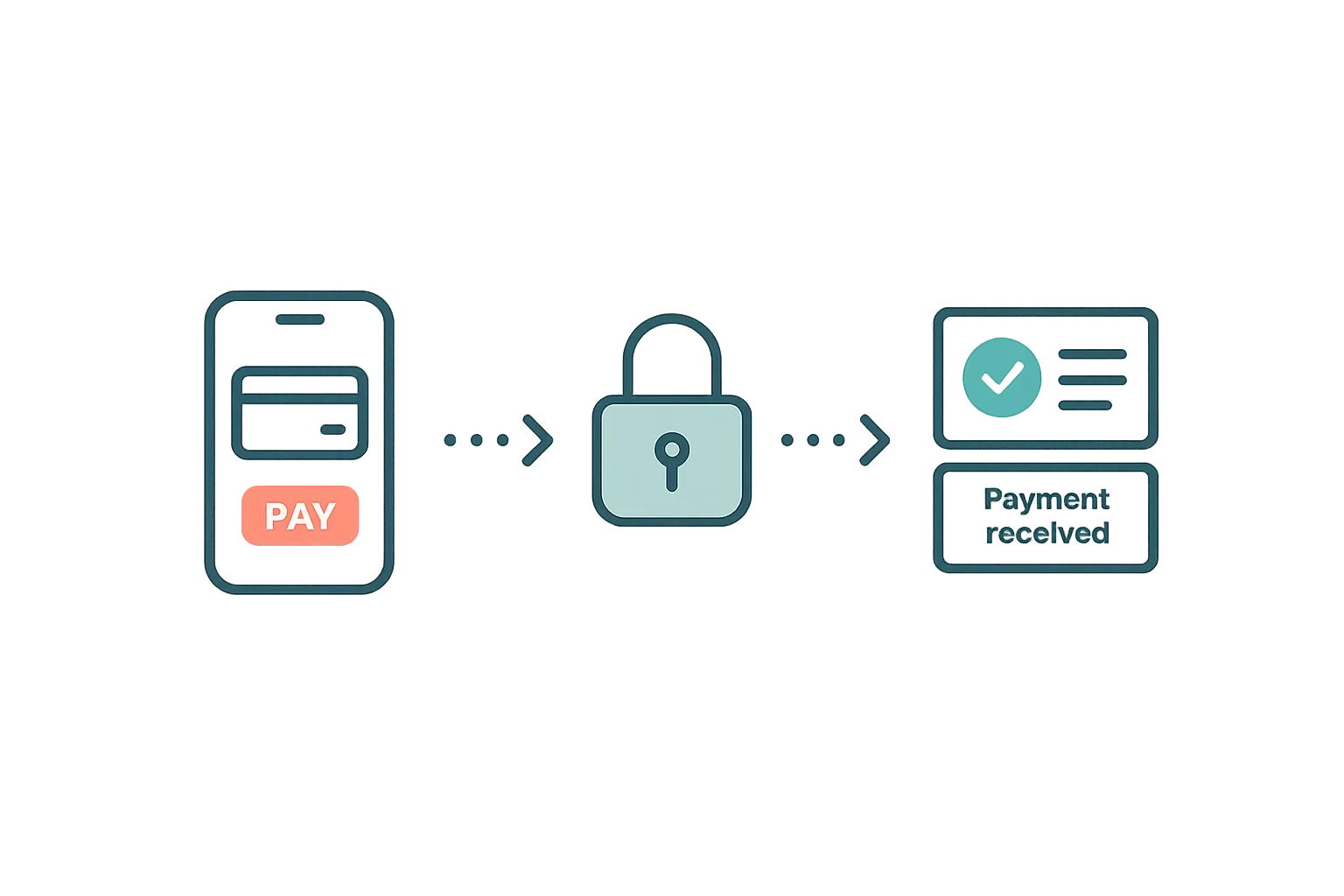
How Airflow handles guest payments — from deposit collection at booking to balance payments via the guest portal, with support for Stripe, Paystack, and manual methods.
Read article →
Your Own Booking Engine, for Free — Why Direct Bookings Change Everything
Airflow's Direct Booking addon gives every host a Stripe-powered checkout, automatic invoicing, and full guest ownership — included free with every plan.
Read article →
Your Website Builder Bill Is Just the Start
A website builder gives you a brochure. For less than a Wix subscription, Airflow gives hosts the website and the operating system behind it — and moves your old site over in one conversation.
Read article →Ready to use Accounting Sync?
Start your free trial today. No credit card required.
Start free trial