Accept Payments with Confidence
Process direct booking payments, security deposits, and additional charges through Stripe, fully integrated into Airflow. Offer guests a seamless checkout experience while keeping your payment operations organized and secure.

How it works
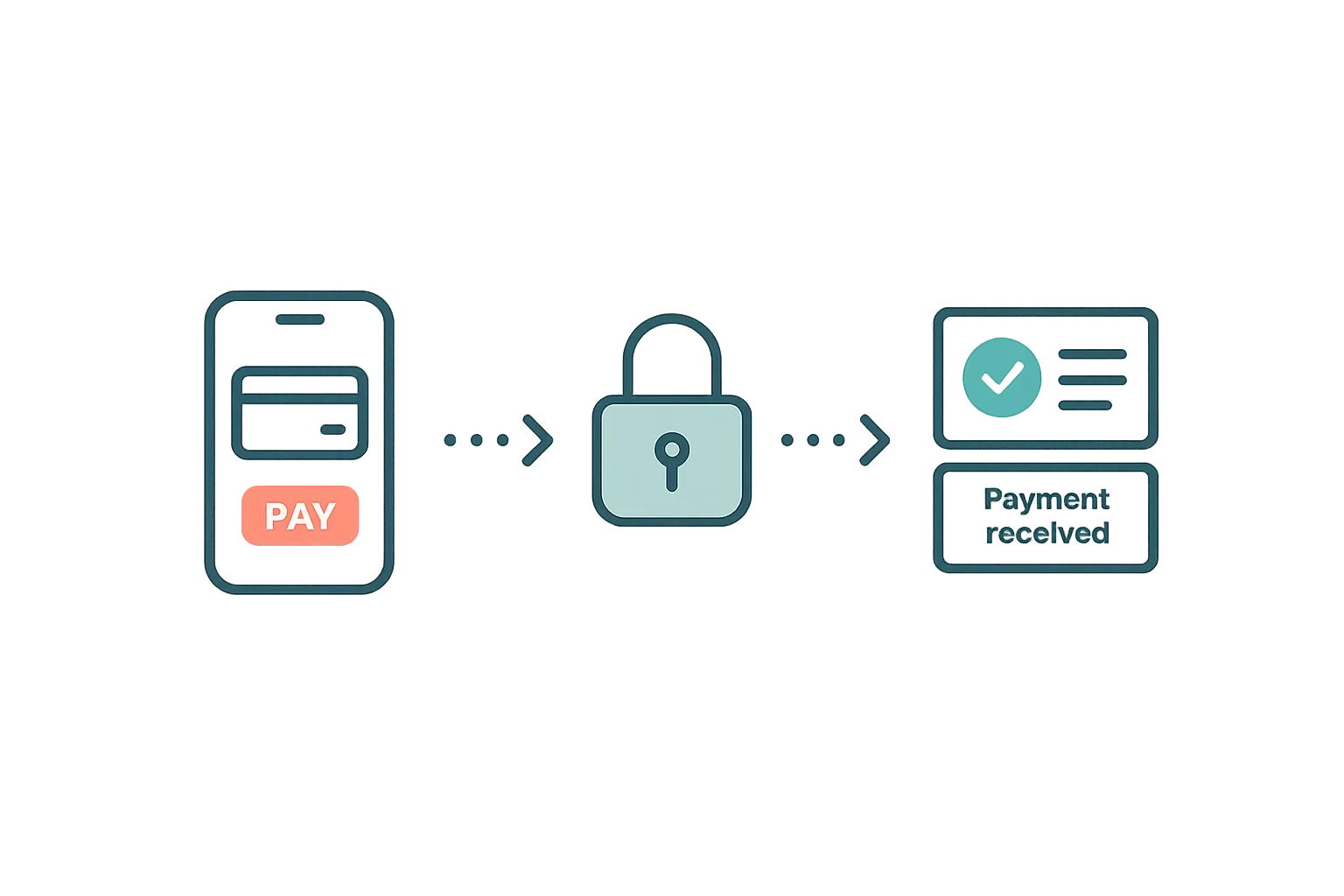
Airflow uses Stripe and Paystack to collect payments for direct bookings and extra charges. When a guest books directly through your site, or you need to collect an additional payment, Airflow generates a secure payment link. Guests pay the host directly through Stripe Connect—Airflow never holds your funds. Payment options are flexible. Take full payment on confirmation, collect a deposit with the balance due before arrival, split into installments, or take payment on arrival. You can also send one-off payment requests for extras like early check-in or pet fees. Every payment is logged in Airflow and tracked against the booking. Paystack adds cards and M-Pesa for East and Southern African hosts, while Stripe covers cards in its supported regions. PayPal is supported as a manual payment option for now.
Key capabilities
- Direct booking payments — Collect payments through your own booking page with branded checkout
- Deposits and installments — Take a deposit with the balance due before arrival, or split into installments
- Pay on arrival — Let guests settle on arrival where that suits you
- Manual payments — Record payments taken outside the platform, including PayPal, against the booking
- Cards and M-Pesa — Stripe for cards, Paystack for cards and M-Pesa
- Funds go to you — Guests pay the host directly via Stripe Connect; Airflow never holds funds
- PCI compliance — Stripe and Paystack handle all card data so you never touch sensitive payment information
Key benefits
Why Payment Processing matters
Branded Checkout
Guests pay through a mobile-friendly checkout that builds trust and reduces booking abandonment.
PCI Compliant
Stripe and Paystack handle all sensitive card data, so you take the payment without the liability of handling card information directly.
Flexible Payment Options
Take full payment, a deposit with the balance due before arrival, installments, or pay-on-arrival—and Airflow tracks every payment against the booking.
FAQ
Common questions about Payment Processing
Do I need my own Stripe or Paystack account?
Yes. Airflow connects to your own Stripe or Paystack account, where guest payments are deposited directly. Creating an account is free and takes only a few minutes.
What payment methods can guests use?
Through Stripe, guests pay with major credit and debit cards. Through Paystack, guests can pay with cards and M-Pesa, depending on their region.
What payment options can I offer guests?
You can take a deposit with the balance due before arrival, split a booking into installments, or take payment on arrival—and Airflow tracks each payment against the booking. You can also record manual payments taken outside the platform.
More from Connections & Integrations
Related features
Guides & insights
From the blog
Guest Payments & Deposits
How Airflow handles guest payments — from deposit collection at booking to balance payments via the guest portal, with support for Stripe, Paystack, and manual methods.
Read article →
Your Own Booking Engine, for Free — Why Direct Bookings Change Everything
Airflow's Direct Booking addon gives every host a Stripe-powered checkout, automatic invoicing, and full guest ownership — included free with every plan.
Read article →
Your Website Builder Bill Is Just the Start
A website builder gives you a brochure. For less than a Wix subscription, Airflow gives hosts the website and the operating system behind it — and moves your old site over in one conversation.
Read article →Ready to use Payment Processing?
Start your free trial today. No credit card required.
Start free trial