Connect Every Booking Platform in One Place
Bring your Airbnb, Booking.com, Vrbo and direct bookings into Airflow without manual data entry. Forward your confirmation emails to a unique Airflow address, or connect Gmail or Outlook and Airflow scans for them, so every reservation lives in one dashboard.

How it works
Airflow reads your booking confirmation emails for you. Forward an email from Airbnb, Booking.com, Vrbo, your website or a direct enquiry to your unique Airflow address, or connect your Gmail or Outlook inbox and Airflow scans for them automatically. Setup takes a couple of minutes: connect your inbox or save your forwarding address, and Airflow handles the rest. When a confirmation arrives, its AI extracts the guest, dates, pricing and fees and creates a structured booking record. New bookings appear in your Airflow workspace, giving you a consolidated view across every source. To help avoid clashes, connect Google or Outlook Calendar so Airflow can read your availability and write confirmed bookings back as events.
Key capabilities
- Email ingestion — Forward confirmations from Airbnb, Booking.com, Vrbo and direct sources, or let Airflow scan your connected inbox
- AI extraction — Guest, dates, pricing and fees are pulled from each email into a structured booking record
- One dashboard — See bookings from every source in a single consolidated view
- Calendar connection — Connect Google or Outlook Calendar to read availability and write confirmed bookings as events
- Secure authentication — OAuth-based inbox and calendar connections with encrypted credential storage
- Direct bookings — Take bookings on your own Airflow booking page alongside your other sources
Key benefits
Why Platform Connections matters
Unified Management
Stop juggling multiple browser tabs. See every reservation from every platform in one clean interface.
Instant Ingestion
Forward a confirmation email (or connect Gmail/Outlook for automatic scanning) and the booking appears in seconds — guest, dates, pricing, and fees extracted by AI.
Secure Connections
Google and Microsoft connections use OAuth with encrypted data transfer. Airflow never needs your OTA passwords.
FAQ
Common questions about Platform Connections
Which booking sources does Airflow support?
Airflow reads booking emails from Airbnb, Booking.com, Vrbo, your own website and direct enquiries. You forward them to your unique Airflow address, or connect Gmail or Outlook and Airflow scans for them.
Will using Airflow affect my existing bookings?
No. Airflow only reads the emails you forward or that arrive in your connected inbox. It makes no changes to your accounts on other platforms.
How quickly do new bookings appear in Airflow?
As soon as you forward a confirmation, or as Airflow scans your connected inbox, the booking is extracted and added to your workspace.
More from Connections & Integrations
Related features
Guides & insights
From the blog
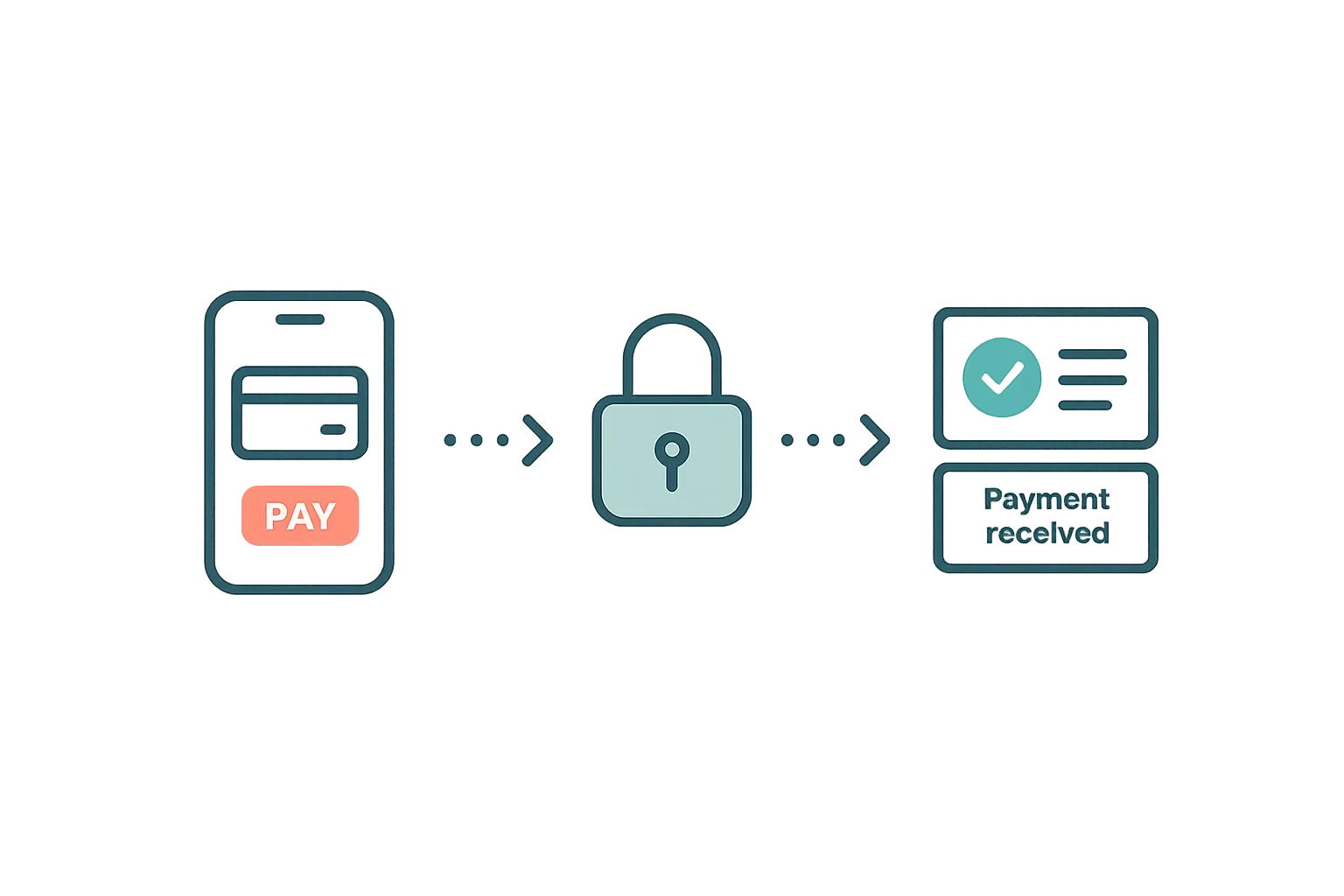
Guest Payments & Deposits
How Airflow handles guest payments — from deposit collection at booking to balance payments via the guest portal, with support for Stripe, Paystack, and manual methods.
Read article →
Your Own Booking Engine, for Free — Why Direct Bookings Change Everything
Airflow's Direct Booking addon gives every host a Stripe-powered checkout, automatic invoicing, and full guest ownership — included free with every plan.
Read article →
Your Website Builder Bill Is Just the Start
A website builder gives you a brochure. For less than a Wix subscription, Airflow gives hosts the website and the operating system behind it — and moves your old site over in one conversation.
Read article →Ready to use Platform Connections?
Start your free trial today. No credit card required.
Start free trial