See Your Whole Business in One Place
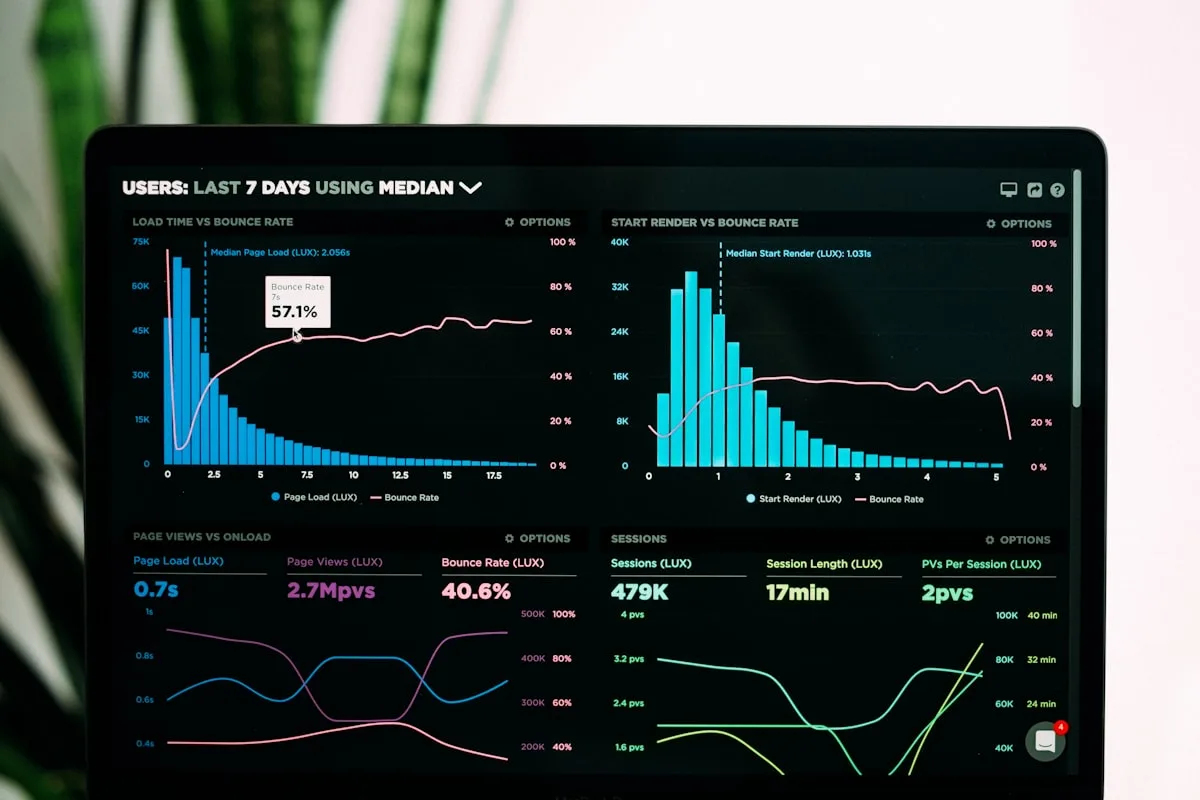
How many tabs are open right now?
If you run a booking business, you already know the answer. A channel inbox for the platform emails. A spreadsheet for who’s arriving this week. Your accounting software, somewhere. A calendar app for the cottage, another for the apartment, a third for the studio. And a notebook on the desk for the things none of them quite capture.
Each tool holds a slice of the truth. None of them holds all of it. So the real picture — what’s actually happening across the business this week — lives only in your head, reassembled every morning from half a dozen places.
That’s the problem Airflow’s dashboard is built to solve. One screen, every property, every booking, every number that matters.
One view, not twelve
When a booking arrives — by forwarded email, through an iCal calendar feed, or as a direct booking on your own site — Airflow reads it, structures it, and files it against the right property. That structured record is what feeds the dashboard. You don’t enter anything twice. You don’t reconcile one tool against another. The data is captured once and shown everywhere it’s needed.
The result is a single home screen that answers the questions you actually ask:
- Who’s arriving and leaving this week, across every property at once
- What you’ve earned this month, and how that compares to last
- Which bookings are confirmed, pending, or on hold right now
- What’s happened recently — every booking, message, and change, in order
No tab-switching. No mental arithmetic to add up three calendars. The number is already there.
Every property, side by side
Most tools force you to look at one property at a time. That’s fine when you have one. It falls apart the moment you have three, because the question you care about isn’t “how is the cottage doing” — it’s “how is the business doing.”
Airflow treats your portfolio as a portfolio. Revenue rolls up across every property. The calendar shows every resource on one timeline, so a gap in one place is obvious against a full week in another. (For more on how that unified calendar works, see One Calendar, Four Views.)
And because Airflow charges for bookings processed rather than per property, adding a fourth or fortieth resource doesn’t change how the dashboard works — it just shows more on the same screen. We wrote about why that pricing model matters in Stop Paying Per Property.
More than one business? One account.
Plenty of operators don’t run a single business. They run a few. A holiday-let portfolio and a separate events space. A villa company and a small tour operation. A property they manage for an owner alongside the ones they own.
Traditional tools make you keep separate logins, separate subscriptions, separate everything — and there’s no way to step back and see the lot. Airflow handles this with multiple organisations under one account. Each business keeps its own properties, its own books, and its own settings, fully separated. You switch between them from a single login, and each has its own clean dashboard.
It means a managing agent can see the picture for each owner’s portfolio without untangling them, and an operator running two distinct brands doesn’t pay twice for the privilege of logging in twice.
Numbers in the currency you think in
If you take bookings from guests in different countries, your dashboard shouldn’t make you do conversions in your head. Airflow stores every value consistently behind the scenes and displays it in your chosen currency, so the totals on your screen are the totals you actually reason about — whatever mix of currencies your guests paid in.
For seasonal or international operators, that’s the difference between a dashboard you trust at a glance and one you double-check with a calculator. We go deeper on this in Multi-Currency Made Simple.
The activity feed: what just happened
A dashboard isn’t only about totals. It’s about knowing you haven’t missed anything. Airflow keeps a running activity timeline — every booking that came in, every message exchanged, every change to a reservation — in plain chronological order.
When you sit down in the morning, you don’t have to go hunting. You scroll the feed and you’re caught up. When something looks off, the trail of what happened is right there, not scattered across four apps and a memory.
What it actually changes
The point of seeing everything in one place isn’t tidiness for its own sake. It’s the decisions it unlocks:
- You spot the quiet property before the month ends, not after
- You notice the booking that never got confirmed while there’s still time to chase it
- You answer “how are we doing” with a glance instead of an afternoon
- You stop carrying the whole business in your head
That last one matters more than any single feature. The mental load of holding a fragmented business together is real, and it’s exhausting. A single, honest view of everything takes that weight off.
See it for yourself
The dashboard isn’t a separate product you bolt on. It’s the natural result of capturing every booking as clean, structured data the moment it arrives — so the whole picture assembles itself.
Explore what the Dashboard & Reporting view brings together, see how it all works, or get started.
Your business is one thing. Your screen should show it that way.