Booking.com Xero integration that handles the commission maths
Airflow reads your Booking.com reservation emails, separates the room revenue from the platform commission, and creates a draft invoice in Xero for you to review.
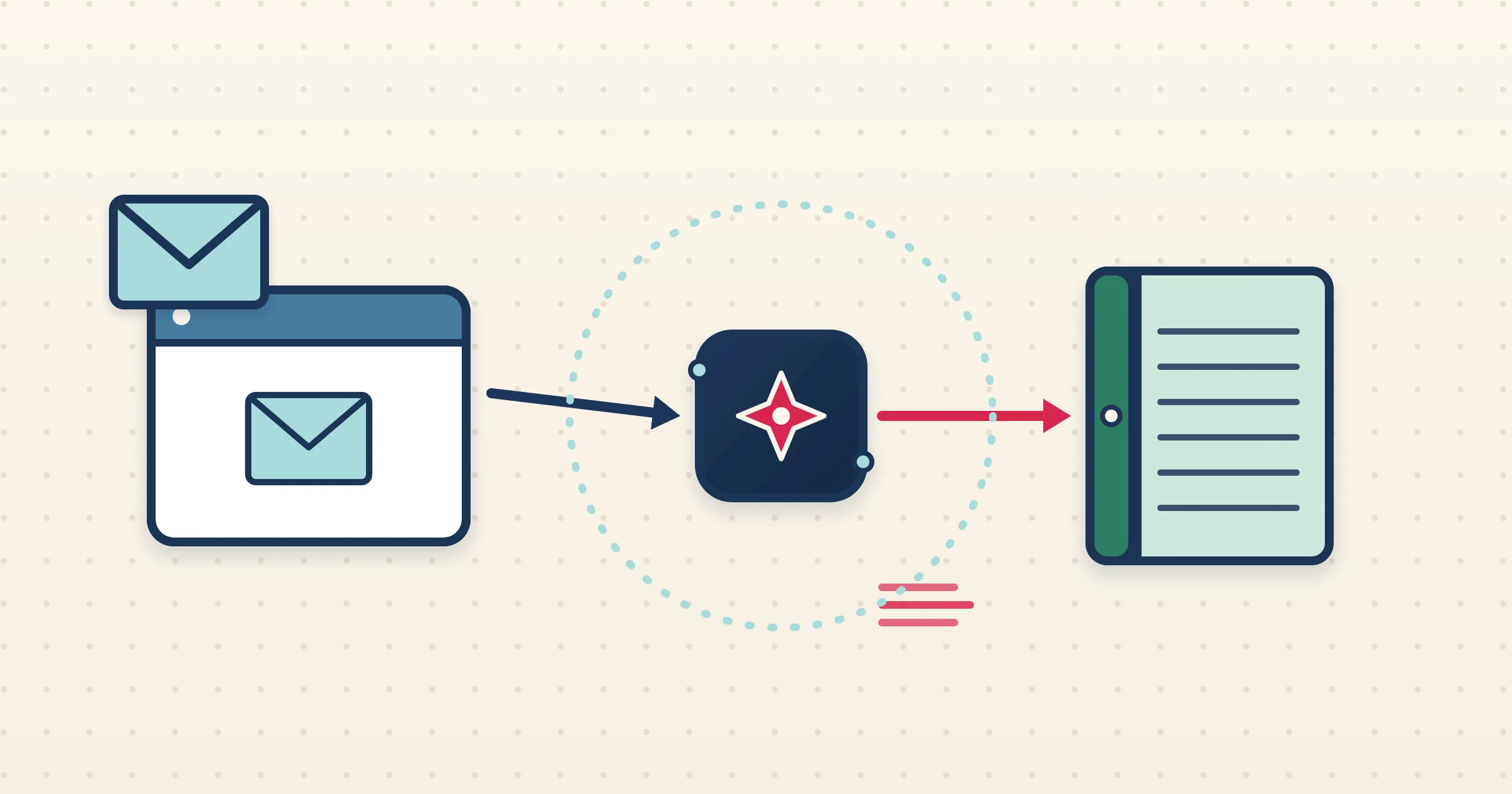
Booking.com reservations come with a quirk that trips up most bookkeeping: the platform deducts commission, so the amount you actually receive is not the amount the guest paid. Reconciling that by hand in Xero is fiddly and easy to get wrong. The Booking.com Xero integration in Airflow reads the reservation email, understands the commission structure, and builds a draft invoice in Xero that breaks revenue and commission into separate lines so the maths is right from the start.
How it works
- 1
Watch or forward your Booking.com emails
Connect Gmail or Outlook so Airflow watches for Booking.com reservation emails automatically, or forward them in. Each reservation starts the pipeline.
- 2
Airflow reads the reservation
The email is parsed for guest, dates, nights, room rate, taxes and the Booking.com commission, so the gross stay and the platform cut are both captured.
- 3
A draft invoice is built in Xero
Airflow creates a multi-line draft in Xero showing accommodation revenue and breaking out commission, in your accounting currency, with FX conversion where needed.
- 4
You review and approve
The draft waits in Xero. You check the revenue and commission lines, then approve. Airflow drafts only — it never sends, approves or pays on your behalf.
Commission handled the way Xero expects
Booking.com bills commission separately from the guest payment, and getting that right matters for your net revenue and your VAT. Airflow separates room revenue from the platform commission so your Xero draft reflects what you earned and what the channel took. Where commission is a cost you reclaim or report, Airflow can post it accordingly, keeping your profit-and-loss honest.
Per-property tracking and FX built in
Run several properties on Booking.com and Airflow maps each one to a Xero tracking category option, tagging every invoice line automatically for property-level reporting. If your reservations are priced in a currency other than your Xero file, Airflow converts using a live FX rate with a fallback chain for less common currencies, so the draft arrives in your home currency.
Reading reservation emails, not a channel-manager API
Airflow does not connect to Booking.com through a two-way channel-manager API. Instead it reads the reservation-confirmation emails Booking.com already sends you, which makes the integration resilient and immediate. There is nothing to authorise on the Booking.com side, and your Xero data stays current as reservations come in.
Common questions
Does Airflow sync with the Booking.com extranet or API?
No. Airflow reads your Booking.com reservation-confirmation emails via Gmail, Outlook or forwarding. It is email ingestion, not a two-way channel-manager API.
How is Booking.com commission handled?
Airflow separates room revenue from the platform commission so your Xero draft shows both, keeping net revenue and VAT correct.
Will Airflow approve invoices in Xero?
No. Every invoice is a draft for your review. You approve, send or pay it yourself in Xero.
Can I report Booking.com income by property?
Yes. Airflow maps each property to a Xero tracking category option and tags every invoice line automatically.
Get Booking.com reservations into Xero, commission and all
Airflow reads the emails, splits the commission, and builds the draft. You review and approve.
Start with Airflow