The Airbnb Xero integration that does the bookkeeping for you
Airflow reads your Airbnb booking-confirmation emails, extracts every figure, and creates a draft invoice in Xero for you to review. No spreadsheets, no copy-paste, no month-end scramble.
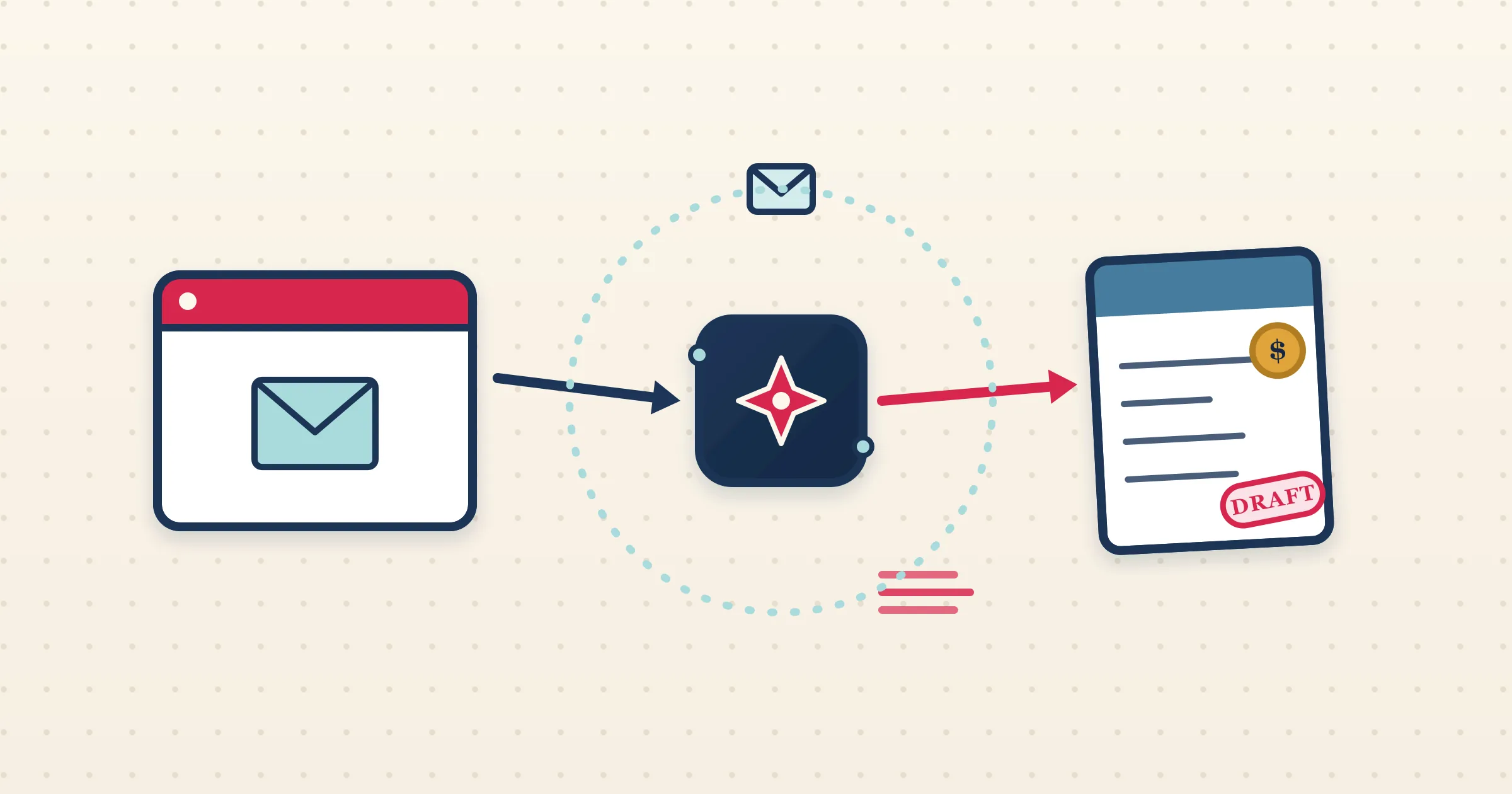
If you host on Airbnb and keep your books in Xero, you already know the gap between the two. Airbnb does not push payout data into your accounting software, so every reservation ends up retyped by hand or reconciled weeks later from a CSV. The Airbnb Xero integration in Airflow closes that gap by reading the one thing Airbnb does reliably send you: the booking-confirmation email. Airflow turns that email into a structured booking and a draft invoice in Xero, ready for you to check and approve.
How it works
- 1
Forward or auto-watch your Airbnb emails
Connect Gmail or Outlook so Airflow watches for Airbnb confirmations automatically, or forward them to your Airflow address. Either way, the moment a reservation email lands, the pipeline starts.
- 2
AI extracts the booking
Airflow parses the Airbnb email and pulls out guest name, dates, nights, nightly rate, cleaning fee, the Airbnb host service fee, discounts and taxes — the full financial breakdown, not just a total.
- 3
A draft invoice appears in Xero
Airflow creates a multi-line draft invoice in Xero in your accounting currency, converting from the booking currency using a live FX rate where needed. Accommodation, cleaning and fees each land on their own line.
- 4
You review and approve
The invoice sits as a draft. You open Xero, glance at the lines, and approve. Airflow never sends, files or pays anything on your behalf — the final word is always yours.
Why Airbnb emails are the right source of truth
Airbnb does not offer a two-way accounting API for individual hosts, and its CSV exports lag real time. The confirmation email, by contrast, arrives the instant a guest books and contains the complete breakdown of the reservation. Airflow treats that email as the trigger, so your books are current the day a booking is made rather than at the end of the month. This is email ingestion, not a channel-manager connection — which means there is nothing to authorise on the Airbnb side and nothing that can break when Airbnb changes its dashboard.
Per-property tracking categories in Xero
If you run more than one listing, Airflow maps each property to a Xero tracking category option. Every invoice line is tagged with the right property automatically, so your profit-and-loss reports break down by listing without any manual coding. Set the mapping once in Airflow and it applies to every future draft. For hosts in markets with withholding tax or VAT, Airflow handles those as separate lines too.
Edits and payouts stay in sync
Bookings change. When a guest amends dates or you record the actual payout, Airflow updates the matching Xero draft. If you have opted in, it can even void and reissue an invoice that has already moved past draft status, so a late change never leaves your books wrong. Unpaid drafts always remain yours to edit or delete.
Common questions
Does Airflow connect directly to the Airbnb API?
No. Airflow reads your Airbnb booking-confirmation emails through Gmail, Outlook or forwarding. It is email ingestion, not a two-way channel-manager API, so there is nothing to authorise inside Airbnb.
Will Airflow send or approve invoices in Xero for me?
Never. Airflow creates draft invoices only. You review every draft in Xero and approve, send or pay it yourself.
What if a booking is in a different currency to my Xero file?
Airflow converts the booking total to your accounting currency using a live FX rate, with a fallback chain for less common currencies, and writes the draft in your home currency.
Can I split income by property in Xero?
Yes. Airflow maps each listing to a Xero tracking category option and tags every invoice line, so your reports break down by property automatically.
Stop retyping Airbnb bookings into Xero
Let Airflow read your booking emails and build the draft invoices. You keep the final approval, and get your evenings back.
Start with Airflow