Sync Your Bookings to Google Sheets
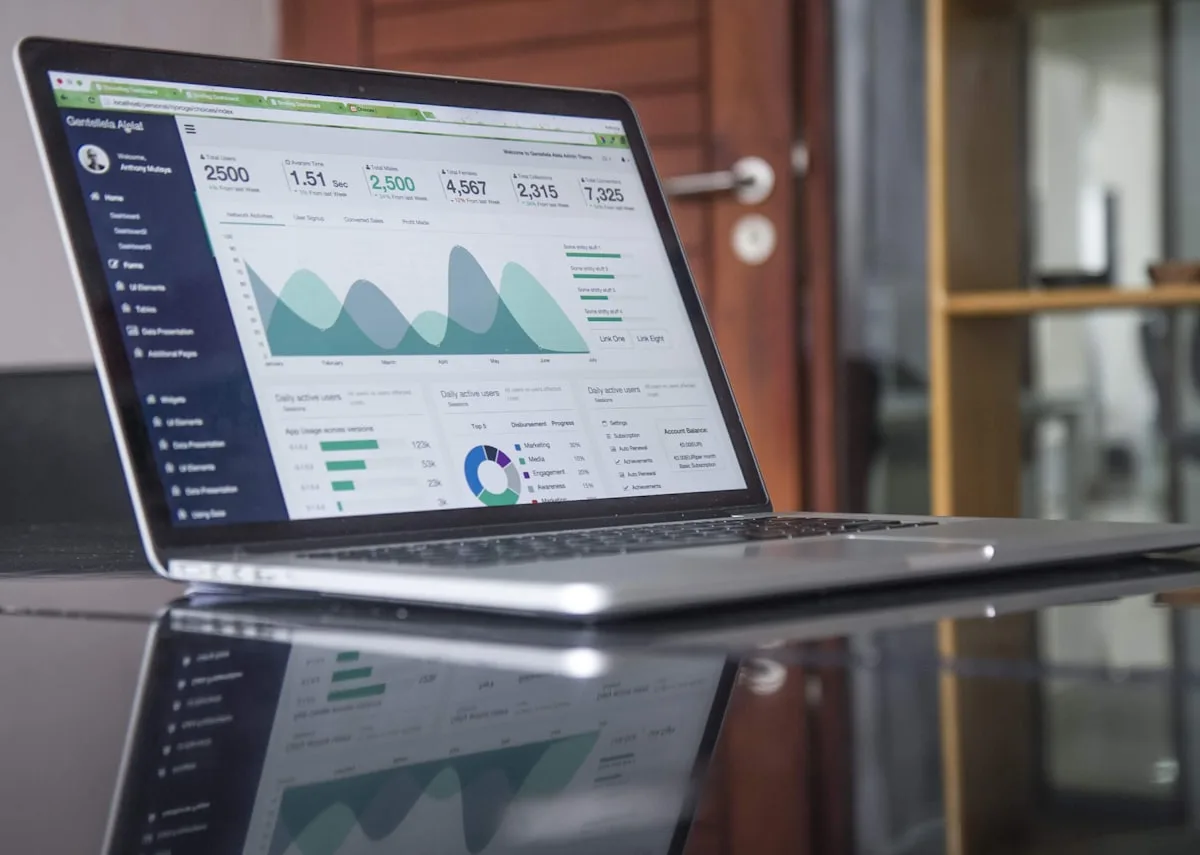
Not every host wants to run their numbers through full accounting software. For a lot of small operations, a well-kept spreadsheet is the whole finance department — one sheet that shows what came in, from where, in which currency, and whether it’s been paid. The problem with that spreadsheet has always been the typing. Every booking is a row you add by hand, and every row is a chance to fat-finger a date or a total.
Airflow can keep that sheet for you. Google Sheets is one of the destinations our booking records draft into, alongside Xero, QuickBooks, Sage and FreshBooks.
How it works
When a booking is processed — whether it arrived by forwarded email, iCal or a direct booking — Airflow structures the details and can draft the record into a connected Google Sheet. The line carries what you’d otherwise type yourself:
- Guest and property
- Check-in and check-out dates
- Total, fees and currency
- Payment status
You don’t add the row. The row appears, already filled in, the moment the booking is processed. The spreadsheet you were keeping by hand keeps itself instead.
Why a sheet still earns its place
Spreadsheets get a bad reputation in finance, and for good reason when they’re maintained manually — they drift, they break, they hide errors in a corner you don’t check. But a sheet that’s populated automatically keeps the thing people actually like about spreadsheets: total freedom to slice the data however you want.
Want a pivot of revenue by property? A chart of bookings by month? A running total in your own currency? It’s your sheet. Build whatever view helps you understand the business, on top of data you can trust because you didn’t type it.
We’ve written before about the painful version of this — moving from spreadsheets to proper bookkeeping — and a self-updating sheet is a sensible halfway house for hosts who aren’t ready for full accounting software yet.
Reconciliation without the gap
The most useful column in any booking sheet is the one that answers “did we actually get paid?” Airflow lets you record the real amount received against a booking, not just the amount you expected. When a payout or PayPal balance lands a little short of the headline figure — because a platform or processor took its cut — your sheet reflects what truly arrived.
That’s the difference between a sheet that looks tidy and a sheet you can reconcile against your bank without a row of small mysteries at the bottom.
When to graduate
A Google Sheet is a great starting point and, for some hosts, the finish line. But if you outgrow it — more properties, VAT to handle, an accountant who wants real books — the same booking data drafts straight into Xero, QuickBooks, Sage or FreshBooks instead. You don’t rebuild anything; you just point the records at a different destination.
Getting set up
To draft your bookings into a sheet, connect Google Sheets as your accounting destination and let the records flow in. For the wider view of how Airflow turns bookings into clean financial data, see dashboard and reporting, or get started.