Airbnb, Booking.com and Vrbo bookings in one place
Airflow reads the booking-confirmation emails from every channel you list on and brings them into a single calendar, a single guest list and a single stream of draft invoices.
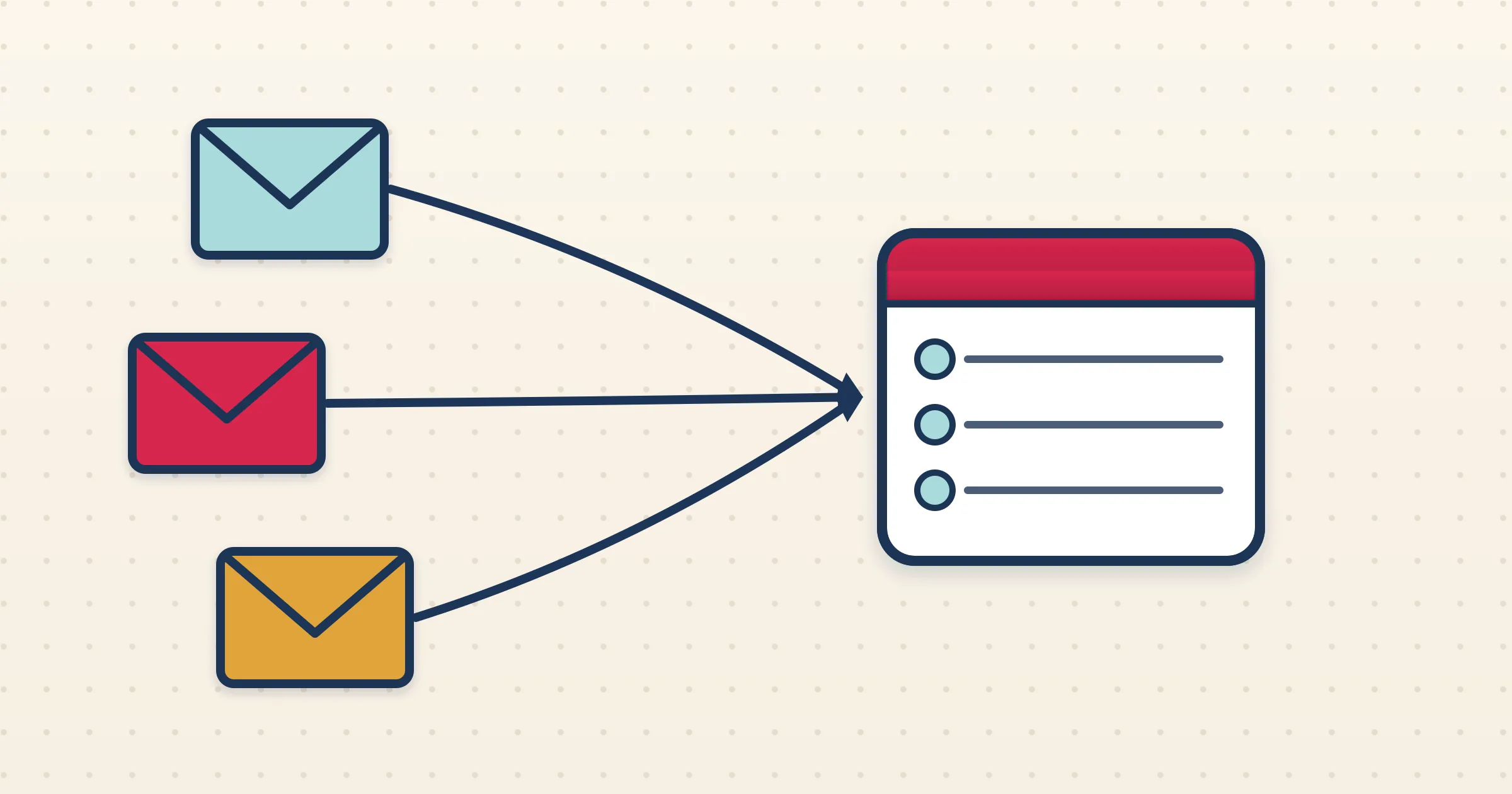
List on more than one platform and your reservations scatter across separate dashboards, separate inboxes and separate logins. Spotting a double-booking, knowing who arrives tomorrow, or totalling the month means hopping between tabs. Airflow brings Airbnb, Booking.com and Vrbo together by reading the one thing they all send — the booking-confirmation email — and turning each into a structured booking in a single, unified view.
How it works
- 1
Connect your inbox once
Connect Gmail or Outlook, or set up forwarding, and Airflow watches for confirmation emails from Airbnb, Booking.com and Vrbo together. One setup covers every channel.
- 2
Every booking is read and structured
Whatever the platform, Airflow parses the email into guest, dates, nights, rate, fees and taxes, and tags it with the source channel so you always know where a reservation came from.
- 3
One calendar, one guest list
All bookings land in a single Airflow calendar and guest list, so availability and arrivals are visible at a glance regardless of which platform produced them.
- 4
Draft invoices, if you want them
Connect Xero, QuickBooks Online, Sage or FreshBooks and Airflow turns each booking into a draft invoice for your review — no extra steps per channel.
Per-channel quirks, handled for you
Each platform formats its emails differently and treats fees and commission its own way. Airbnb itemises a host service fee, Booking.com and Vrbo handle commission and fees in their own styles. Airflow is tuned to read all three correctly, so the unified view is accurate rather than a lowest-common-denominator guess. Each booking keeps its channel label, so your reporting can still break income down by platform.
See double-bookings before guests do
The biggest risk of multi-listing is selling the same dates twice. With every channel feeding one Airflow calendar, overlaps are visible immediately. Pair this with Airflow iCal feeds, which let Airbnb, Booking.com, Vrbo, Google Calendar and Apple Calendar subscribe to block dates, and you have both a single source of truth and a way to push availability back out to the platforms.
Email ingestion across the board
Airflow connects to none of these platforms through a two-way channel-manager API. It reads the booking-confirmation emails each one already sends, which means a single inbox connection covers them all, there is nothing to authorise per platform, and the system does not break when any one of them redesigns its dashboard.
Common questions
Is this a channel manager with two-way API sync?
No. Airflow reads booking-confirmation emails from Airbnb, Booking.com and Vrbo via Gmail, Outlook or forwarding. It unifies them in one view; it is not a two-way channel-manager API.
Can I tell which booking came from which platform?
Yes. Every booking is tagged with its source channel, so you can see and report income by platform even in the unified view.
Can Airflow push availability back to the channels?
Yes, via iCal feeds. Each property has a feed URL that Airbnb, Booking.com, Vrbo, Google Calendar and Apple Calendar can subscribe to in order to block dates.
Do I have to set up each channel separately?
No. One inbox connection or forwarding rule covers all of them, because they all flow through the same email pipeline.
One calendar for every channel you list on
Stop juggling dashboards. Airflow reads the emails and gives you a single view of Airbnb, Booking.com and Vrbo.
Start with Airflow