Airbnb Sage integration that writes your invoices for you
Airflow reads each Airbnb booking-confirmation email, pulls out the full breakdown, and creates an itemised draft invoice in Sage. You review it and approve.
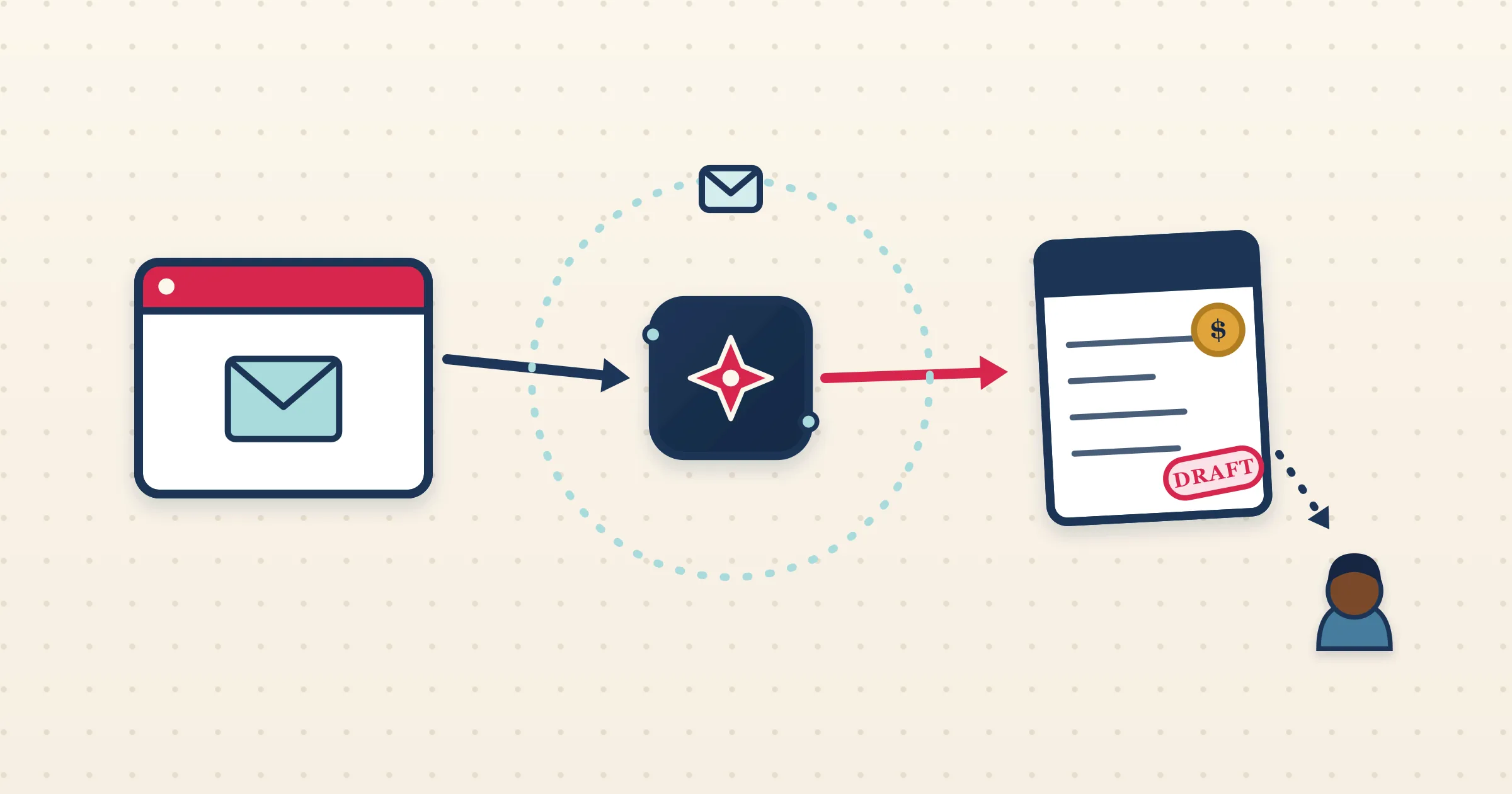
Sage is built for proper bookkeeping, but it has no idea a guest just booked your Airbnb listing. That information lives in a confirmation email, and getting it into Sage normally means a human reading the email and keying it in. The Airbnb Sage integration in Airflow takes that job off your desk: it ingests the Airbnb email, extracts the figures, and prepares a draft invoice in Sage that mirrors the reservation line by line.
How it works
- 1
Connect your inbox or forward emails
Airflow watches Gmail or Outlook for Airbnb confirmations automatically, or you forward them in. Every reservation email starts the process.
- 2
Airflow reads the reservation
The booking email is parsed into guest, dates, nights, nightly rate, cleaning fee, Airbnb service fee, discounts and taxes — a complete financial breakdown rather than a single total.
- 3
A draft invoice is prepared in Sage
Airflow creates a multi-line draft invoice in Sage in your accounting currency, converting from the booking currency with a live FX rate when the two differ.
- 4
You review and post
The draft waits in Sage for your check. You confirm the lines and post it yourself. Airflow only ever drafts — it never posts, sends or pays on your behalf.
A clean draft, ready to post
Airflow builds the Sage invoice the way you would: accommodation, cleaning, platform fees and taxes each on their own line, in your home currency. Because it is a draft, you keep full control over account codes and posting. Nothing hits your ledger until you say so, which keeps your accountant and your auditor comfortable.
Currency handled before it reaches Sage
Many Airbnb hosts take bookings in one currency and keep their Sage books in another. Airflow converts the reservation total to your accounting currency using a live FX rate, with a fallback chain that covers less common currencies, so the draft that reaches Sage is already in the right denomination. No manual conversion, no rate hunting at month-end.
Email-driven, so it just keeps working
There is no host-level Airbnb accounting API to connect, so Airflow uses the booking-confirmation email as its trigger. That makes the Airbnb Sage integration resilient: it does not depend on Airbnb exposing data it does not offer, and it does not break when the Airbnb interface changes. Your Sage drafts appear the day a booking is made.
Common questions
Does Airflow post invoices into Sage automatically?
No. Airflow creates draft invoices in Sage. You review each one and post it yourself.
Where do my Airbnb bookings come from?
From your Airbnb booking-confirmation emails, read via Gmail, Outlook or forwarding. There is no direct Airbnb API connection.
What about foreign-currency bookings?
Airflow converts the booking to your Sage accounting currency using a live FX rate before creating the draft, so the figures are already correct.
Is Sage a live integration?
Yes. Sage is one of four live accounting providers in Airflow, alongside Xero, QuickBooks Online and FreshBooks.
Bring your Airbnb income into Sage automatically
Airflow reads the emails and prepares the draft invoices. You review and post — the way Sage was meant to be used.
Start with Airflow