Booking.com FreshBooks integration that keeps your invoices clean
Airflow reads your Booking.com reservation emails, separates room revenue from the platform commission, and creates a clean, itemised draft invoice in FreshBooks for your review.
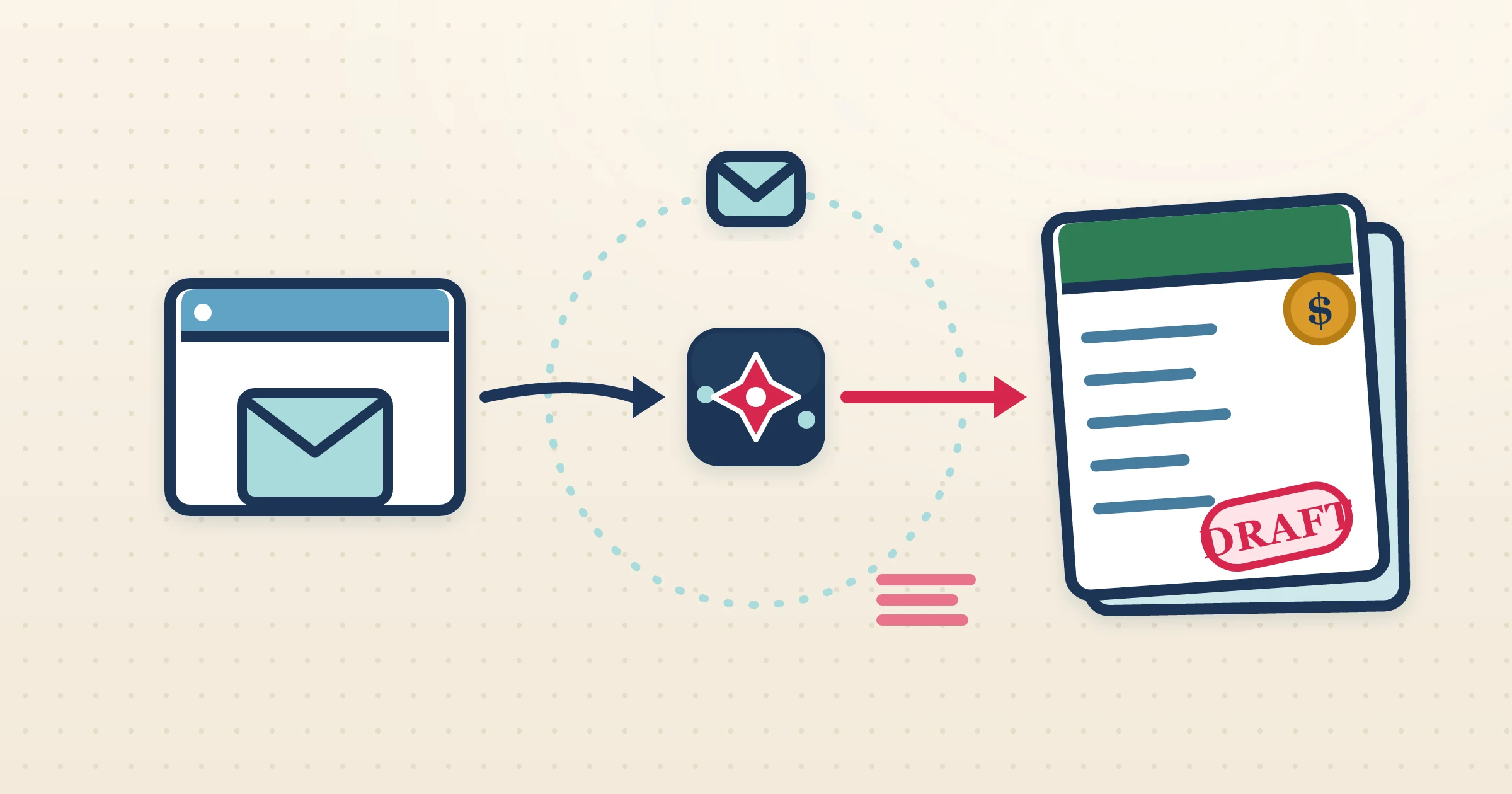
FreshBooks is built around invoices that are easy to read and easy to send, but it still expects you to enter what each one is for. When the source is a Booking.com reservation, that means transcribing a confirmation email and untangling the commission by hand every time. The Booking.com FreshBooks integration in Airflow does both for you: it reads the reservation email, breaks out the channel cut, and builds a clear draft invoice in FreshBooks that you can review and send on your own terms.
How it works
- 1
Let Airflow watch your inbox
Connect Gmail or Outlook for automatic Booking.com email watching, or forward confirmations to your Airflow address. Each reservation triggers the pipeline.
- 2
The reservation is read in full
Airflow extracts guest, dates, nights, room rate, taxes and the Booking.com commission, capturing both the gross stay and the platform deduction.
- 3
A draft invoice appears in FreshBooks
Airflow creates an itemised draft in FreshBooks, in your accounting currency, with commission broken out and each part of the reservation on its own line.
- 4
You review and send
The draft is yours to check. Open FreshBooks, confirm the detail, and send when ready. Airflow drafts only — it never sends or collects payment for you.
Commission split, invoice still readable
A Booking.com reservation has to show the room revenue and the platform commission, but a FreshBooks invoice also has to read cleanly. Airflow manages both: it separates revenue from commission so your net is right, while keeping the draft itemised and tidy in the FreshBooks style. You review a clear, client-friendly draft rather than a wall of figures, and you keep full control over wording and payment terms.
Good for hosts mixing channels and direct guests
Many FreshBooks users run Booking.com stays alongside direct bookings and other services. Airflow handles the Booking.com side by reading the reservation emails, and your direct bookings flow through the same Airflow pipeline, so every draft invoice — channel or direct — lands in one place for review. Your FreshBooks file stays the single record of what you have earned, with far less manual entry.
Email ingestion, not a brittle API link
Airflow does not connect to Booking.com through a channel-manager API. It reads the reservation-confirmation emails Booking.com already sends, which keeps the integration dependable: there is nothing to authorise on Booking.com, and nothing that breaks when the extranet changes. Your FreshBooks drafts are ready the day a reservation comes in.
Common questions
Does Airflow send FreshBooks invoices for me?
No. Airflow creates draft invoices only. You review each draft in FreshBooks and send it yourself.
How does Airflow get my Booking.com reservations?
By reading your Booking.com reservation-confirmation emails via Gmail, Outlook or forwarding. There is no direct Booking.com API or extranet connection.
How is the commission shown?
Airflow separates room revenue from the Booking.com commission so your FreshBooks draft reflects both gross income and the channel cut, while staying readable.
Can I invoice direct bookings through the same setup?
Yes. Direct bookings flow through the same Airflow pipeline, so all your draft invoices appear together for review.
Let Airflow draft your Booking.com invoices in FreshBooks
Read the email, split the commission, build a clean draft, and leave the sending to you. Less admin, the same control.
Start with Airflow