Booking.com QuickBooks integration with the commission already split
Airflow reads your Booking.com reservation emails, separates room revenue from platform commission, and creates a classed draft invoice in QuickBooks Online for your review.
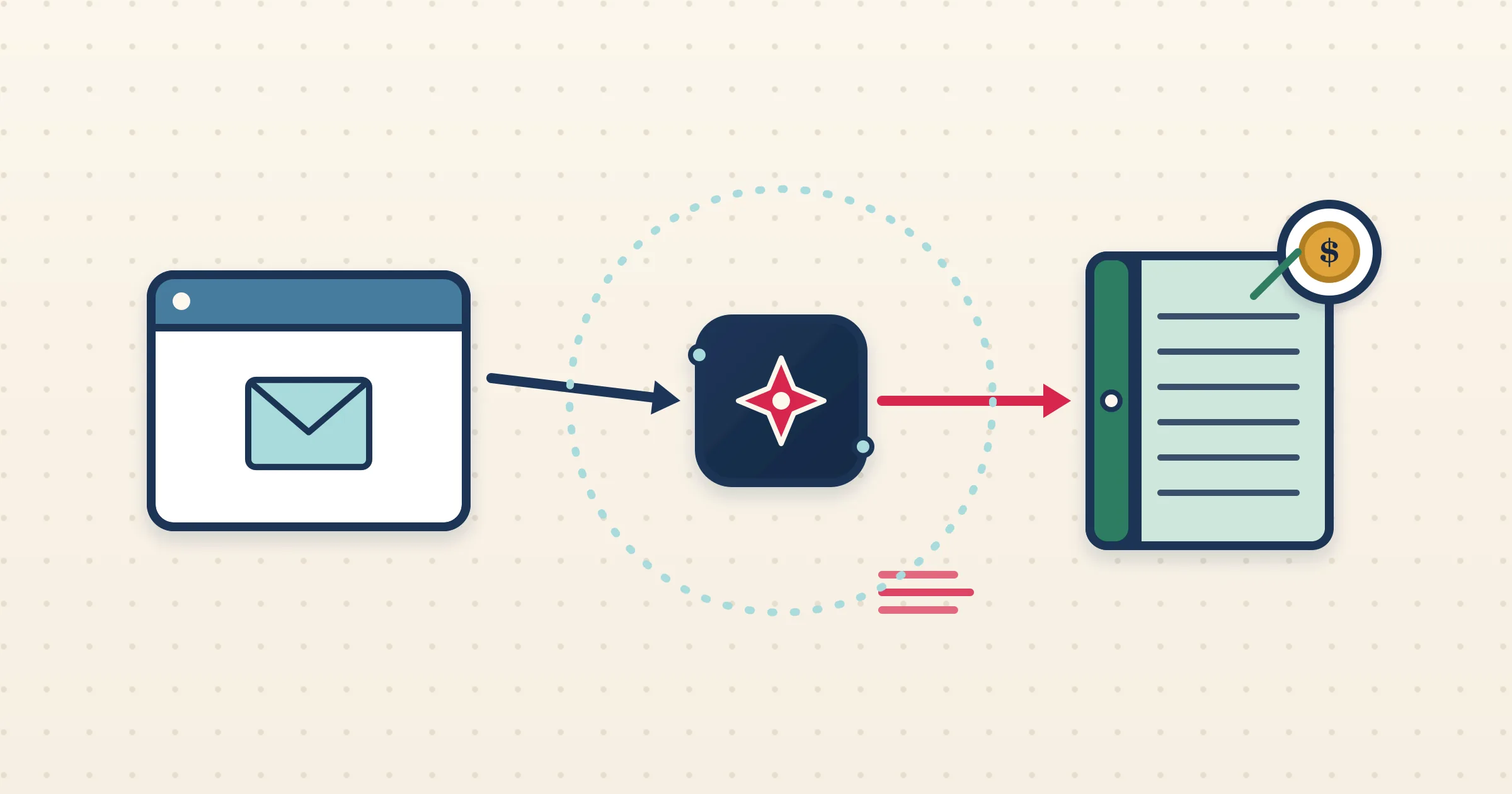
The hard part of putting Booking.com revenue into QuickBooks Online is not the typing — it is the commission. Booking.com keeps a cut, so your net receipt never matches the guest total, and getting that to reconcile cleanly takes care. The Booking.com QuickBooks integration in Airflow does the careful part for you: it reads the reservation email, splits revenue from commission, and builds a draft invoice in QuickBooks with the right class already applied.
How it works
- 1
Connect your inbox or forward emails
Airflow watches Gmail or Outlook for Booking.com reservation emails automatically, or you forward them. Each reservation triggers the pipeline.
- 2
The reservation is read in detail
Airflow extracts guest, dates, nights, room rate, taxes and the Booking.com commission, capturing both the gross stay and the platform deduction.
- 3
A draft invoice lands in QuickBooks Online
Airflow creates an itemised draft in QuickBooks, breaking out commission and applying the QuickBooks class for that property to every line.
- 4
You review and approve
The draft is yours to check in QuickBooks. Confirm the lines and approve. Airflow is Intuit-approved and only ever drafts — it does not send or record payment for you.
Classes plus a clean commission split
QuickBooks Online users running multiple properties depend on classes for per-property reporting. Airflow maps each property to a class and applies it to every line, while also separating room revenue from Booking.com commission. The result is a draft where both your property breakdown and your net revenue are correct before you even open QuickBooks.
Itemised for painless reconciliation
Reconciling a Booking.com payout against guest charges is much easier when the invoice is itemised. Airflow breaks each reservation into accommodation, taxes and commission on separate SalesItem lines, giving you and your accountant a clear trail. Because the QuickBooks connection is Intuit-approved and runs on live credentials, the drafts behave exactly like ones you would build by hand.
Powered by reservation emails
Airflow does not link to Booking.com through a channel-manager API. It reads the reservation-confirmation emails Booking.com already sends, which keeps the integration immediate and resilient — nothing to authorise on Booking.com, and nothing that breaks when the extranet changes. Your QuickBooks data stays current with every new reservation.
Common questions
Does Airflow connect to the Booking.com API or extranet?
No. Airflow reads your Booking.com reservation-confirmation emails via Gmail, Outlook or forwarding. It is not a two-way channel-manager API.
How is the Booking.com commission treated?
Airflow separates room revenue from the platform commission so your QuickBooks draft reflects both gross income and the channel cut.
Is the QuickBooks connection Intuit-approved?
Yes. It is an Intuit-approved QuickBooks Online connection on live credentials, and it creates draft invoices only.
Can I report by property in QuickBooks?
Yes. Airflow maps each property to a QuickBooks class and applies it to every invoice line automatically.
Put Booking.com revenue into QuickBooks the right way
Airflow reads the emails, splits the commission, classes the lines, and hands you a draft to approve.
Start with Airflow