Booking.com Sage integration with the commission worked out for you
Airflow reads your Booking.com reservation emails, separates room revenue from the platform commission, and prepares an itemised draft invoice in Sage. You review the lines and post.
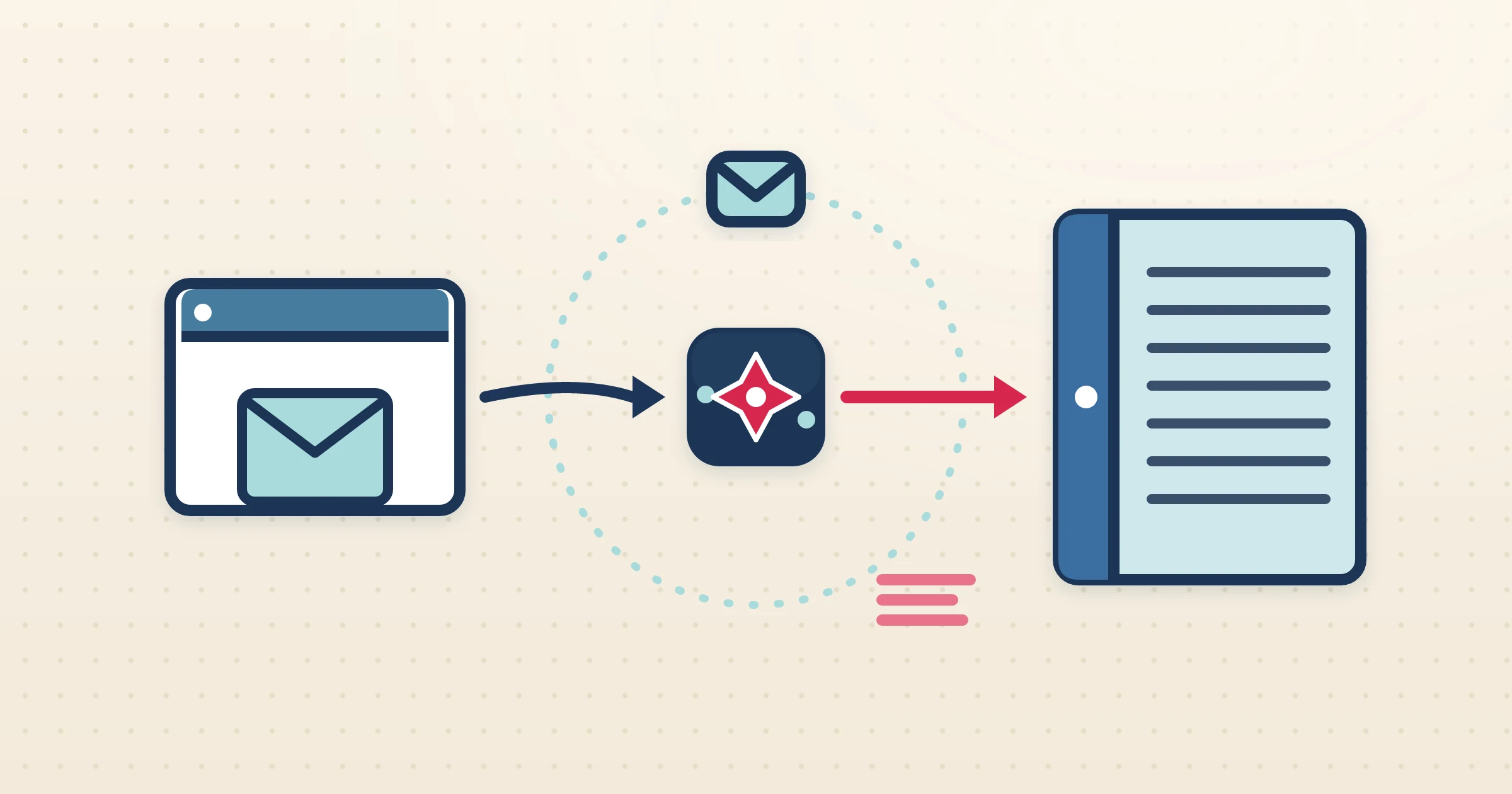
Sage gives you a proper ledger, but it knows nothing about the reservation a guest just made on Booking.com — and Booking.com makes that reservation awkward to record by deducting commission before you ever see the money. The Booking.com Sage integration in Airflow takes the email Booking.com does send you, reads the reservation in full, separates what you earned from what the channel kept, and prepares a draft invoice in Sage that posts cleanly once you have checked it.
How it works
- 1
Watch or forward your Booking.com emails
Connect Gmail or Outlook so Airflow watches for Booking.com reservation emails automatically, or forward them in. Each reservation starts the pipeline.
- 2
Airflow reads the reservation
The email is parsed for guest, dates, nights, room rate, taxes and the Booking.com commission, so both the gross stay and the platform cut are captured.
- 3
A draft invoice is prepared in Sage
Airflow creates a multi-line draft in Sage that shows accommodation revenue and breaks out commission, in your accounting currency, with a live FX rate where the booking currency differs.
- 4
You review and post
The draft waits in Sage for your check. You confirm the lines and account codes and post it yourself. Airflow only ever drafts — it never posts, sends or pays on your behalf.
Commission split before it reaches your ledger
Booking.com bills commission separately from the guest payment, so your net receipt never matches the room total. Posting that correctly in Sage is what keeps your net revenue and your VAT honest. Airflow does the split before the draft ever reaches Sage, putting accommodation revenue and the platform commission on distinct lines, so you are reviewing a draft that already reconciles rather than untangling figures at month-end.
FX resolved before the draft is created
Booking.com hosts often take reservations in one currency while keeping Sage in another. Airflow converts the reservation to your Sage accounting currency using a live FX rate, with a fallback chain that covers less common currencies, so the draft posted to your ledger is already in the right denomination. There is no manual conversion and no rate-hunting when you reconcile the payout.
Reservation emails, not the extranet API
Airflow does not connect to the Booking.com extranet or a two-way channel-manager API. It reads the reservation-confirmation emails Booking.com already sends you, which keeps the Sage integration immediate and resilient — there is nothing to authorise on Booking.com, and nothing that breaks when the extranet is redesigned. Your Sage drafts are ready the day a reservation lands.
Common questions
Does Airflow connect to the Booking.com API or extranet?
No. Airflow reads your Booking.com reservation-confirmation emails via Gmail, Outlook or forwarding. It is email ingestion, not a two-way channel-manager API.
Does Airflow post the invoice into Sage automatically?
No. Airflow prepares draft invoices in Sage. You review each one, set the account codes if needed, and post it yourself.
How is the Booking.com commission handled in Sage?
Airflow separates room revenue from the platform commission on distinct lines, so your Sage draft reflects both gross income and the channel cut.
What about foreign-currency reservations?
Airflow converts the reservation to your Sage accounting currency using a live FX rate before creating the draft, so the figures are already correct.
Get Booking.com reservations into Sage, commission and all
Airflow reads the emails, splits the commission, and prepares the draft. You review and post — the way Sage was meant to be used.
Start with Airflow