Google Calendar sync that actually works both ways
Airflow pushes your bookings and date blocks straight into Google Calendar as events, and pulls blocks you add in Google back into Airflow. It runs both directions automatically, roughly every 30 minutes, per property.
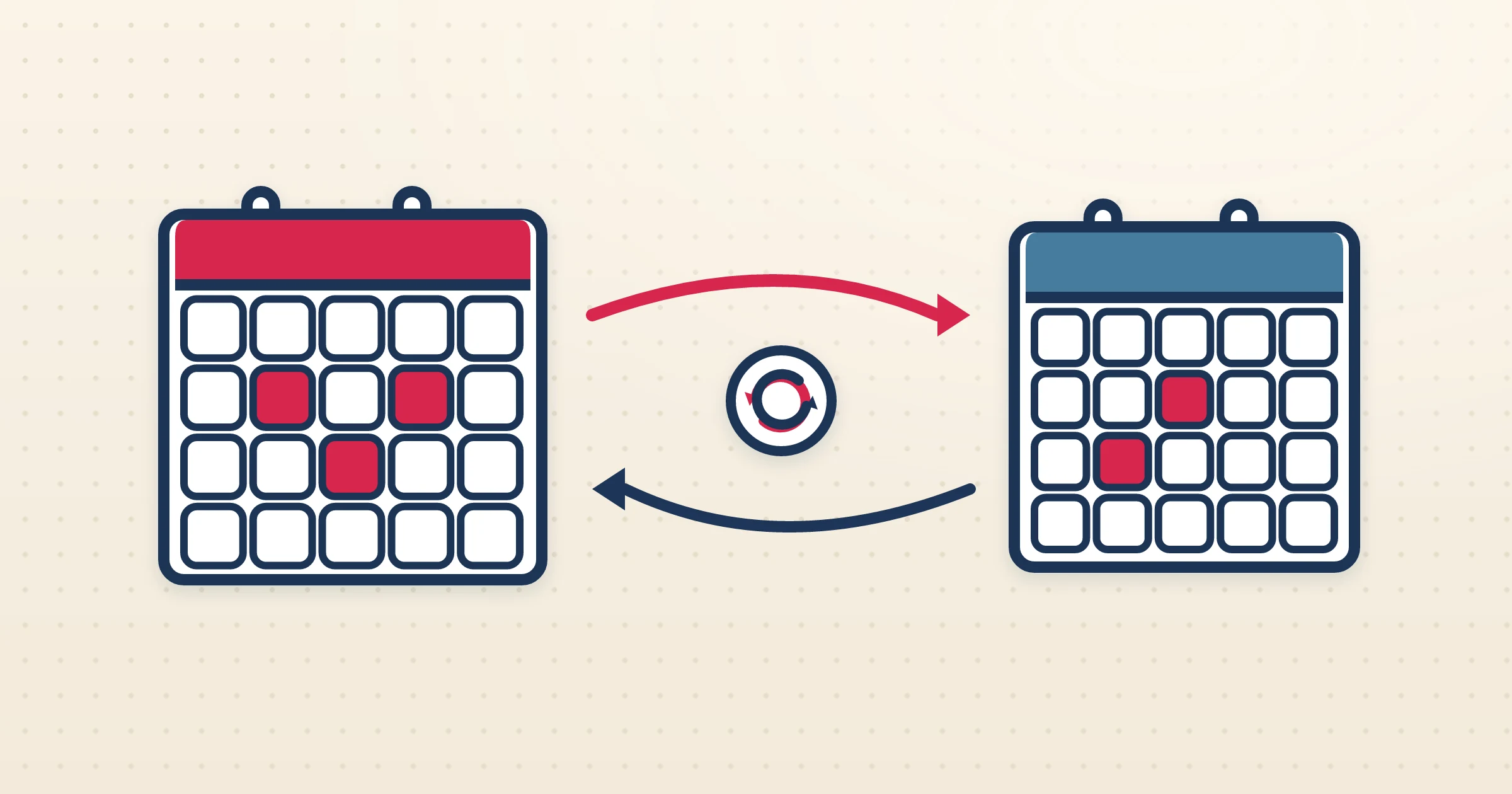
Most calendar links for vacation rentals are one-way: you can export your availability, but anything you add elsewhere never makes it back. Airflow Google Calendar sync is different. It is genuinely two-way. Bookings from every channel, your direct guests and home swaps appear as events in the Google Calendar you already live in, and any block you add in Google — a personal stay, maintenance, an owner visit — flows back into Airflow to protect those dates everywhere. That is what separates true Google Calendar sync for vacation rentals from a static export feed.
How it works
- 1
Connect your Google account
Authorise Google Calendar in Airflow once. You stay in control of which account and calendar are linked, and you can disconnect at any time.
- 2
Choose the property and calendar
Map each Airflow property to the specific Google calendar you want it to sync with, so a multi-property operation keeps each listing on its own calendar.
- 3
Bookings and blocks push out
Airflow writes your bookings and date blocks into the chosen Google calendar as events, so whatever channel a reservation came from, it shows up where your team already looks.
- 4
External blocks pull back
Any block you add directly in Google Calendar is pulled back into Airflow, roughly every 30 minutes, so those dates are protected against new bookings across every channel.
Genuine two-way sync, not an export
The important distinction is direction. An iCal export only ever pushes your availability out; it cannot see anything you change elsewhere. Airflow Google Calendar sync runs both ways: out, so bookings appear as Google events, and back, so a block you add in Google reserves those dates inside Airflow. That makes Google Calendar a real working surface for your availability rather than a read-only mirror, and it means a quick personal block in Google can never quietly leave a date open for a guest.
Per-property calendars for multi-listing hosts
If you run more than one property, you do not want every booking landing on a single crowded calendar. Airflow lets you map each property to its own Google calendar, so each listing has a clean, colour-separable view that you and your team can subscribe to individually. Add or remove a property from the sync without disturbing the others.
Runs automatically in the background
Once connected, the sync runs on its own roughly every 30 minutes in both directions — there is no button to press and no export to refresh. New bookings appear in Google without you doing anything, and blocks you add in Google are picked up on the next cycle. For Outlook users, Airflow offers the same two-way model through Outlook Calendar sync.
Common questions
Is Google Calendar sync really two-way?
Yes. Airflow pushes bookings and blocks into Google Calendar as events and pulls blocks you add in Google back into Airflow, automatically, roughly every 30 minutes.
How is this different from an iCal feed?
An iCal feed is export-only — it pushes availability out but cannot read changes made elsewhere. Google Calendar sync works in both directions, so blocks you add in Google protect those dates in Airflow.
Can I sync different properties to different calendars?
Yes. You map each property to the specific Google calendar you want it on, so multi-property operations keep each listing separate.
How often does it sync?
Roughly every 30 minutes in both directions, automatically, with no manual refresh.
Run your availability from Google Calendar, both ways
Connect Google Calendar to Airflow for genuine two-way sync. Bookings push out, blocks pull back, every 30 minutes — no export to babysit.
Start with Airflow