HomeExchange integration that protects your calendar
Airflow reads your HomeExchange and other home-swap confirmation emails and records each stay as a zero-value booking, blocking your calendar without ever generating an invoice.
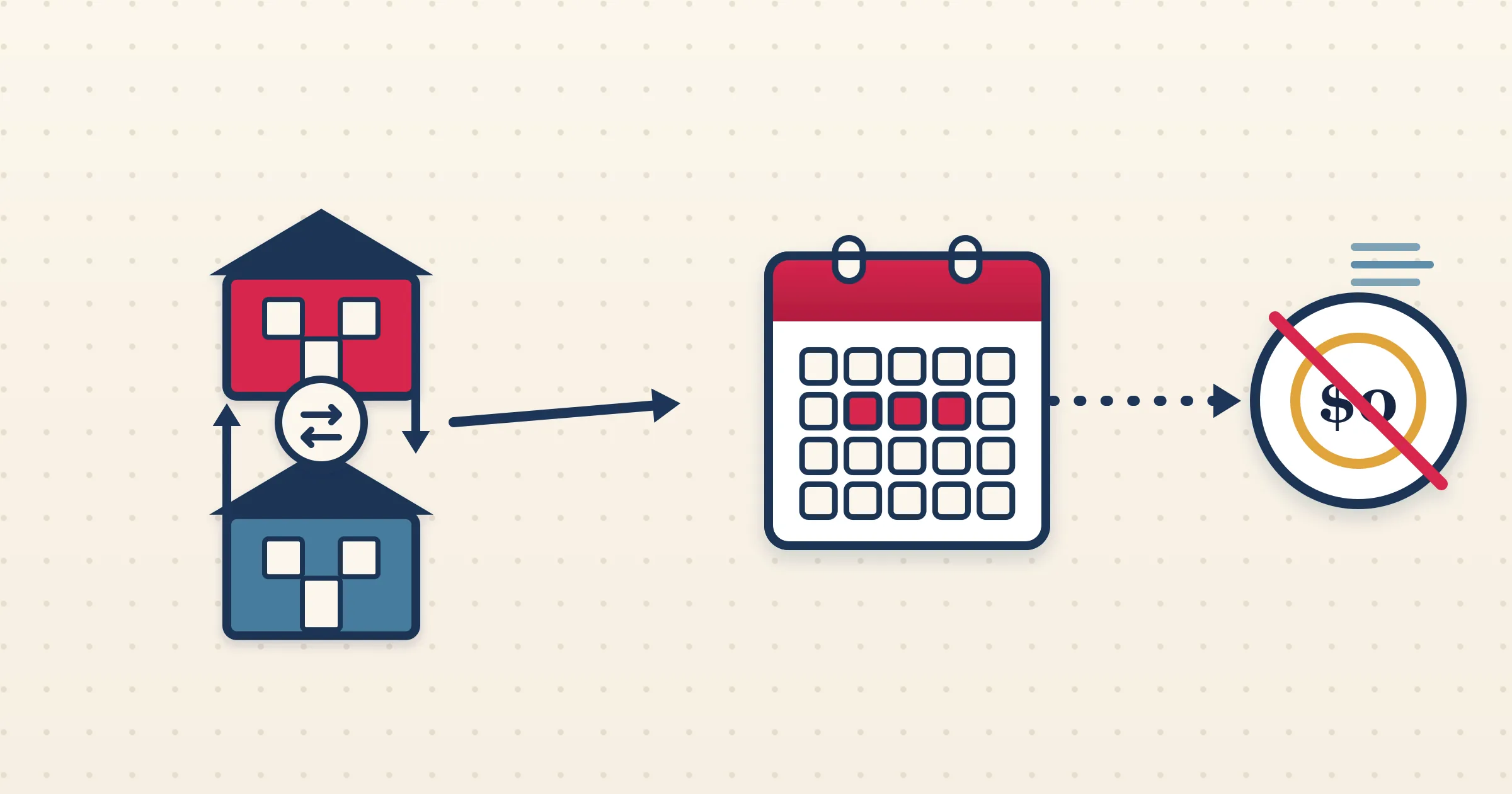
Home swaps are a special case for any host who also takes paying guests. A HomeExchange stay occupies your property exactly like a paid reservation, so it must block your calendar — but no money changes hands, so it must not produce an invoice. The HomeExchange integration in Airflow handles both halves correctly. It reads the swap-confirmation email, records a zero-value booking that reserves the dates, and deliberately keeps it out of your accounting drafts.
How it works
- 1
Forward or watch your swap emails
Connect Gmail or Outlook, or forward confirmations in. Airflow recognises emails from HomeExchange, LoveHomeSwap, HolidaySwap, Kindred and Thirdhome.
- 2
Airflow reads the swap as a $0 booking
The confirmation is parsed for guest and dates and recorded as a zero-value booking, with the swap platform noted as the source, so you know it is an exchange rather than a sale.
- 3
Your calendar is blocked
The swap stay reserves those dates in your Airflow calendar exactly like a paying booking, so direct or channel bookings cannot overlap it.
- 4
No invoice is created
Because the total is zero, Airflow keeps the swap out of your accounting drafts entirely. Nothing reaches Xero, QuickBooks, Sage or FreshBooks, because nothing was earned.
Built for the way swaps actually work
A swap is not a discounted booking — it is a no-money stay that still consumes your availability. Airflow models exactly that. The stay shows up in your calendar and guest list so your operations stay accurate, while your accounting drafts ignore it because there is no revenue to record. That distinction keeps your books clean: you will never have a phantom $0 invoice cluttering Xero or QuickBooks.
Several swap platforms, one pipeline
Airflow recognises home-swap confirmations from HomeExchange, LoveHomeSwap, HolidaySwap, Kindred and Thirdhome through the same email ingestion that handles your paid channels. If you exchange on more than one platform, every swap lands in the same calendar alongside your paying guests, so you have a single view of who is in the property and when.
Push the blocked dates back out
Recording the swap internally is only half the job — you also need other platforms to know those dates are taken. Airflow iCal feeds let Airbnb, Booking.com, Vrbo, Google Calendar and Apple Calendar subscribe to your property calendar, including swap blocks, so a HomeExchange guest in your home automatically blocks the same dates everywhere else you list.
Common questions
Will a home swap create an invoice?
No. Swap stays are recorded as zero-value bookings and are deliberately excluded from your accounting drafts, so nothing reaches Xero, QuickBooks, Sage or FreshBooks.
Which swap platforms does Airflow recognise?
HomeExchange, LoveHomeSwap, HolidaySwap, Kindred and Thirdhome, all through the same email pipeline as your paid channels.
Does the swap block my calendar?
Yes. A swap stay reserves the dates in your Airflow calendar just like a paying booking, so other bookings cannot overlap it.
Can other platforms see the blocked swap dates?
Yes, via iCal feeds. Airbnb, Booking.com, Vrbo, Google Calendar and Apple Calendar can subscribe to your property calendar and pick up the swap blocks.
Let home swaps block your calendar, not your books
Airflow records each swap as a zero-value stay that protects your dates and stays out of your accounting. One calendar for paid and swapped alike.
Start with Airflow