Every channel into Sage, from one place
Airflow reads booking-confirmation emails from Airbnb, Booking.com, Vrbo, Expedia and your direct bookings, and prepares them all as itemised draft invoices in Sage — one consistent stream you review and post.
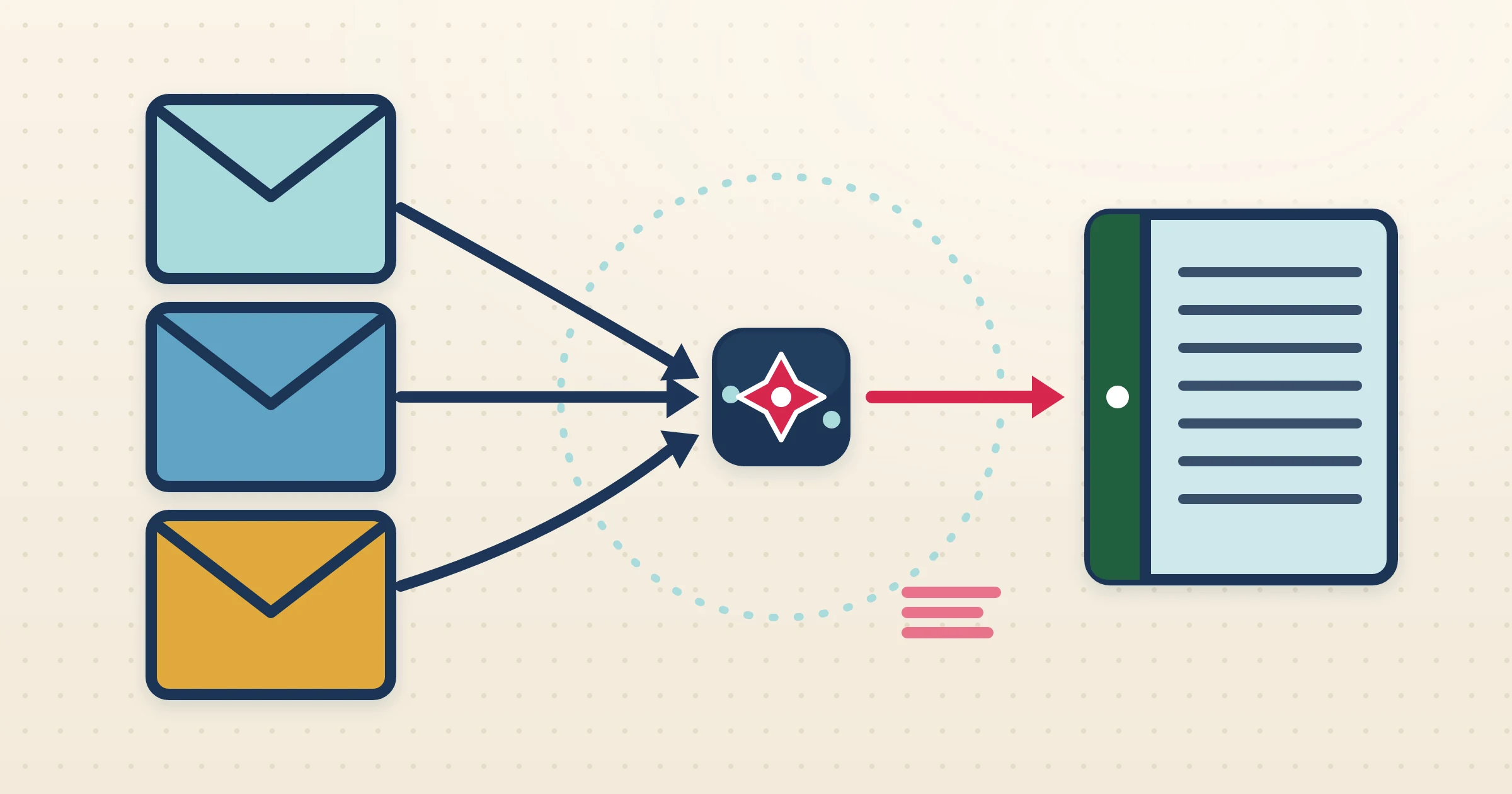
Sell on several platforms and your Sage ledger is only as accurate as what you manually enter, and entering it from four or five different dashboards is where net revenue and commission go wrong. A multi-channel Sage integration solves this by making every channel arrive the same way. Airflow reads each platform booking-confirmation email, handles its particular fee and commission structure, resolves the currency, and prepares an itemised draft in Sage, so your ledger reflects every channel without a spreadsheet in sight.
How it works
- 1
Connect your inbox and Sage once
Connect Gmail or Outlook and your Sage company. Airflow then watches for confirmation emails across every channel you list on and routes them into one pipeline.
- 2
Each channel is read in its own dialect
Airflow understands the email format and fee structure of each platform, extracting the full breakdown — including commission where the channel takes a cut — into a structured booking tagged with its source.
- 3
Itemised draft invoices appear in Sage
Every booking becomes a multi-line draft in Sage in your accounting currency, with FX conversion and commission separation applied automatically, so each draft is ready to post once checked.
- 4
You review one stream and post
Instead of chasing data across dashboards, you review a single, consistent stream of Sage drafts, set account codes where needed, and post them. Airflow only ever drafts — it never posts, sends or pays.
Consistency across very different channels
Airbnb, Booking.com, Vrbo and Expedia each report revenue, fees and commission in their own way. Left to manual entry, that inconsistency surfaces in Sage as misposted income and missed commission. Airflow normalises all of them: whatever the source, the resulting Sage draft itemises accommodation, fees, commission and tax the same way, so your ledger is comparable across platforms and your net revenue is honest before you post.
FX resolved for every channel
Multi-channel hosts often take bookings in several currencies while keeping Sage in one. Airflow converts each booking to your Sage accounting currency using a live FX rate with a fallback chain that covers less common currencies, so nothing reaches your ledger in the wrong denomination. Combined with the commission split, the drafts you review already reconcile against the actual payout.
One email pipeline, nothing per-channel to manage
Airflow does not maintain two-way channel-manager API connections to any of these platforms. Every channel flows through the same email-ingestion pipeline, so there is one connection to set up, nothing to authorise per platform, and no integration that silently breaks when a channel changes its dashboard. Direct bookings flow through the same pipeline, so your Sage ledger is genuinely complete.
Common questions
Which channels can feed Sage this way?
Any channel that emails you a booking confirmation — Airbnb, Booking.com, Vrbo and Expedia among them — plus your direct bookings, all through the same email pipeline.
Is this a two-way channel-manager integration?
No. Airflow reads booking-confirmation emails via Gmail, Outlook or forwarding and prepares draft Sage invoices. It is not a two-way channel-manager API.
Does Airflow post the invoices into Sage?
No. Every invoice is a draft. You review the single stream, set account codes if needed, and post each one yourself.
How is commission and currency handled across channels?
Airflow understands each platform fee structure, separates room revenue from commission, and converts foreign-currency bookings to your Sage accounting currency using a live FX rate.
Make Sage the complete picture of every channel
One inbox connection, one Sage company, one stream of itemised draft invoices. Airflow reads every channel so your ledger finally adds up.
Start with Airflow