Vrbo QuickBooks integration without the manual entry
Airflow turns each Vrbo booking-confirmation email into a structured booking and a draft invoice in QuickBooks Online — itemised, classed by property and waiting for your review.
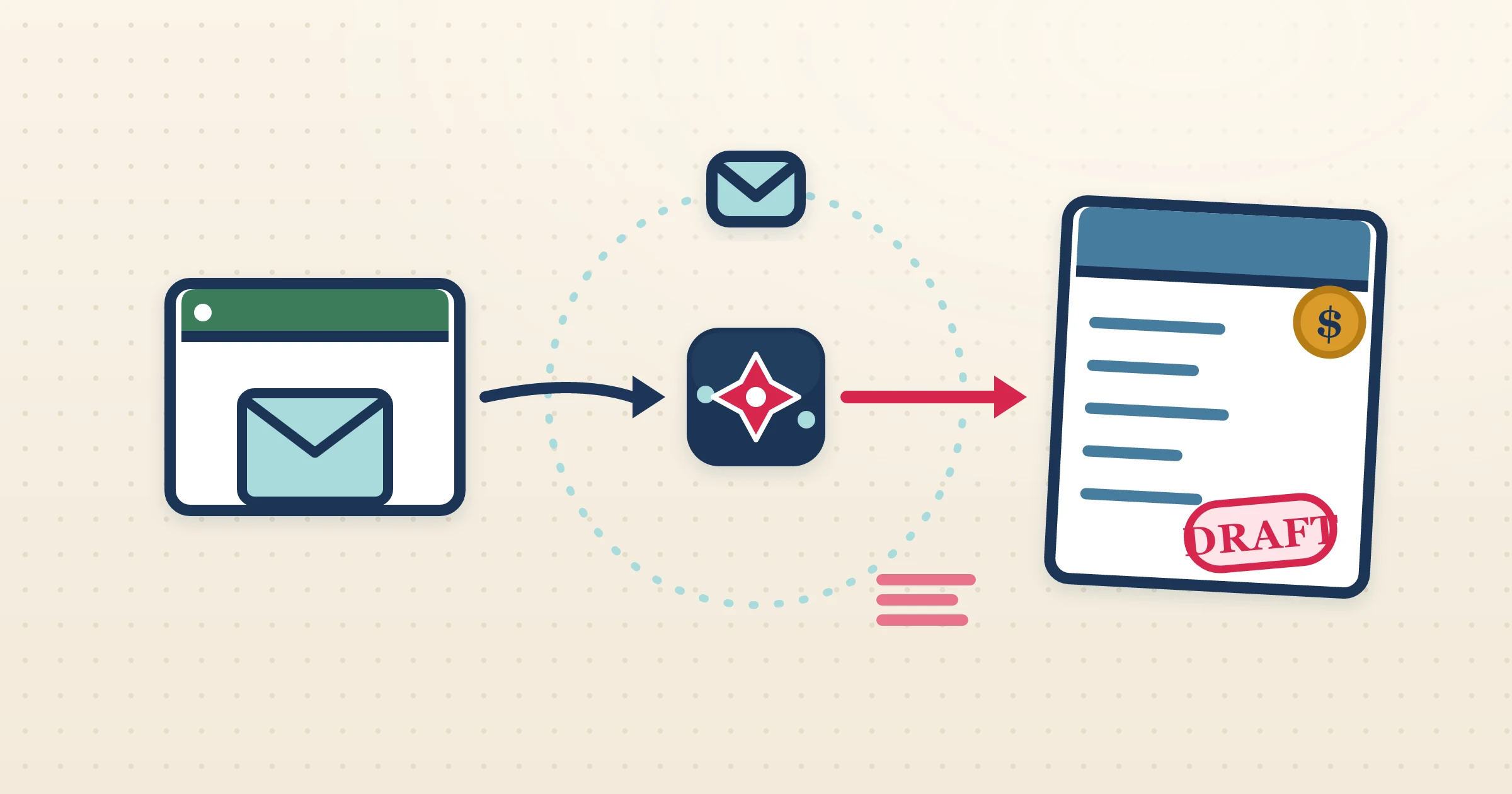
Vrbo emails you the detail of every reservation, but QuickBooks Online has no idea any of it happened. Closing that gap by hand — reading the email, splitting out the fees, keying it into QuickBooks — is the repetitive part of running a Vrbo listing properly. The Vrbo QuickBooks integration in Airflow removes that step. It reads the Vrbo email, understands its particular fee layout, and drops a draft invoice into QuickBooks Online with the right class already applied to every line.
How it works
- 1
Let Airflow watch your email
Connect Gmail or Outlook for automatic Vrbo confirmation watching, or forward the emails to your Airflow address. Each reservation kicks off the pipeline.
- 2
The booking is read in full
Airflow extracts guest, dates, nights, nightly rate, service fee, cleaning fee, discounts and taxes — the complete Vrbo breakdown, not just a total.
- 3
A draft invoice lands in QuickBooks Online
Airflow creates an itemised draft in QuickBooks, applying the QuickBooks class for that property to every line so your reporting stays clean from the start.
- 4
You approve in QuickBooks
The draft is yours to review. Open QuickBooks Online, check the lines, and approve or send. Airflow is Intuit-approved and only ever drafts — it does not send or record payment for you.
Tuned to the Vrbo fee layout
Vrbo itemises service and cleaning fees differently from other platforms, and a single-total entry hides that detail in QuickBooks. Airflow reads the Vrbo email correctly and breaks the reservation into accommodation, service fee, cleaning fee and taxes on separate SalesItem lines, so reconciling against your Vrbo payout is fast and your accountant gets a clear trail. The class you map to each property is stamped on every line automatically.
Classes applied automatically, per property
QuickBooks Online users running several Vrbo listings rely on classes to see which property earns what. Airflow maps each listing to a QuickBooks class and applies it to every invoice line it creates, so class-based profit-and-loss reports work without any manual tagging. Set the mapping once in Airflow and every future Vrbo draft inherits it.
Email-driven, on an Intuit-approved connection
Vrbo does not expose a host-level accounting API, so Airflow uses the booking-confirmation email as its trigger — immediate, and resilient to Vrbo interface changes. On the QuickBooks side the connection is Intuit-approved and runs on live credentials, so the drafts behave exactly like invoices you would create by hand, only without the typing.
Common questions
Does Airflow connect to the Vrbo API?
No. Airflow reads your Vrbo booking-confirmation emails via Gmail, Outlook or forwarding. It is email ingestion, not a two-way channel-manager API.
Is the QuickBooks side approved by Intuit?
Yes. Airflow uses an Intuit-approved QuickBooks Online connection on live credentials, and it creates draft invoices only.
How are Vrbo fees handled in QuickBooks?
Airflow breaks the nightly rate, service fee, cleaning fee and taxes into separate SalesItem lines for clean reporting and easy reconciliation.
Can I see Vrbo income by property?
Yes. Airflow applies the QuickBooks class you map to each listing on every invoice line, so class reports break income down per property.
Put your Vrbo bookings into QuickBooks the easy way
Airflow reads the emails and builds classed, itemised draft invoices. You stay in control and approve each one.
Start with Airflow