From Checkout to Account in 60 Seconds
Most onboarding is broken
Sign up for a typical SaaS product and here's what happens: you fill in a form, confirm your email, wait for a welcome email that takes 10 minutes to arrive, set a password, log in, stare at an empty dashboard, and then spend 30 minutes figuring out how to actually set things up. Some products require an admin to manually approve your account. Others make you book a demo call before you can even see the interface.
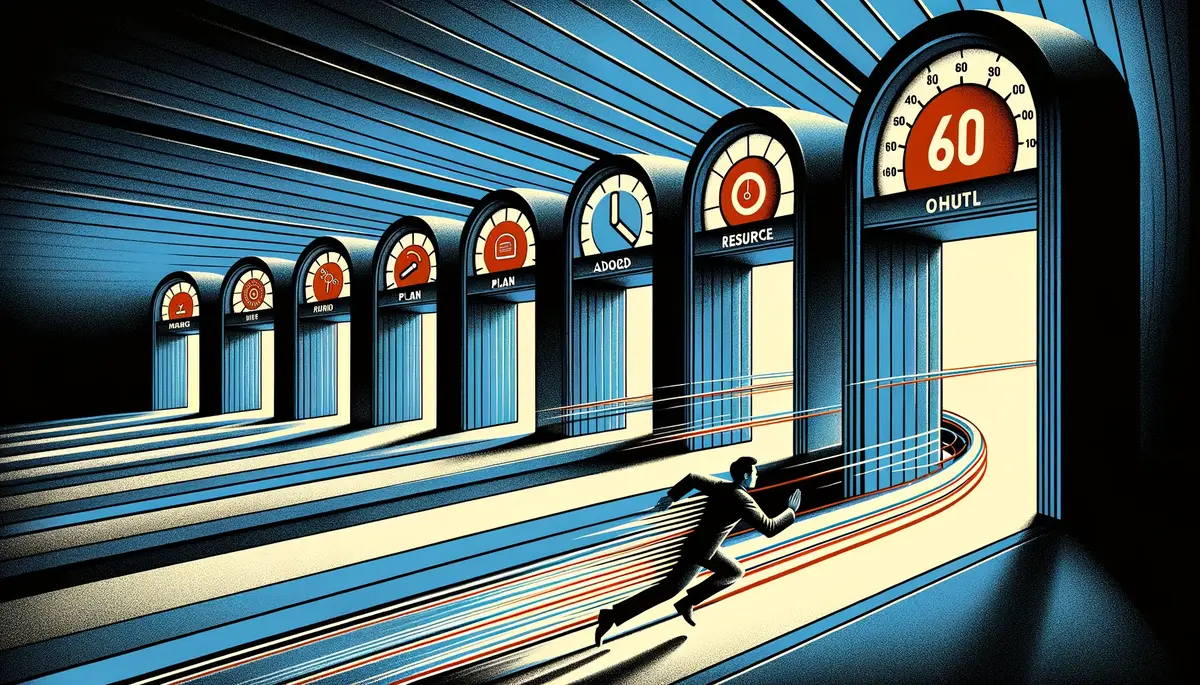
Airflow's onboarding takes 60 seconds. From clicking "Get Started" to landing in a fully provisioned account with your first resource already configured.
Here's exactly how it works.
The five-step checkout
Step 1: Name your organisation and pick your vertical
Your organisation is the top-level container for everything in Airflow. Name it (your business name works fine) and select your vertical — holiday rentals, boutique hotels, safari camps, or similar property types. This helps Airflow configure sensible defaults for your business.
Takes about 10 seconds.
Step 2: Add your first resource
A resource is the thing that gets booked — a villa, a lodge, a guesthouse, a boutique hotel. You'll add more later, but we get you started with one right here in checkout. Give it a name and you're done.
Another 10 seconds.
Step 3: Choose your plan
One selection here — your Airflow plan. Each plan includes platform access, team seats, integrations, features, and a set number of actions per month. Plans range from Starter ($8/mo) to Scale (from $599/mo), clearly laid out with feature comparisons so you can pick the right tier.
Early-access signups currently get their first 3 months free — applied automatically at checkout — so you can explore the full platform before you're charged.
About 20 seconds to review and select.
Step 4: Optional add-ons
This is where you can bolt on extras if you need them: website + hosting, guest email automations, reviews management, and more. Each add-on has its own pricing, clearly shown. (Direct bookings and payments are included free on every plan — no add-on needed.) Most people skip this step on first sign-up and add things later — that's fine.
5 seconds if you skip, 15 if you browse.
Step 5: Pay via Stripe
Standard Stripe checkout. Card details, billing address, done. Your plan and any add-ons are bundled into a single Stripe session. One payment, one receipt.
15 seconds.
Total time: approximately 60 seconds. We've timed it.
What happens behind the scenes
This is the part most users never see, but it's where the real engineering lives. When your Stripe payment succeeds, a cascade of automated steps fires in sequence:
1. Stripe webhook received. Stripe sends a checkout.session.completed event to our billing processor. This contains your subscription details, payment confirmation, and metadata from the checkout flow.
2. Billing spine processes the event. Our billing system validates the webhook, creates your subscription records, and maps your selected plan to the correct entitlements. Plan features, action allocations, and add-on access are all provisioned here.
3. Account provisioning fires. This is the big one. In a single atomic operation, the system creates:
- Your organisation with the correct plan and vertical
- Your first resource (the one you named in step 2)
- Your team membership as the organisation owner
- Your action allocation — your plan's monthly pool of actions
- Your magic link for first login
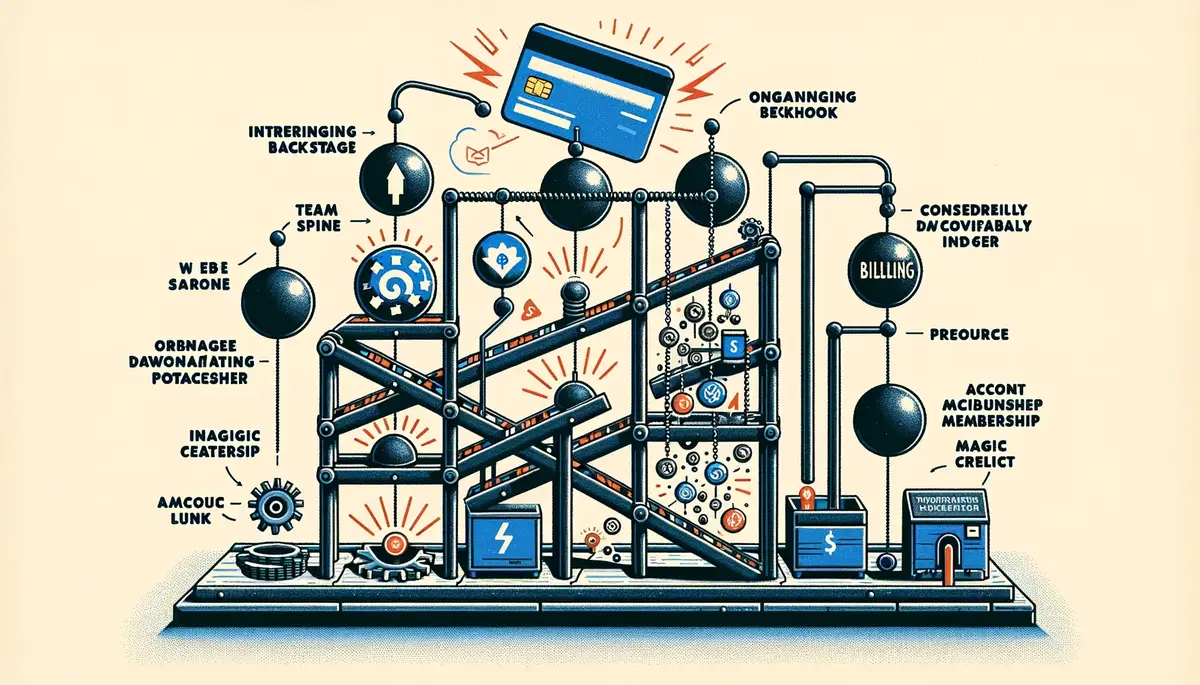
All of this happens in under 5 seconds.
4. Welcome email sent. You receive an email with a magic link to access your account. No password to set, no email to confirm. Click the link and you're in.
5. You land in your portal. Your dashboard is ready. Your resource is listed. Your action balance is visible. You can immediately connect Xero, set up email forwarding, and start processing bookings.
No passwords, ever
Airflow uses magic link authentication. Every time you log in, you request a link sent to your email. Click it, and you're authenticated. No passwords to remember, no passwords to reset, no passwords to be compromised.
This isn't just convenient — it's more secure than traditional password auth for the vast majority of users. The weak link in most security breaches is reused or weak passwords. Magic links eliminate that entire category of vulnerability.
Three months free with early access
Not ready to commit? Early-access signups currently get their first 3 months free — applied automatically at checkout. That's plenty of time to process real bookings end-to-end, including AI extraction and accounting sync. Your card is required (standard practice to prevent abuse), but you won't be charged during the free period.
This isn't a limited preview. You get the full platform. Process real bookings, connect real accounting software, see real results. If it's not for you, cancel before the free period ends and pay nothing.
Annual billing: 20% off
If you know Airflow is right for you, annual billing saves 20%. Every plan offers yearly pricing, and the discount applies across the board. For a business on the Pro tier, that's a meaningful saving over 12 months.
You can switch from monthly to annual at any time from your billing settings.
Multi-product checkout
One of the things we're quietly proud of is the checkout architecture. Most SaaS products with add-ons force you through separate purchase flows — sign up for the base plan here, enable extras somewhere else.
Airflow bundles everything into a single Stripe Checkout session. Your plan and any add-ons are selected during checkout and processed as one transaction. One payment method, one receipt, one confirmation.
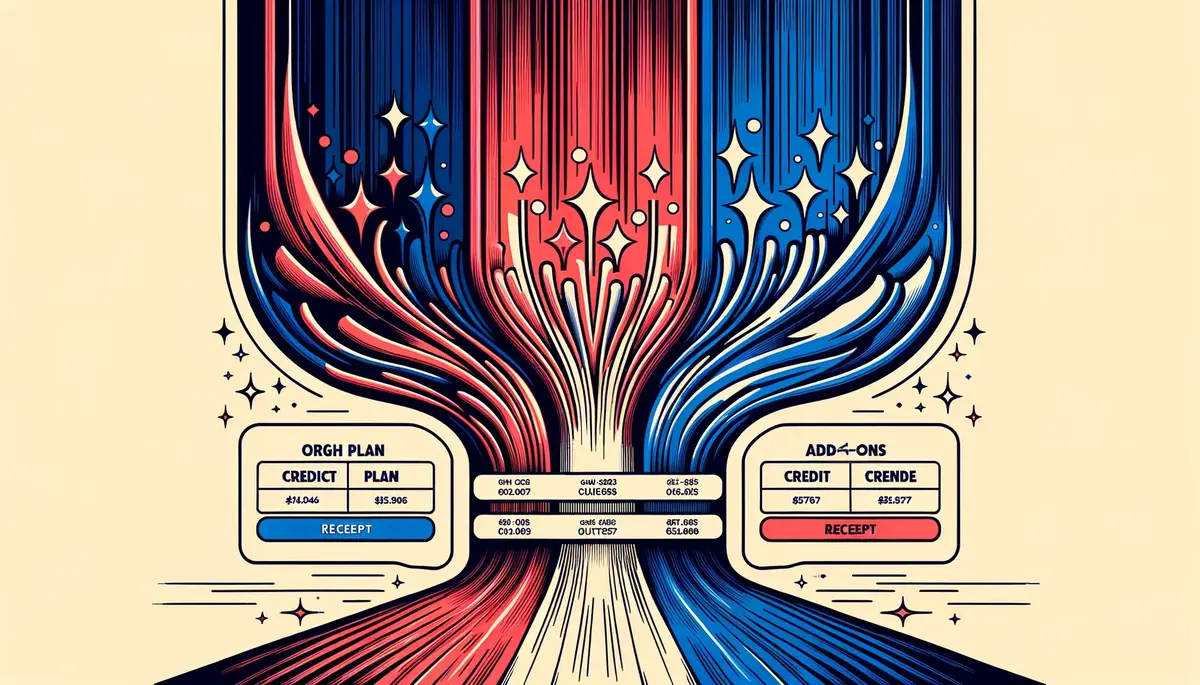
This matters because it means you're never in a half-provisioned state. Everything provisions together, atomically.
What if something goes wrong?
Honest answer: the provisioning pipeline has multiple fallback layers. If any step fails, the system retries. If retries fail, the failure is logged and our team is alerted. In practice, provisioning succeeds on the first attempt in the vast majority of cases.
If you somehow end up in a state where payment succeeded but your account isn't ready, our support team can see exactly where the pipeline stalled and resolve it quickly. But in the months since launch, this has been exceptionally rare.
Try it yourself
The best way to understand the checkout experience is to try it. Go to the checkout page, walk through the five steps, and see how fast it is. Early-access signups currently get 3 months free, so you can explore the full platform before you're charged.
Get started — early access includes 3 months free — it really does take 60 seconds.