Automatic Accounting Sync
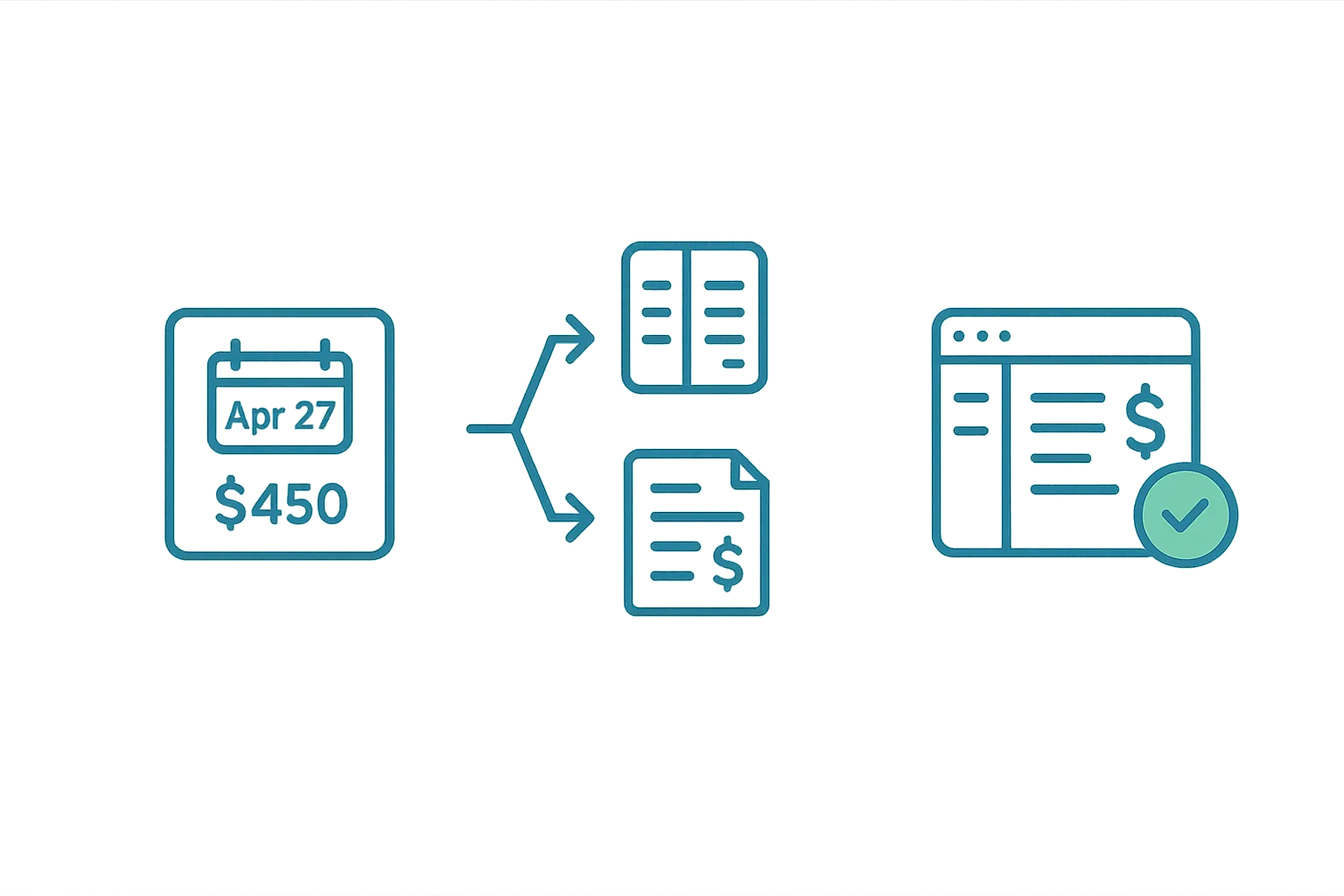
Airflow Core — The final step in the core pipeline: booking data flows straight into your accounting software as draft invoices.
No more manual invoice entry
Once Airflow extracts a booking, the next step happens automatically: a draft invoice is created in your connected accounting software. Every line item, every fee, every tax adjustment — all handled without you opening your accounting app.
Supported accounting providers
Airflow connects to the accounting tools hospitality businesses actually use:
- Xero — full integration with multi-line draft invoices
- QuickBooks Online — invoice creation with proper categorisation
- FreshBooks — client and invoice sync
- Sage Accounting — OAuth connection with invoice creation
Connect your account from the Connections page in your portal. The setup takes about 60 seconds — just authorise Airflow and you're done.
What goes into each invoice
Every draft invoice is built with detailed line items derived from the booking:
- Accommodation — the base nightly rate multiplied by the number of nights
- Cleaning fee — separated as its own line item (when applicable)
- Platform commission — the OTA's cut, shown as a negative line item
- Guest service fee — platform fees charged to the guest
- Discounts — weekly or monthly rate discounts applied
- Taxes (VAT/GST) — calculated based on your organisation's tax settings
- Withholding tax — where applicable, based on your accounting configuration
- Bank fees — if configured, deducted from payout calculations
The invoice contact is automatically created or matched to the guest's name from the booking email.
Multi-currency and FX handling
If your bookings come in one currency but your accounting is in another, Airflow handles the conversion automatically:
- Booking currency — the currency the guest paid in (e.g., USD on Airbnb)
- Payout currency — the currency you receive from the OTA
- Accounting currency — your accounting software's base currency
Exchange rates are fetched at invoice creation time from a multi-provider fallback chain, ensuring you always get a rate even if one provider is down. For OTA bookings, rates are refreshed around check-in date when the payout typically processes — giving you more accurate accounting.
Draft invoices only
Airflow creates draft invoices, never finalised ones. This means:
- You always have the chance to review before sending
- Your bookkeeper can verify line items match their expectations
- Modifications to bookings update the existing draft (they don't create duplicates)
- Already-approved invoices are never overwritten
This is a deliberate design choice. Your accounting records are yours — Airflow automates the data entry, not the approval.
Automatic sync schedule
Invoices are synced on two triggers:
- Immediately — when a new booking is created or modified
- Periodic refresh — a background process checks for any bookings that need invoice updates every 15 minutes
You can also trigger a manual sync from any booking's detail page in the portal.
Related help articles
- How Booking Extraction Works — How booking data is extracted
- How Booking Email Forwarding Works — Getting emails into the system
- Your Custom Booking Website — Accept direct bookings without OTA fees
Previous: How Booking Extraction Works Next: Your Custom Booking Website