Pin Up a QR Code. Your Cleaning Team Gets the Checklist.
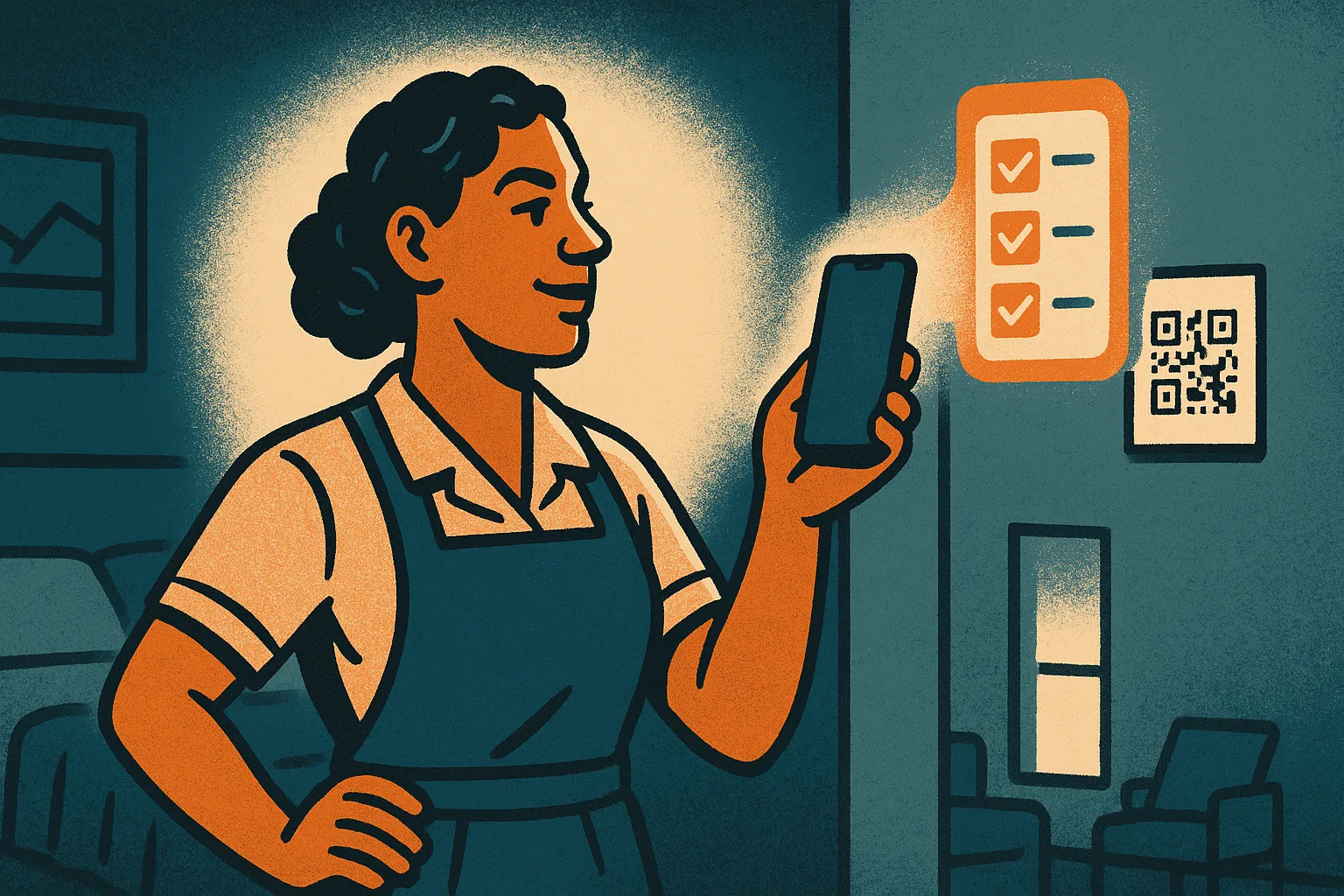
The hardest part of operations isn't the software. It's getting your team into it.
You can build the cleanest turnover checklist in the world, but it's worth nothing if the person holding the mop never sees it. And the people doing the work on the ground — the cleaner who comes in between guests, the handyman who fixes the leaking tap, the gardener who shows up on Thursdays — often don't have a company email, don't want to install yet another app, and shouldn't have to remember a password just to confirm the bins went out.
That's the gap. Most property software assumes everyone on your team is a logged-in user with an inbox. In the real world, your field staff aren't, and forcing them to be is exactly why "we have a system" so often means "the manager re-types everything later."
So we built the opposite. As of today, your team doesn't need an account at all.
Pin up a code. That's the whole setup.
Open Airflow, go to the property's operations, and generate a QR code. Print it. Pin it up — in the linen cupboard, by the front door, inside the utility cabinet, wherever your team starts their work.
A staff member points their phone camera at it. The property's checklist for the day opens instantly. No sign-up screen. No login. No app to download. They just start ticking things off.
That's it. A printed card on a wall is now the entire onboarding process for a cleaner who's never touched your software.
The whole team works the same list
Because everyone scans the same code, they all land on the same checklist. This is where it gets genuinely useful for a crew rather than a single person.
Say three people arrive to turn over a four-bedroom villa before a 3pm check-in. One scans the code and starts on the bathrooms. Another scans it and takes the kitchen. The third takes the bedrooms. When the first person ticks "bathrooms cleaned and restocked," the other two see it. Nobody doubles up. Nobody finishes and wonders what's left. The list completes in real time, in front of all of them, and the manager can see it's done without a single phone call.
It already knows which list to show
The code is aware of what's happening at the property, so staff always see the right checklist without choosing one.
- Between guests? It shows your day-to-day operations checklist.
- Guest arriving? It surfaces the pre-arrival checks.
- Guest leaving? It shows the turnover clean.
The list that matters today is the one that appears. Your team never has to know which booking is which — Airflow sorts that out and just hands them the work.
What the code can — and can't — do
This is the part that makes it safe to leave a code on a wall in a busy, shared space.
QR access is checklist-only, for one property. It carries no guest information, no financials, no settings — nothing sensitive. The worst thing a stranger could do with a photographed code is tick a cleaning checklist. There's no data to leak and no money to touch.
Anything that has to be tied to a named person stays behind a personal login: signing off a completed job, reporting damage with a photo, adjusting inventory. Those are accountability actions — you want to know exactly who did them — so they need a real email login, not a shared code.
Two tiers, and the line between them is deliberate: one tier for getting the work done, one tier for the things you need a name against.
Lost a code? Reprint it.
Printouts go missing. People move on. So you stay in control: regenerate the code from your portal and print the new one. The old code stops working the moment you regenerate it — anyone still holding the previous printout simply loses access. No accounts to deactivate, no passwords to change. Print, pin, done.
Why this matters
For a manager running cleaners across several properties — especially in markets where a smartphone is universal but a personal work email is not — this removes the single biggest barrier to actually using checklists: the team itself. No invitations to chase, no apps to support, no "I forgot my password" on a Saturday morning.
Your checklists stop being something the office maintains and start being something the people on the ground actually use. Which is the only place a checklist was ever supposed to live.
Get started
QR checklists are part of Airflow's property operations tools. Set up a checklist for a property, print its code, and pin it up — your team is working from it the same day.
Start your free trial and get your cleaning team set up in minutes.