Pin up a code. Your team gets to work.
Print a QR code for each property and pin it up. Staff scan it to open that property's checklist and tick tasks off — as a team, with no email address, no app and no login. Sign-off, damage reports and inventory stay behind a personal login.
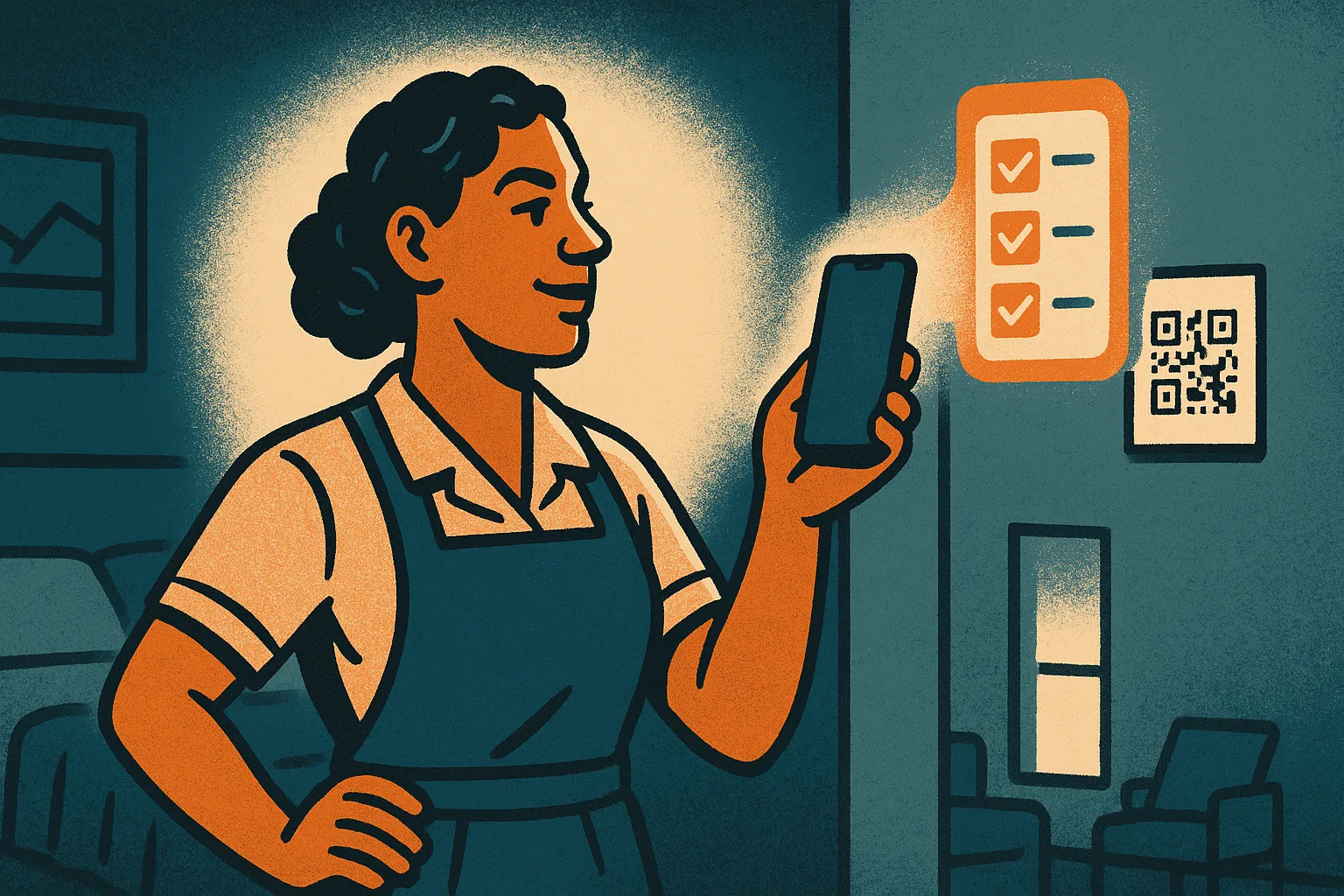
Pin it up, scan it, get to work
Getting your cleaning and maintenance crew into a system is usually the hardest part of running properties at scale. Many of the people doing the work on the ground don''t have a company email, don''t want to install another app, and shouldn''t have to remember a password to wipe down a kitchen.
So Airflow gives each property a printable QR code. Pin it up in the linen cupboard or by the front door. A staff member scans it with their phone camera and the property''s checklist for the day opens instantly — no sign-up, no login, nothing to download.
The whole team works the same list
Because everyone scans the same code, they all land on the same checklist. When one person ticks "bathrooms cleaned," the rest of the team sees it. A three-person turnover crew can split the work and watch the list complete in real time, instead of duplicating each other or wondering what''s left.
Built around your bookings
The code is smart about what to show. Between guests it surfaces your day-to-day operations checklist. When a guest is arriving it shows the pre-arrival checks; when one is leaving it shows the turnover clean. The right list appears at the right time, automatically.
What the code can — and can''t — do
QR access is deliberately limited to ticking checklists for one property. It carries no guest information, no financials and no settings, so a code on a wall is safe even in a busy, shared space. Anything that needs to be tied to a named person — signing a job off, reporting damage with a photo, or adjusting inventory — still requires a personal email login. Two tiers, one for getting the work done and one for accountability.
Lost a code? Reprint it
If a printout goes missing or a team member moves on, regenerate the code from your portal and print the new one. The old code stops working the moment you regenerate, so access is always under your control.
Key benefits
Why QR Checklists for Staff matters
No email, no app
Staff without an email address or a downloaded app can still get the day's tasks. They scan a printed code with any phone camera and start ticking — there is nothing to sign up for.
One code, the whole team
Everyone who scans the same code sees the same checklist, so a cleaning crew works through the list together and sees each other's progress as it happens.
Safe by design
A scanned code can only view and tick that one property's checklist — no guest data, no money, no settings. Sign-off, damage reports and inventory still need a personal login.
FAQ
Common questions about QR Checklists for Staff
Do staff need an email address or an account?
No. The QR code is all they need. They scan it with any phone camera and the property's checklist opens straight away — no sign-up, no password, no app to install.
What happens if a code is lost or a staff member leaves?
Regenerate the code from your portal and reprint it. The previous printout stops working immediately, so anyone still holding it loses access.
Can someone report damage or change stock with just the QR code?
No. The QR gives checklist-only access. Anything that has to be tied to a named person — signing off a completed job, reporting damage, or adjusting inventory — requires a personal email login.
More from Dashboard & Reporting
Related features
Guides & insights
From the blog

Airbnb Payouts Don't Match Your Invoices — Here's Why
The guest paid €1,200. After Airbnb's ~15% host-only fee and a currency conversion, your bank received £867. Your Xero invoice says something else entirely. Here's what's happening — and how to fix it.
Read article →
Why None of Your OTA Payouts Match Your Invoices
Airbnb, Booking.com and VRBO each net fees and commission differently, so OTA payouts rarely match your invoices. Here is why, and how to reconcile cleanly.
Read article →
Xero + Short-Term Rentals: The Setup Nobody Teaches You
Xero is powerful accounting software. But setting it up for short-term rental income — with multiple properties, platforms, currencies, and fee structures — is harder than it should be. Here's the right way.
Read article →Get your cleaning team set up in minutes
Start your free trial today. No credit card required.
Start your free trial