How Booking Email Forwarding Works
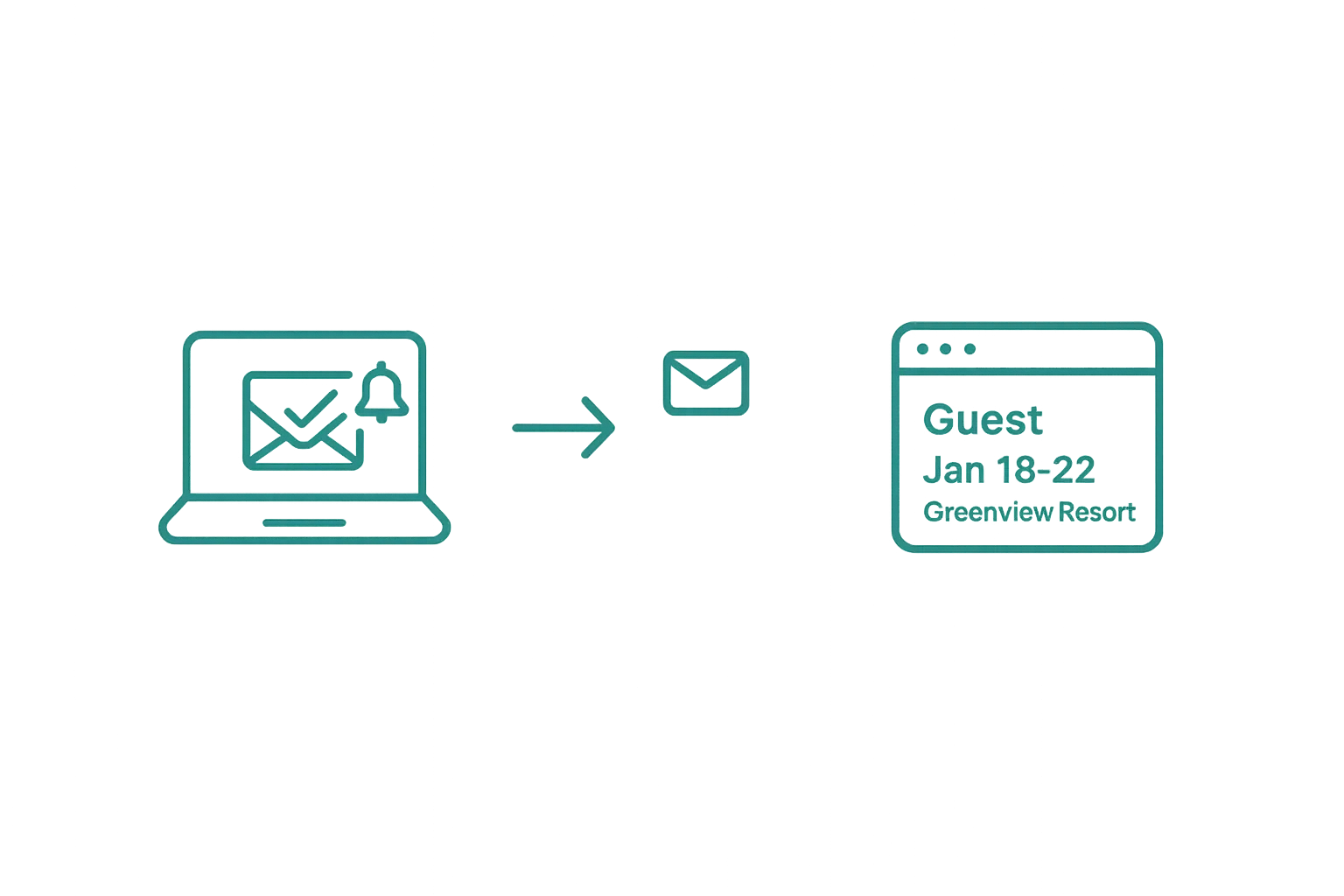
Airflow Core — This is the foundation of Airflow. Forward a booking email, and the system does the rest.
The simplest workflow you'll ever set up
Every resource you create in Airflow gets its own unique email address. When a booking confirmation lands in your inbox — from Airbnb, Booking.com, VRBO, Expedia, or any other platform — you simply forward it to that address.
That's the entire setup. No API keys, no OAuth flows, no developer required.
What happens when you forward
- The email arrives at your resource's Airflow address via Mailgun, our inbound email processor
- It's queued for processing in a durable pipeline — nothing gets lost, even during high volume
- Extraction begins — Airflow reads the email and pulls out every detail (more on this in the next article)
- A booking record is created in your portal with guest name, dates, pricing, platform fees, and payout amount
Supported platforms
Airflow recognises booking emails from all major OTAs and direct booking formats:
- Airbnb — new reservations, modifications, and cancellations
- Booking.com — confirmations and updates
- VRBO / HomeAway — booking confirmations
- Expedia — reservation details
- Direct enquiries — any structured booking email
- HomeExchange — zero-value home swap bookings
Airflow is built to detect booking-related keywords like reservation, confirmation, check-in, and payout across multiple email formats and languages.
Automatic email connection
For an even smoother experience, connect your Gmail or Outlook account directly. Airflow will watch your inbox for booking emails automatically — no forwarding required. The system scans for unread emails from known OTA senders, labels them as processed (Airflow/Processed, Airflow/Bookings), and routes them through the same pipeline.
You can use both methods together: automatic scanning for your main inbox, plus manual forwarding for any emails that arrive elsewhere.
Multi-property routing
If you manage multiple properties, each resource has its own Airflow email address. Forward each booking to the correct resource address, and the system files everything in the right place. When using automatic email scanning, Airflow matches property names in the email subject and body to route bookings to the correct resource.
What doesn't count as a booking
Not every email is a booking. Airflow distinguishes between:
- Booking emails — these consume one action credit and create a record
- Review notifications — detected and tagged separately
- General enquiries — processed but don't consume credits
- Settings changes — free, never consume credits
Related help articles
- How Booking Extraction Works — What happens after your email is forwarded
- Automatic Accounting Sync — How bookings become invoices
- Getting Started with Airflow — Your first five minutes
Previous: Getting Started with Airflow Next: How Booking Extraction Works