
Plans & Upgrading
Understanding Airflow's plan tiers, what's included at each level, how credits work, and how to upgrade when you're ready to grow.
Read article →
Calendar & Channel Sync
How Airflow consolidates bookings from every source into one calendar and publishes an availability feed your channels can import — helping prevent double-bookings.
Read article →
Notifications & Alerts
How Airflow keeps you informed — booking alerts, payment notifications, system updates, and action reminders delivered to your portal and inbox.
Read article →
Automated Guest Communications
How Airflow sends the right message to your guests at the right time — booking confirmations, pre-arrival info, check-in instructions, and follow-ups.
Read article →
Team Collaboration & Invitations
How to invite team members, assign roles, and manage access across your Airflow organisation — from owner to staff.
Read article →
Your Connected Ecosystem
How Airflow connects your email, calendars, accounting, payments, and guest tools into one automated hub — so nothing falls through the cracks.
Read article →
Managing Your Properties
How to add, configure, and manage your properties (resources) in Airflow — from a single villa to a portfolio of rentals.
Read article →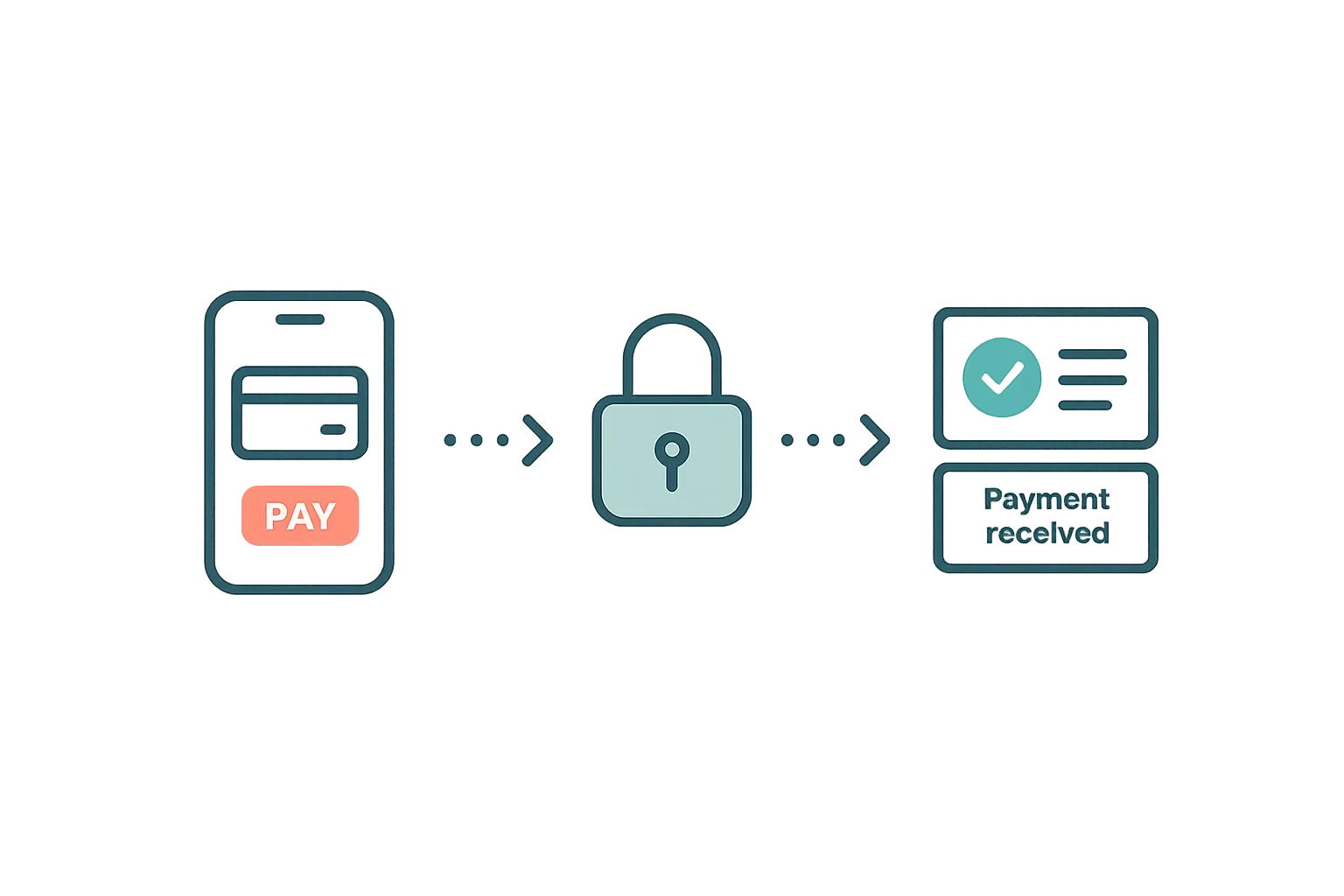
Guest Payments & Deposits
How Airflow handles guest payments — from deposit collection at booking to balance payments via the guest portal, with support for Stripe, Paystack, and manual methods.
Read article →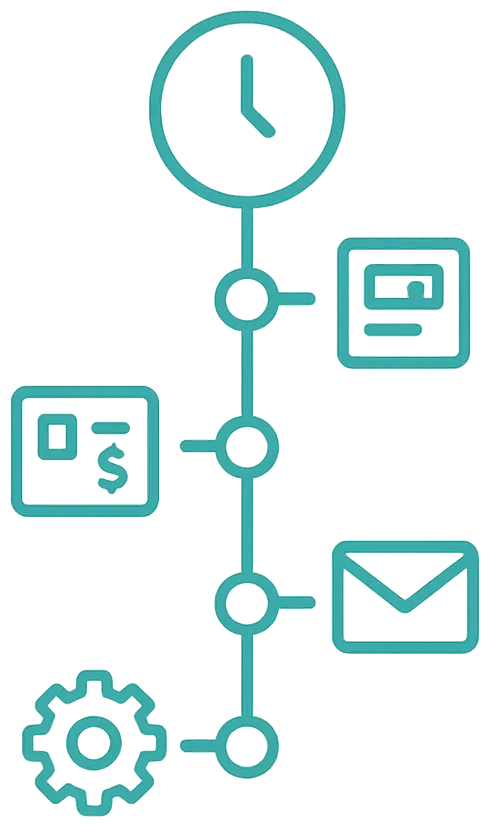
Your Activity Timeline
How Airflow logs every action — bookings processed, invoices created, emails sent, settings changed — so you always know what happened and when.
Read article →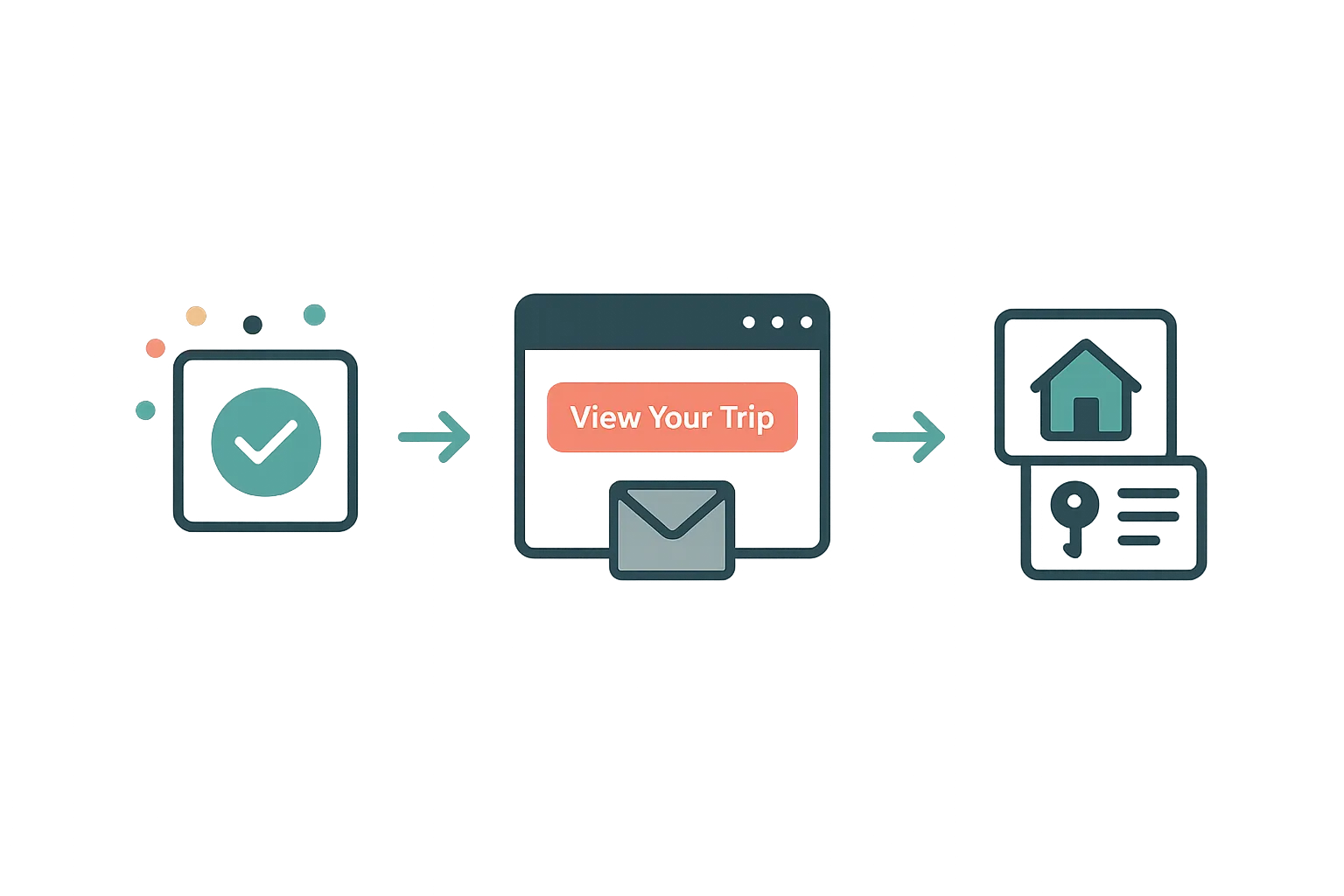
The Guest Portal Experience
After booking, your guests get their own trip portal — itinerary, property details, documents, payments, and companion sharing. No app download required.
Read article →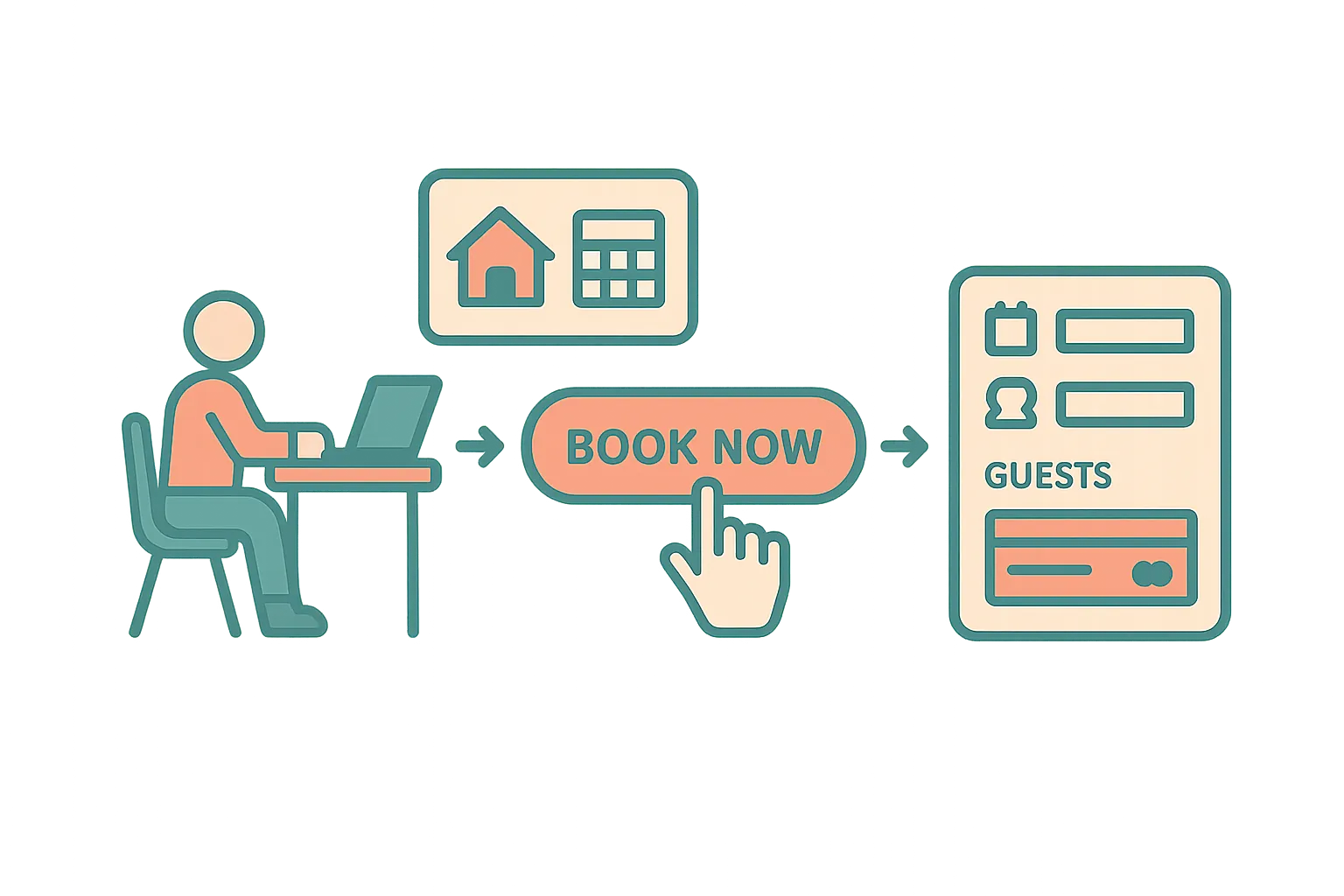
Your Custom Booking Website
How Airflow gives you a branded direct booking website where guests can browse availability, book, and pay — with zero OTA commission.
Read article →
Managing Your Account & Profile
How to set up your Airflow profile, manage your login, update contact details, and configure your display preferences.
Read article →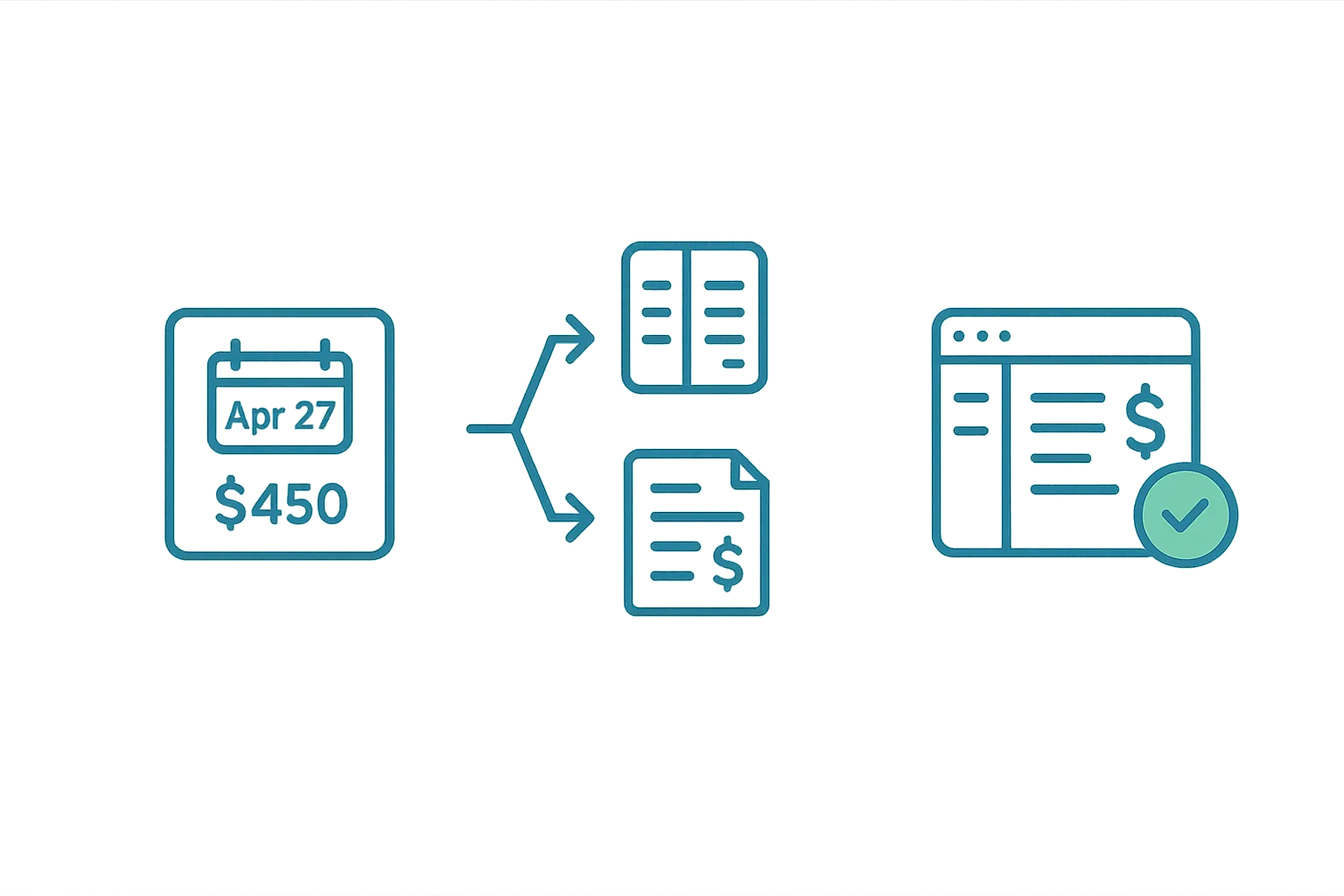
Automatic Accounting Sync
How Airflow automatically creates draft invoices in Xero, QuickBooks, FreshBooks, or Sage from your booking data — with correct line items, taxes, and FX.
Read article →
How Booking Extraction Works
Airflow reads your booking emails and extracts guest details, dates, pricing, and platform fees — automatically creating structured records.
Read article →
How Booking Email Forwarding Works
Learn how to forward OTA booking confirmations to Airflow and watch them turn into structured records automatically.
Read article →