The Guest Portal Experience
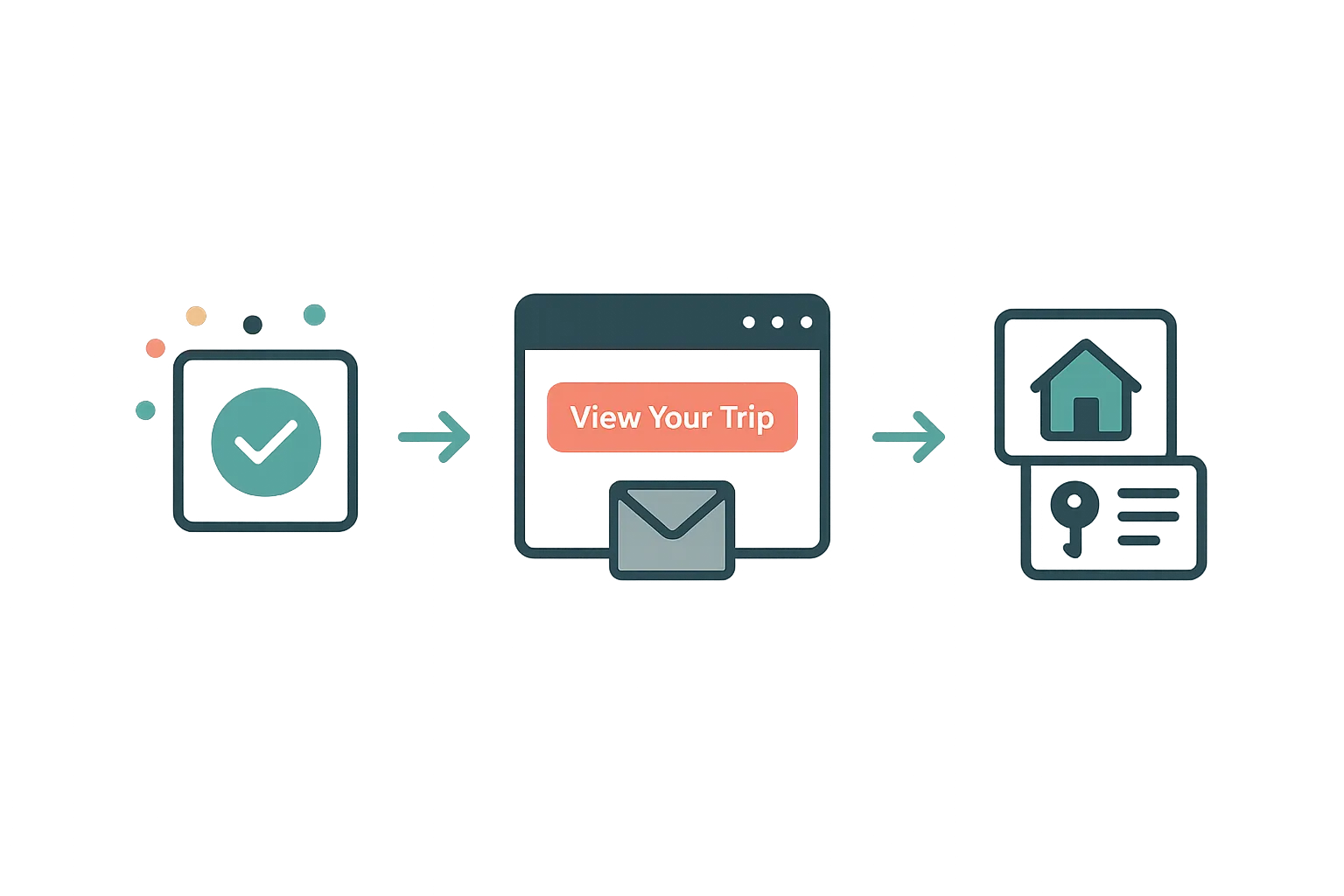
Airflow Direct — Every guest gets a personal trip portal. No app to download, no account to create — just a secure link.
A better experience for your guests
When a guest books through your Airflow Direct website, they immediately receive a confirmation email containing a "Manage your Trip" link. This takes them to their personal guest portal at airflowguest.com — a dedicated space for everything related to their stay.
No app download. No account creation. No password. Just a secure, token-based link that works instantly.
What guests see in their portal
The guest portal is designed to answer every question a guest might have before, during, and after their stay:
Trip details
- Property information — photos, description, amenities, location
- Booking summary — check-in/check-out dates, number of guests, confirmation code
- Host contact — who to reach out to with questions
Payment & deposits
- Payment schedule — deposit amount paid, remaining balance, and due date
- Make a payment — guests can pay their remaining balance directly from the portal using the host's connected payment processor (Stripe, Paystack, or manual methods)
- Payment history — a clear record of what's been paid
Documents & welcome pack
- Welcome documents — property guides, house rules, WiFi details, local recommendations
- Check-in instructions — access codes, directions, arrival procedures
- Availability settings — documents can be configured to appear only a set number of days before check-in, so sensitive information like access codes isn't shared too early
Trip planning
- Timeline items — guests can add activities, restaurant bookings, and notes to their itinerary
- Companion sharing — guests can invite travel companions to view the trip details (view-only access scoped to the booking dates)
How the secure link works
Guest portal access uses HMAC-signed tokens with a 90-day time-to-live. This means:
- No passwords to manage or forget
- The link is unique to each booking
- It expires automatically after the stay
- Companion invite links are scoped to a narrow date window (booking dates plus a 3-day buffer)
Guest profile continuity
When a guest provides their contact details in the portal (name, email, phone, WhatsApp), Airflow creates a guest profile. If they book again — through your website or even through an OTA — their profile is matched and updated. Over time, you build a real guest database, not just a list of booking emails.
For OTA bookings too
The guest portal isn't limited to direct bookings. When you forward an OTA booking email, the confirmation email to the guest can include the same "Manage your Trip" link. This gives your Airbnb and Booking.com guests the same premium experience — and starts the relationship directly with you, not the OTA.
Related help articles
- Your Custom Booking Website — Where the booking journey starts
- Guest Payments & Deposits — How payment collection works
- Automated Guest Communications — Staying in touch without the effort
Previous: Your Custom Booking Website Next: Guest Payments & Deposits