Automated Guest Communications
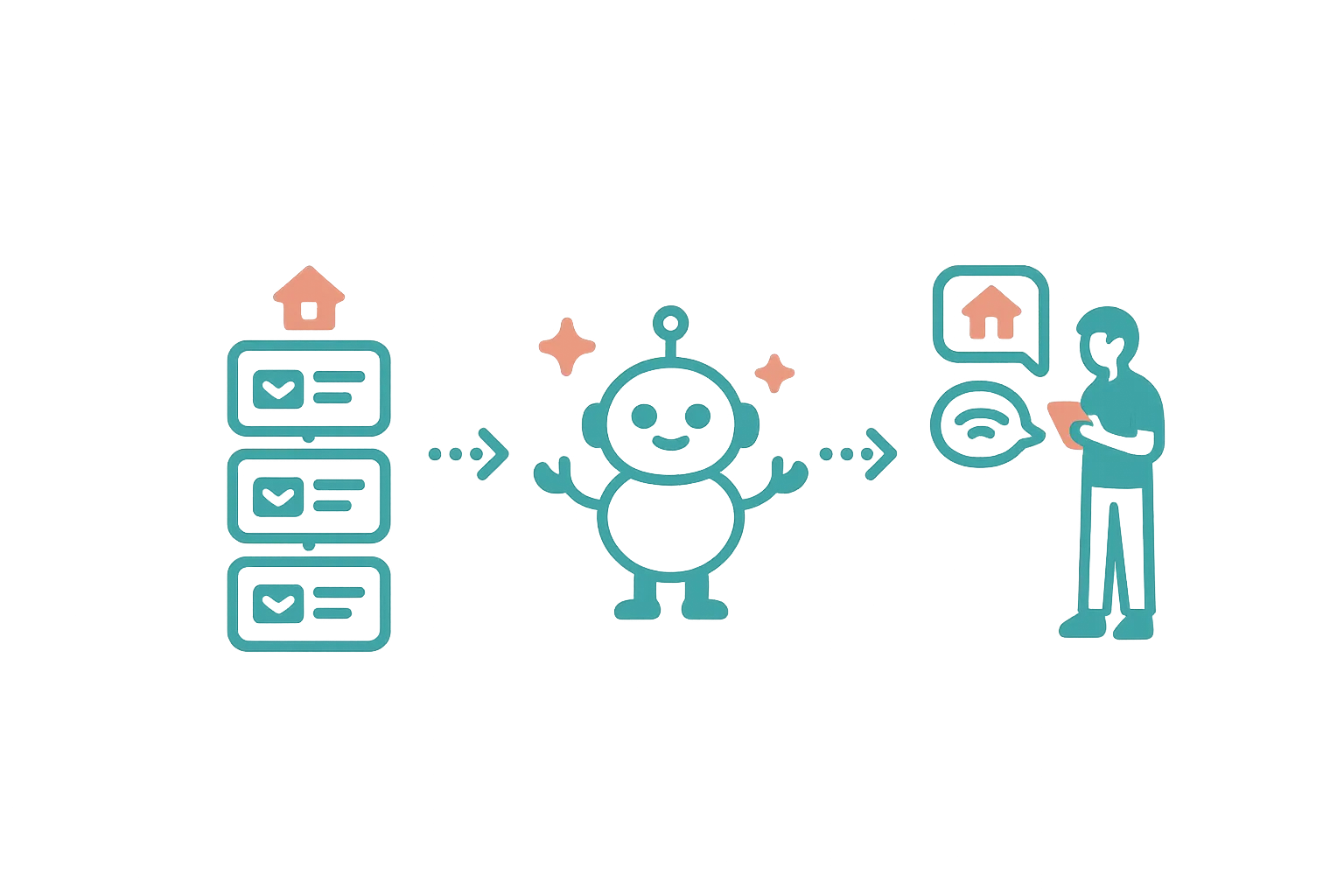
Airflow Integrated — Automated emails that make your guests feel looked after, without you lifting a finger.
The right message at the right time
Great hospitality is about anticipation — giving guests what they need before they ask. But manually sending check-in instructions, welcome messages, and follow-ups for every booking is exhausting, especially when you manage multiple properties.
Airflow automates this entire communication timeline. You set it up once, and every guest gets a consistent, professional experience.
The communication timeline
Airflow supports triggered emails at key moments in the booking lifecycle:
Booking confirmed
Sent immediately when a booking is created. Includes booking summary, property details, and a link to the guest portal where they can manage their trip.
Pre-arrival
Sent 7 to 48 hours before check-in (you choose the offset). This is where you share:
- Directions and parking information
- Local recommendations
- What to bring
- Weather expectations
Check-in day
Sent on the morning of check-in. The practical details:
- Access codes and key collection
- WiFi password
- Emergency contacts
- House rules reminder
Mid-stay
An optional check-in during the stay. A simple "How's everything going?" that shows you care and catches issues early.
Post-checkout
Sent after check-out. Thank the guest, ask for feedback, and invite them to book directly next time (with a link to your Airflow Direct website).
Review request
A follow-up requesting a review on your preferred platform. Timed to arrive when the stay is still fresh in memory.
Balance due
If a deposit was collected and the remaining balance is approaching its due date, an automated reminder is sent with a payment link to the guest portal.
How it works technically
Each automation trigger is configured with:
- Offset — when to send relative to the trigger event (e.g., 2 days before check-in)
- Template — customisable content with dynamic tags
- Sending method — via your connected Gmail, Outlook, or Mailgun
- Frequency limits — maximum send count per property to prevent spam
Dynamic tags
Templates support personalisation tags that are replaced with real booking data:
{{guest_first_name}}— the guest's first name{{booking_reference}}— the confirmation code{{check_in_date}}— formatted check-in date{{check_out_date}}— formatted check-out date{{property_name}}— the resource name- And many more
Sent from your email
When you connect Gmail or Outlook, automated emails are sent from your actual email address. Guests see your name, your email — not a generic "noreply@" address. This builds trust and ensures replies come back to you.
If Gmail or Outlook isn't connected, emails are sent via Mailgun with your branding.
Branded emails
Every automated email uses your branding:
- Your logo and business name
- Your colour scheme
- Professional HTML layout with a plain-text fallback
- A "Manage your Trip" button linking to the guest portal
The emails are designed to look like they came from a well-organised host — because they did.
Activity logging
Every automated email is logged in your portal's activity timeline. You can see:
- What was sent and when
- Which guest received it
- Which booking it relates to
- The sending method used
Nothing happens in the dark. Every action is visible.
Related help articles
- Your Connected Ecosystem — All your tools in one place
- Calendar & Channel Sync — Keep availability current everywhere
- The Guest Portal Experience — What your guest sees
Previous: Your Connected Ecosystem Next: Calendar & Channel Sync