Know Your Guests Before They Arrive
Airflow builds guest profiles from booking history and communication, so you can recognise repeat guests and personalise their stay. Tag VIPs, note preferences and keep your team's notes in one place.

How it works
Every time a guest books one of your properties, Airflow creates or updates their profile with booking details, communication history and any notes your team adds. Over time, these profiles become a useful record of guest preferences and relationship history. Guest profiles are tied to the guest's email, so stays are linked across bookings regardless of source — and the same email appears in the guest's own portal, where they manage their bookings, payments and documents. Past stays, message threads and special requests are all in one place. For property managers who value repeat business, guest profiles are a useful tool. Tag VIP guests, note preferences like early check-in or extra towels, and keep internal notes. This knowledge stays with the property even as team members change.
Key capabilities
- Email-linked profiles — Stays are linked across bookings by the guest's email, regardless of source
- Booking history — See every past and upcoming stay, with properties and dates
- Communication log — Guest email history in a single timeline
- Custom tags and notes — Tag guests as VIP or repeat and add internal notes for your team
- Preference tracking — Record preferences for personalised service on future stays
- Guest portal — Guests manage their own bookings, payments and documents from a portal tied to their email
Key benefits
Why Guest Profiles matters
Complete Guest History
See every booking, message, and review associated with a guest across all platforms in a single profile view.
Personalized Service
Record and recall guest preferences so returning visitors feel recognized and valued from the moment they book.
Internal Notes
Add private notes to bookings and guests so your team has the full picture before check-in.
FAQ
Common questions about Guest Profiles
How does Airflow identify returning guests across platforms?
Airflow matches guests based on name, email address, and phone number. When a match is found, the new booking is linked to the existing guest profile automatically.
Can I add notes to a guest profile?
Yes. Any team member can add internal notes, tags, and preferences to a guest profile. These are visible to your team but never shared with the guest.
Are guest profiles shared across my team?
Yes. Guest profiles are accessible to all team members with appropriate permissions, ensuring everyone has the context they need for guest interactions.
More from Guest & Client Management
Related features
Guides & insights
From the blog
The Guest Portal Experience
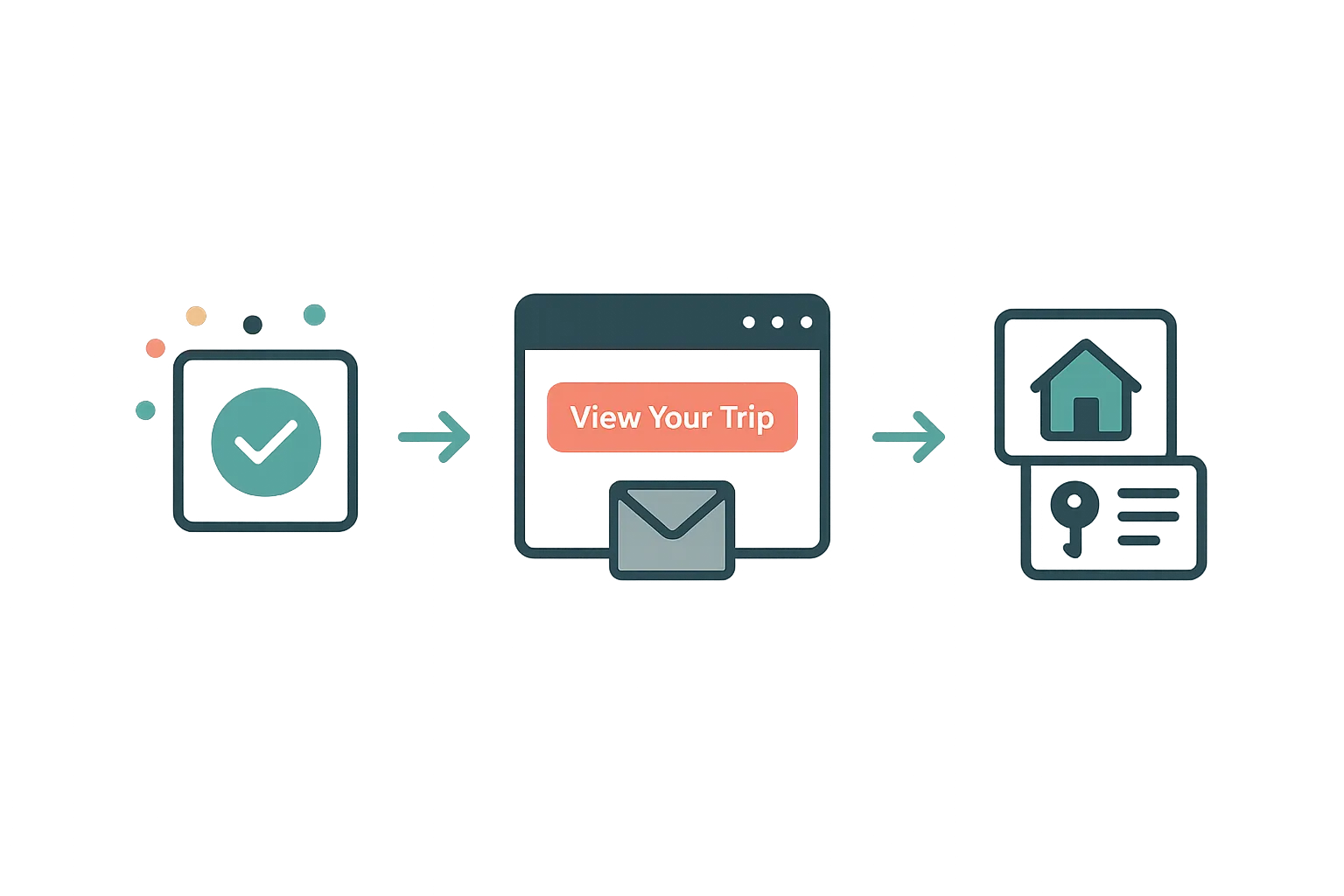
After booking, your guests get their own trip portal — itinerary, property details, documents, payments, and companion sharing. No app download required.
Read article →
Your Website Builder Bill Is Just the Start
A website builder gives you a brochure. For less than a Wix subscription, Airflow gives hosts the website and the operating system behind it — and moves your old site over in one conversation.
Read article →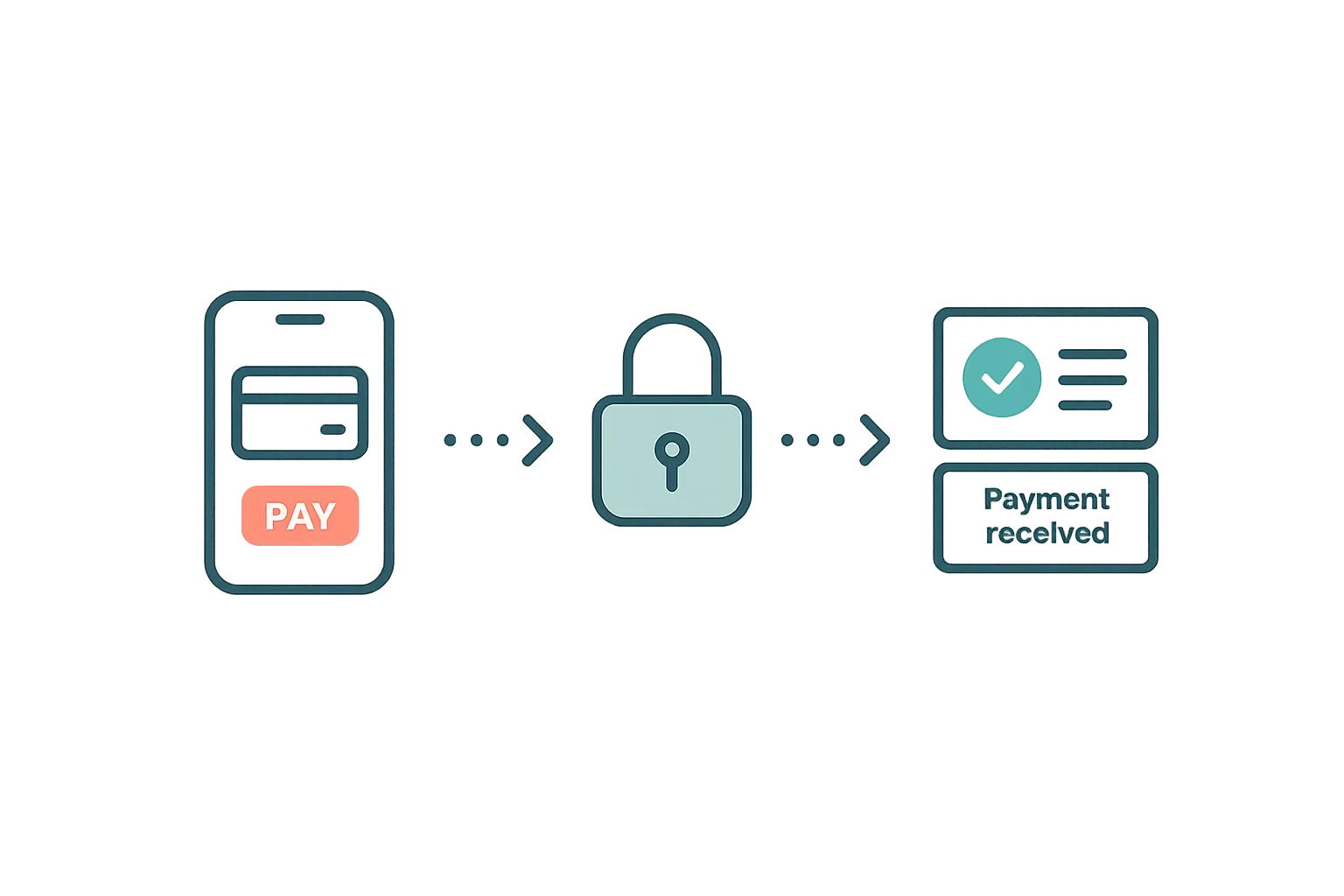
Guest Payments & Deposits
How Airflow handles guest payments — from deposit collection at booking to balance payments via the guest portal, with support for Stripe, Paystack, and manual methods.
Read article →