Professional Responses in Seconds
Build a library of reusable message templates for common guest scenarios. From check-in instructions to Wi-Fi help, reply consistently from your unified inbox and personalise each message before you send it.

How it works
Airflow's message templates let you save pre-written responses for the situations you meet repeatedly. Check-in directions, house rules, local recommendations and troubleshooting guides can all be saved as templates and inserted into a guest email reply in a couple of clicks. When you reply from the unified inbox, pick the right template, adjust it for the guest and booking, and send — turning a five-minute reply into a much quicker one. Templates are part of the inbox, so they sit alongside the booking context you need.
Key capabilities
- Reusable templates — Save responses for check-in, check-out, troubleshooting, local tips and more
- Insert into replies — Drop a template into any guest email reply from the unified inbox
- Personalise before sending — Edit the message for the guest and booking before it goes out
- Booking context — Templates sit beside the booking, so the details you need are at hand
- Consistent tone — Keep replies professional and on-brand across your team
Key benefits
Why Message Templates matters
Faster Replies
Answer common questions in seconds by inserting pre-written templates into your guest email.
Consistent Quality
Every guest receives the same clear, professional response, whichever team member is handling the conversation.
Personalise Before Sending
Adjust each template to the guest and booking before you send, so a standard message still feels personal.
FAQ
Common questions about Message Templates
Can I reuse templates for common questions?
Yes. You can save templates for any common reply and personalise them for the guest and booking before sending.
Can my team use the same templates?
Yes. Templates are available to your team from the unified inbox, so everyone replies consistently.
How many templates can I create?
There is no limit on the number of templates you can create. We recommend grouping them by use case to keep your library manageable.
More from Guest & Client Management
Related features
Guides & insights
From the blog
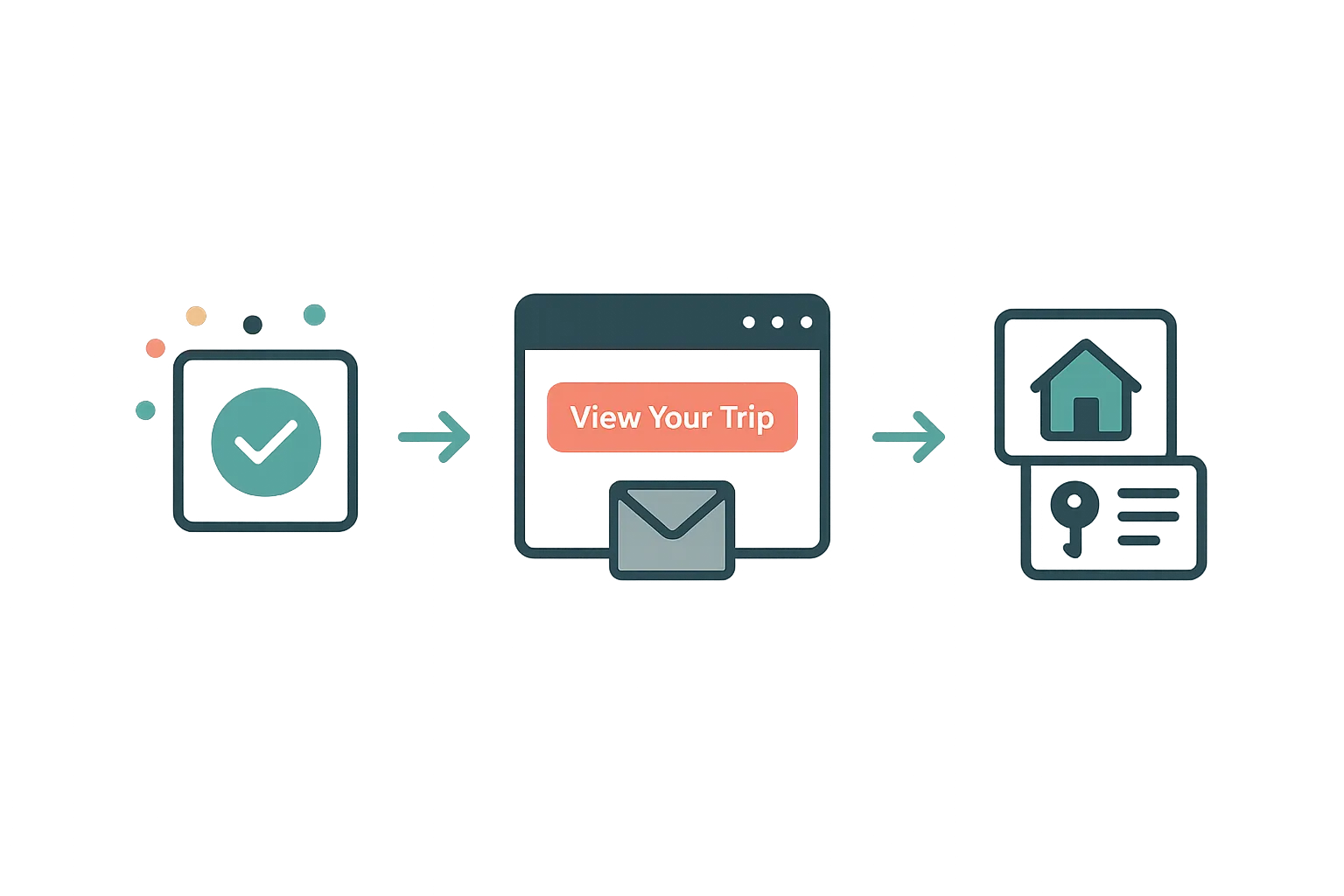
The Guest Portal Experience
After booking, your guests get their own trip portal — itinerary, property details, documents, payments, and companion sharing. No app download required.
Read article →
Your Website Builder Bill Is Just the Start
A website builder gives you a brochure. For less than a Wix subscription, Airflow gives hosts the website and the operating system behind it — and moves your old site over in one conversation.
Read article →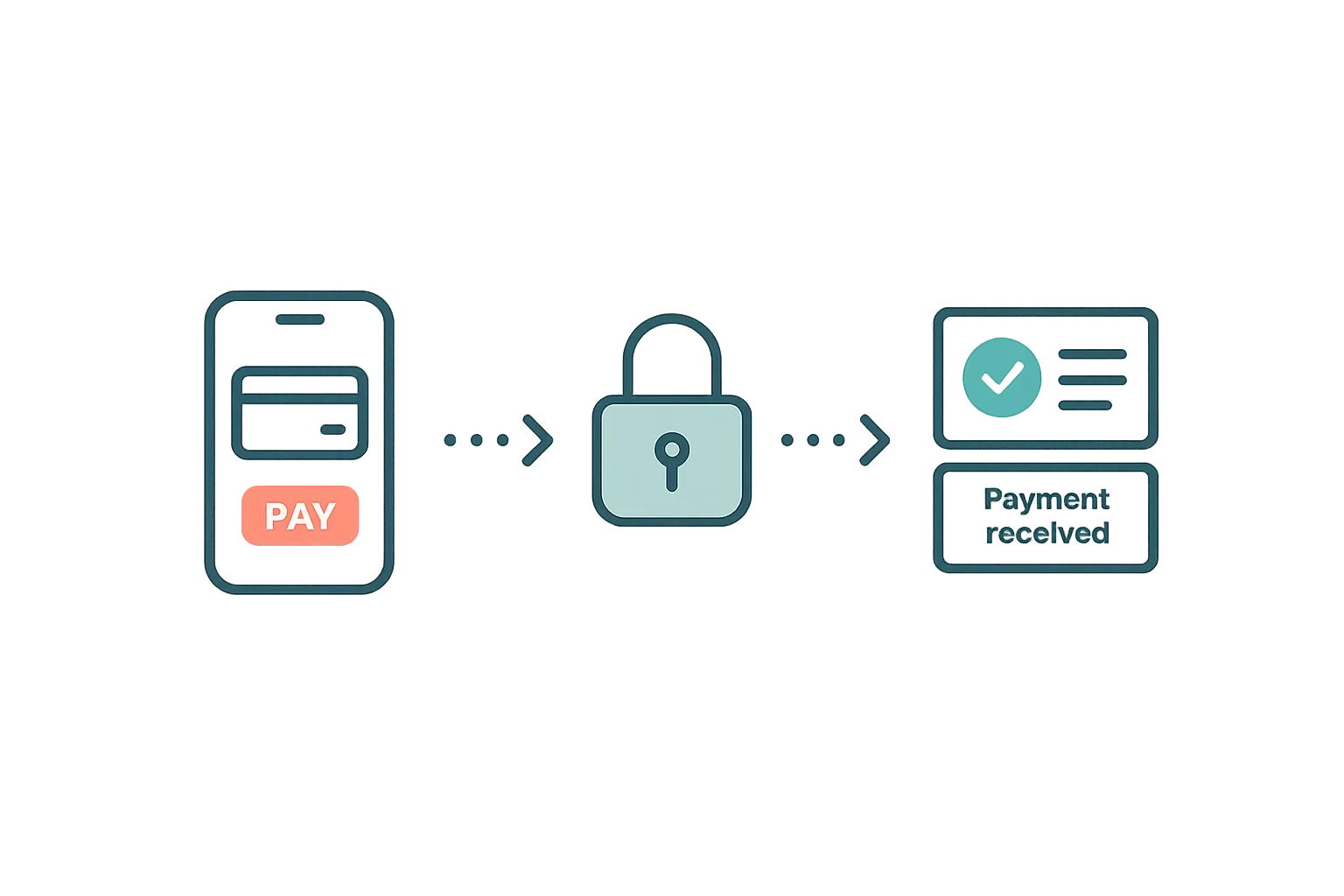
Guest Payments & Deposits
How Airflow handles guest payments — from deposit collection at booking to balance payments via the guest portal, with support for Stripe, Paystack, and manual methods.
Read article →Ready to use Message Templates?
Start your free trial today. No credit card required.
Start free trial