Build Your Reputation Across Every Platform
Collect and display guest reviews from across your booking platforms with the Reviews addon. Capture Google and OTA reviews, moderate them, respond as the owner, and show them on your booking site.

How it works
The Reviews addon brings guest reviews together so you can manage your reputation in one place. Google reviews are collected automatically, Airbnb review notifications are captured from email, and direct guests can leave reviews too. The review dashboard shows your reviews by property and source. Moderate which reviews appear publicly, add an owner response where you want one, and choose which to display on your booking site. For each review you publish, the source is shown with a badge so guests can see where it came from.
Key capabilities
- Multi-source collection — Google reviews collected automatically, OTA review notifications captured from email, plus direct guest reviews
- Moderation — Choose which reviews appear publicly
- Owner responses — Add your own response to a review and display it alongside
- Display on your site — Show selected reviews on your booking website with source badges
- By property and source — See your reviews organised across properties and sources
Key benefits
Why Review Management — Add-on feature matters
Respond as the Owner
Add a professional owner response to a review and show it alongside the review on your booking site.
Reviews From Everywhere
Google reviews are collected automatically, Airbnb review notifications are captured from email, and direct guests can leave reviews too.
Publish on Your Site
Moderate which reviews appear and display them on your direct booking website with source badges. (Reviews is a paid addon.)
FAQ
Common questions about Review Management — Add-on feature
Can I respond to reviews from Airflow?
Yes. You can write an owner response to a review and display it alongside the review on your booking site.
Which reviews does Airflow collect?
The Reviews addon collects Google reviews automatically, captures OTA review notifications from email, and accepts direct guest reviews, organised by property and source.
Where do my review responses appear?
Owner responses you write are displayed alongside the review on your booking site. Airflow does not post replies back to Airbnb or Google on your behalf.
More from Guest & Client Management
Related features
Guides & insights
From the blog
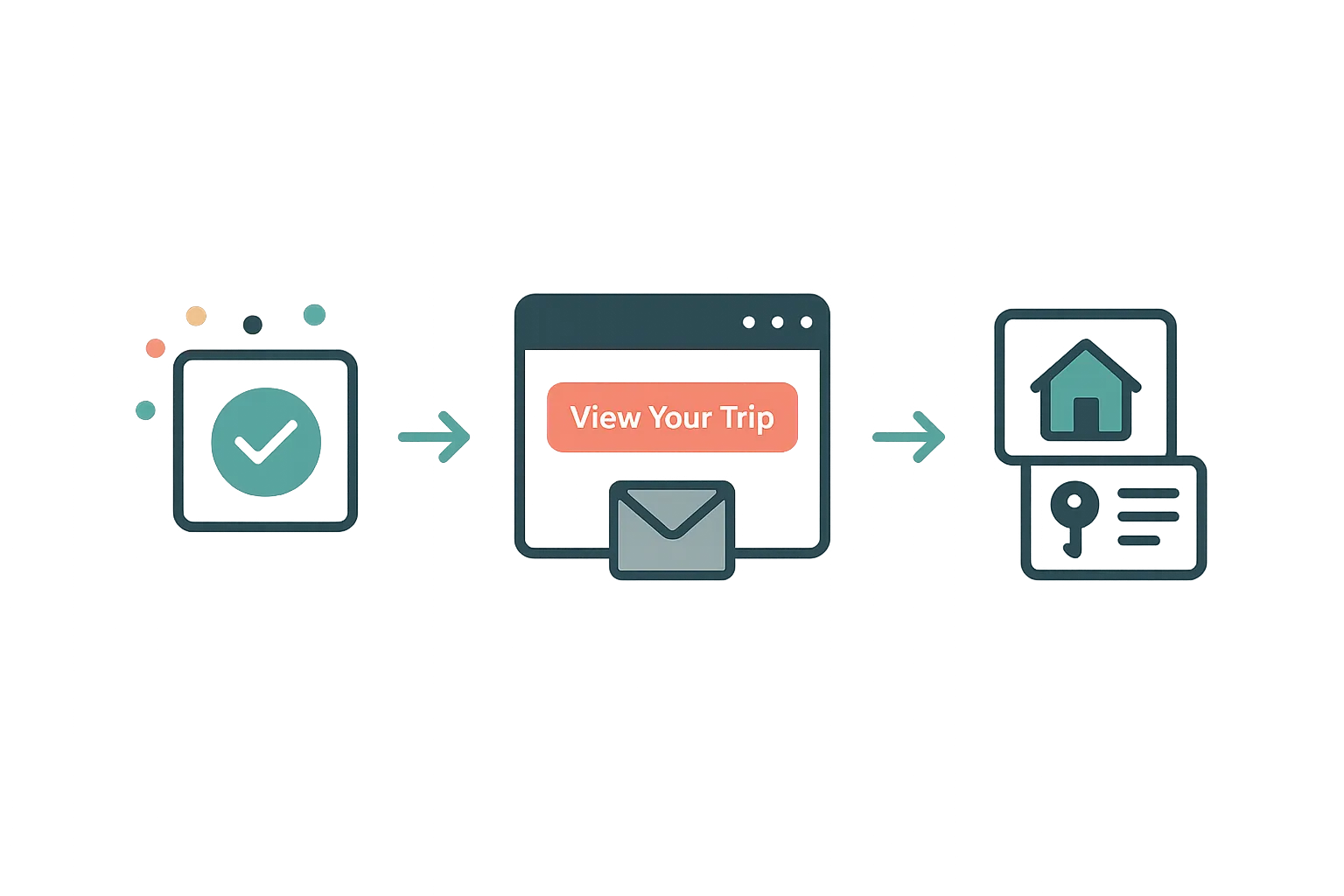
The Guest Portal Experience
After booking, your guests get their own trip portal — itinerary, property details, documents, payments, and companion sharing. No app download required.
Read article →
Your Website Builder Bill Is Just the Start
A website builder gives you a brochure. For less than a Wix subscription, Airflow gives hosts the website and the operating system behind it — and moves your old site over in one conversation.
Read article →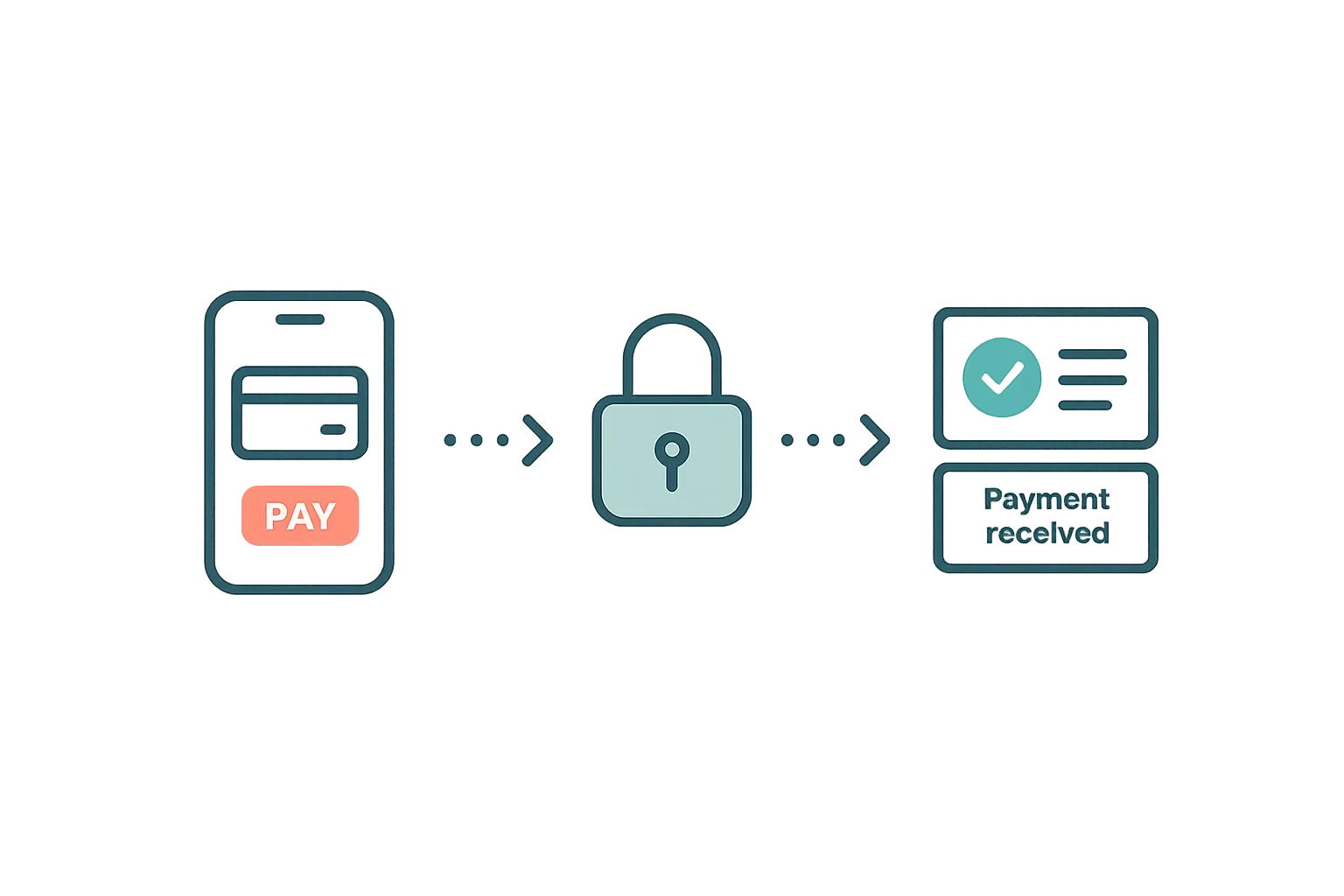
Guest Payments & Deposits
How Airflow handles guest payments — from deposit collection at booking to balance payments via the guest portal, with support for Stripe, Paystack, and manual methods.
Read article →Ready to use Review Management — Add-on feature?
Start your free trial today. No credit card required.
Start free trial