Every Conversation, One Inbox
Thread your guest email in a single unified inbox — one thread per booking, with booking context alongside every message. Connect Gmail or Outlook, or use forwarded and inbound email, and respond from one place.

How it works
Airflow pulls guest messages from every connected booking platform into one unified inbox. Whether a guest reaches out through Airbnb, sends a Booking.com inquiry, or emails your direct booking address, the conversation appears in the same interface alongside the booking details.
Each conversation thread shows the guest's booking information, property details, check-in dates, and message history in a single view. Your team can respond directly from Airflow, and the message is delivered back through the original platform so the guest sees it in their familiar channel.
For teams, the unified inbox supports assignment, internal notes, and read status. Assign conversations to specific team members, leave internal comments that guests cannot see, and track which messages have been read and responded to across your entire team.
Key capabilities
- Multi-platform aggregation — Messages from Airbnb, Booking.com, VRBO, email, and SMS in one place
- Contextual conversations — See booking details, property info, and guest history alongside every message
- Native delivery — Replies are sent through the original platform so guests receive them where they expect
- Team assignment — Assign conversations to specific team members with clear ownership
- Internal notes — Add private notes to conversations that only your team can see
- Unread tracking — See which messages need responses across your entire team at a glance
Key benefits
Why Unified Inbox matters
One Place for Email
Guest email for every booking lives in a single, searchable inbox via email, Gmail, Outlook and Airflow automations.
Faster Responses
With every email beside its booking and context at your fingertips, replies are quicker and easier.
Booking Context Built In
Each thread sits alongside the booking it belongs to — dates, payments, notes and documents are one click away.
FAQ
Common questions about Unified Inbox
Can I reply to guests from Airflow?
Yes. You reply by email from Airflow, and the conversation stays attached to the booking so your team has full context.
Can my team use the same inbox?
Yes. Your team can access the unified inbox, with message templates for consistent replies. The inbox covers email, Gmail, Outlook and Airflow automations.
Does the inbox include Airbnb and Booking.com messages?
The unified inbox threads guest email per booking. It does not show Airbnb or Booking.com in-platform messages, which stay on the OTA. A WhatsApp inbox is coming soon.
More from Guest & Client Management
Related features
Guides & insights
From the blog
The Guest Portal Experience
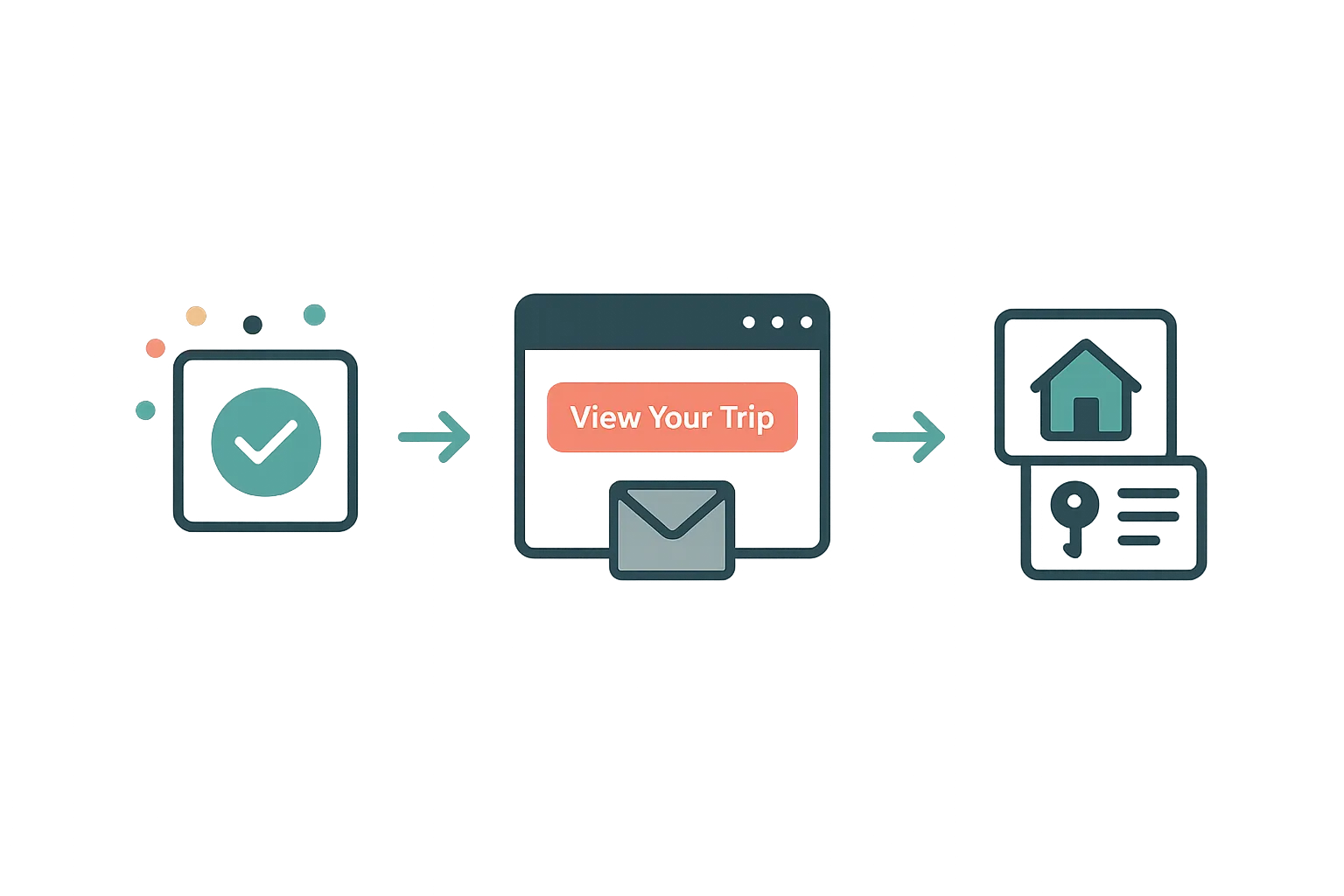
After booking, your guests get their own trip portal — itinerary, property details, documents, payments, and companion sharing. No app download required.
Read article →
Your Website Builder Bill Is Just the Start
A website builder gives you a brochure. For less than a Wix subscription, Airflow gives hosts the website and the operating system behind it — and moves your old site over in one conversation.
Read article →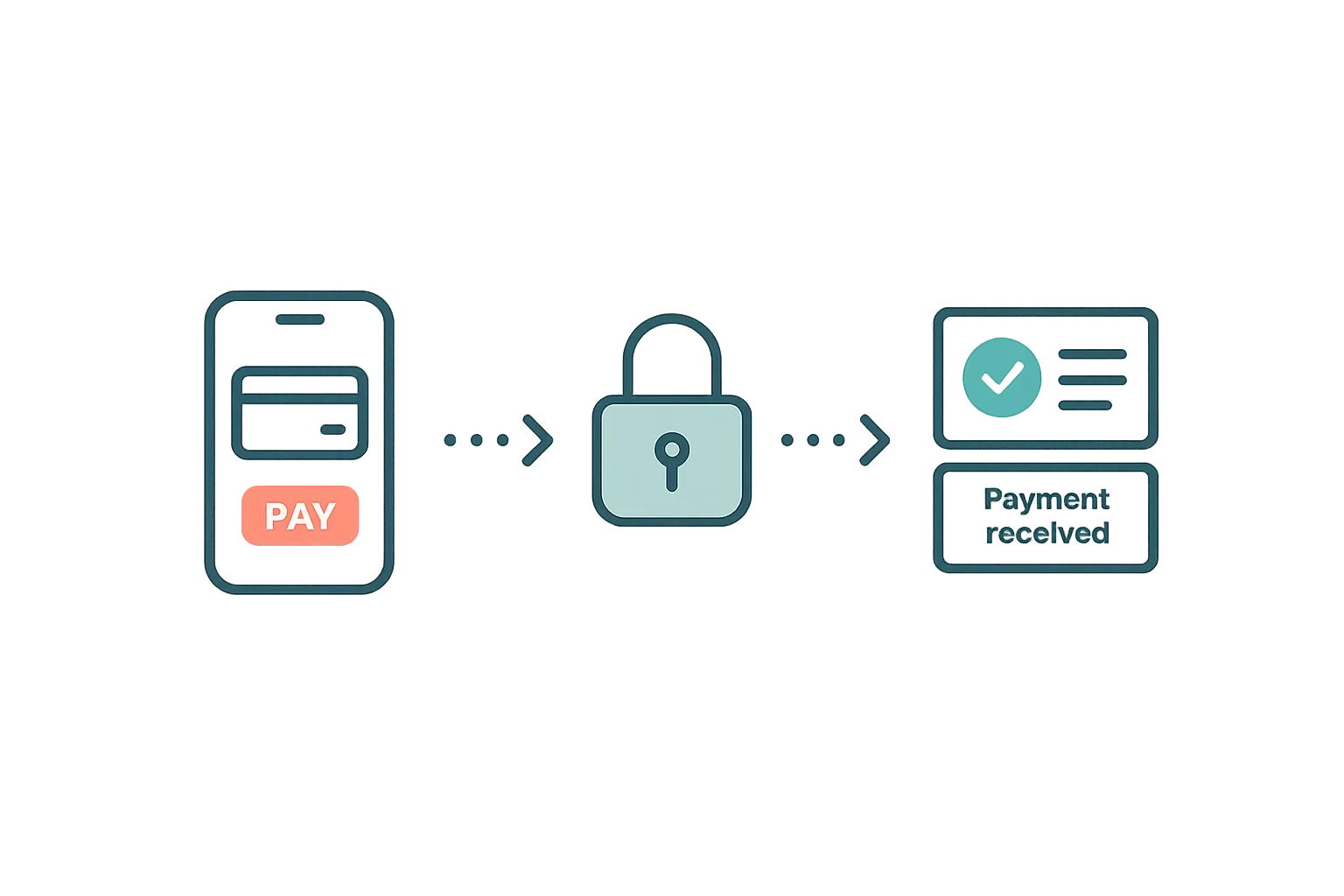
Guest Payments & Deposits
How Airflow handles guest payments — from deposit collection at booking to balance payments via the guest portal, with support for Stripe, Paystack, and manual methods.
Read article →