Your Custom Booking Website
Part of the guide: Getting direct bookings
Direct bookings — Your own branded booking page and website. Guests book directly with you — no OTA commission, no middleman.
Stop paying OTA commission on every booking
OTAs charge 15–20% per booking. For many hosts, that’s thousands per year going to platforms instead of into the business. Airflow gives every listing a booking page and embeddable widget, and the Website + Hosting add-on turns them into a professionally designed website under your own brand — where guests can find you, check availability, and book directly.
What your website includes
Your booking page and website come with:
- Property listings — photos, descriptions, amenities, and location for each of your resources
- Live availability calendar — real-time availability pulled from your Airflow bookings (including OTA bookings, so there’s never a double-booking)
- Book Now checkout — a smooth, mobile-friendly booking flow
- Your branding — your logo, cover image, colours, and custom domain
- SEO-ready pages — proper metadata, structured data, and fast loading times
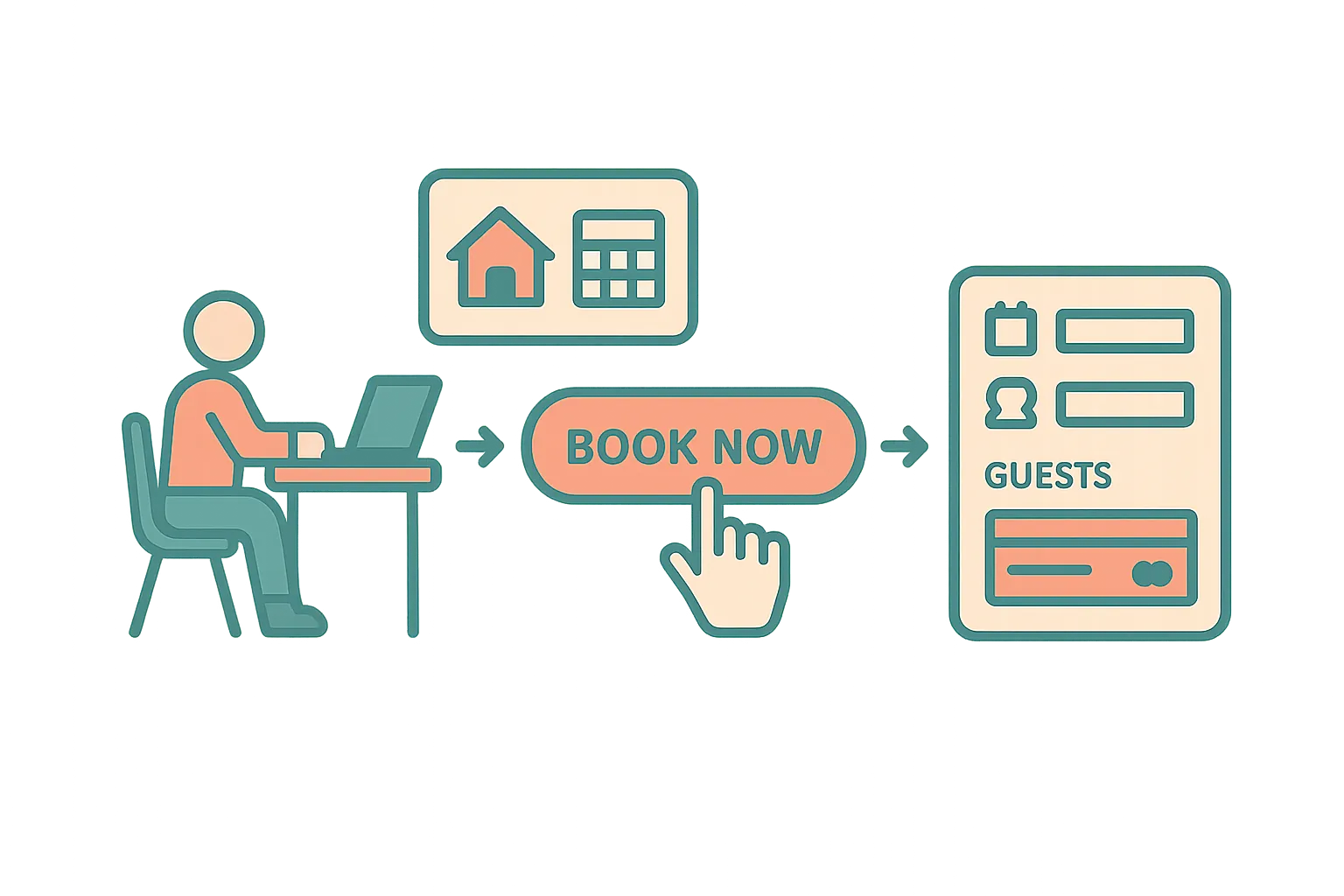
How the booking flow works
When a guest visits your website and decides to book:
- They select dates on the availability calendar — unavailable dates are automatically blocked
- Pricing calculates instantly — base rate multiplied by nights, plus seasonal adjustments, weekly/monthly discounts, cleaning fee, and any addons
- They enter their details — name, email, phone, number of guests
- They choose a payment method — Stripe card payment, Paystack (for supported regions), or manual payment options like bank transfer or M-Pesa
- Booking is confirmed — a unique confirmation code (AF-XXXXXX) is generated
The entire flow is designed to feel as smooth as booking on Airbnb — but the money goes to you.
Payment options
Airflow supports multiple payment processors to match your market:
- Stripe — card payments via your connected Stripe account
- Paystack — cards and M-Pesa for East & Southern African hosts
- Manual methods — bank transfer or M-Pesa with your account details displayed to the guest
- Inquiry mode — for properties that prefer to confirm manually before taking payment
You can offer deposit payments (a percentage upfront, balance due before check-in) or full payment at booking.
Double-booking protection
Before any booking is confirmed, Airflow checks the requested dates against all existing bookings — including those from OTAs that you’ve forwarded in by email. If the dates overlap, the booking is blocked, so a guest can’t book dates that are already taken.
Custom domains
With the Website + Hosting add-on (pricing), your website can run on a custom domain (e.g., book.yourvilla.com). Airflow handles the SSL certificate and DNS configuration through Cloudflare. Your guests see your brand, not ours.
The booking enters Airflow automatically
Once a guest completes a direct booking, it flows into exactly the same pipeline as an OTA booking:
- A booking record appears in your portal
- A draft invoice is created in your accounting software (if connected)
- The guest receives a confirmation email with a link to their guest portal
- The dates are marked as booked, so your website won’t take an overlapping booking
The difference? No OTA commission. Just a small Airflow commission per booking, which falls as your plan grows — see pricing.
Related help articles
- The Guest Portal Experience — What your guest sees after booking
- Guest Payments & Deposits — How payment collection works
- Automatic Accounting Sync — Bookings flow into your accounting software
Previous: Automatic Accounting Sync Next: The Guest Portal Experience