iCal calendar sync that blocks dates in both directions
Every Airflow listing has an iCal link that Airbnb, Booking.com, Vrbo, Google Calendar and Apple Calendar can subscribe to, so dates booked in Airflow are blocked there. Paste their calendar links into Airflow and it reads them every hour, so dates taken there are blocked in Airflow too.
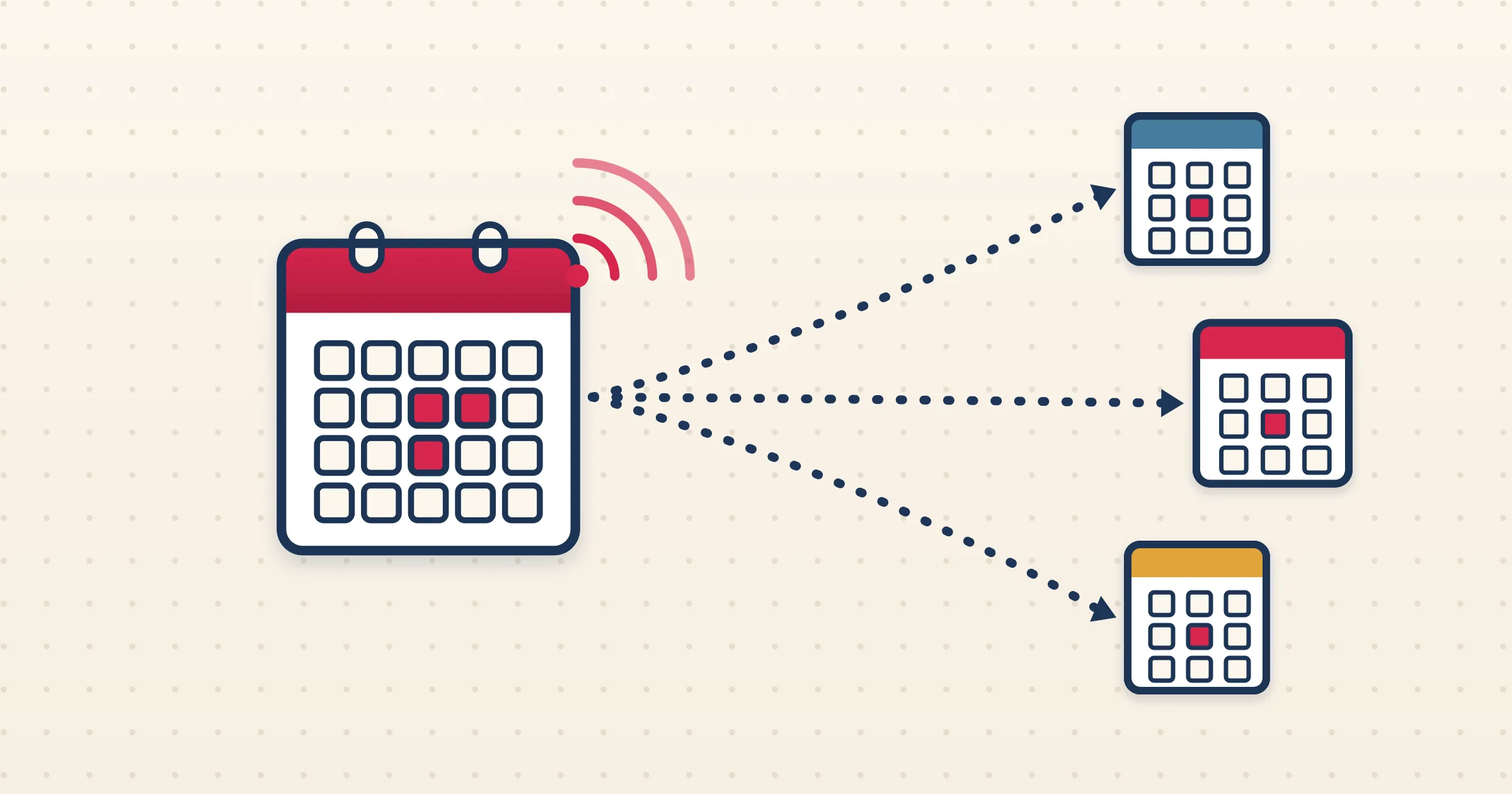
The simplest way to prevent double-bookings across platforms is to let every calendar see the others. Airflow does this with iCal links, in both directions. Whenever a booking is added in Airflow, from any channel, a direct guest or a home swap, your feed updates and every platform subscribed to it blocks those dates. In the other direction, Airflow reads the calendar link of each channel you add and blocks any dates it has no booking for. Calendar sync does not use automated tasks.
How it works
- 1
Copy your Airflow calendar link
Open Bookings in your portal and go to the Import tab. Step 1 shows the calendar link for the listing. It shares blocked dates only, with no guest details.
- 2
Paste it into your other channels
Add the link in the calendar settings of Airbnb, Booking.com, Vrbo or any platform that accepts an iCal subscription. Each one then blocks the dates that are booked or blocked in Airflow.
- 3
Paste their links into Airflow
Copy the calendar export link from each channel and paste it in the same Import tab. Airflow reads it every hour, and there is a Sync now button if you do not want to wait.
- 4
Answer anything it cannot explain
A blocked date that matches a booking Airflow already has is linked to it. One that does not is blocked straight away and listed under Needs Attention, where you can add the booking details, mark it as your own block or ignore it.
One feed out, every platform blocked
Every booking in Airflow updates the feed for its listing, so a reservation made anywhere blocks the same dates on every platform subscribed to it. A direct booking, an Airbnb stay read from email and a HomeExchange swap all land in the same calendar and all flow out through the same feed, along with dates you block yourself and any turnaround days you have set. The link you give to other platforms shares blocked dates only. Your own feed adds the channel, confirmation code and nights, and still leaves out guest names.
Other calendars in, read every hour
Paste the calendar link from Airbnb, Booking.com, Vrbo, Google Calendar, Apple Calendar or another booking system and Airflow reads it every hour. Dates that line up with a booking Airflow already has are matched to it; for Airbnb that is done by the confirmation code. Dates Airflow cannot explain are blocked at once, so your booking page cannot sell them, and wait under Needs Attention for you to say what they are. When a block disappears from the other calendar, Airflow removes its copy. Booking.com sends every blocked range without saying whether it is a guest or your own closure, so expect those in Needs Attention.
What this is, and what it is not
This is calendar sync, not a channel manager. iCal links carry dates, not prices or messages, and each platform reads a link on its own schedule, so a change can take a while to appear on the other side. Bookings themselves reach Airflow from the confirmation emails you forward or that Airflow reads from your connected inbox. For Google Calendar, use the calendar's secret iCal address rather than the public one, which often returns no events.
From the blog
Guides for this setup

How to Find Your Airbnb iCal Link and Sync It with Other Calendars
Where the Airbnb calendar link is, how to paste it into VRBO, Booking.com or Google Calendar, how to import their calendars back, and what an iCal link can and cannot carry.
Where is my Airbnb iCal link, and how do I sync it? →
Managing Bookings from 5 Platforms Without Losing Your Mind
Airbnb, Booking.com, VRBO, HomeExchange, and direct enquiries — all in separate tabs, separate calendars, separate inboxes. There's a better way.
How do I manage bookings from five platforms? →
Why Your iCal Sync Keeps Breaking — and What to Do About It
Double bookings, stale calendars, and missing reservations. iCal sync is the glue holding most booking businesses together — and it's failing. Here's why, and a better approach.
Why does my iCal sync keep breaking? →Common questions
Can Airbnb and Booking.com subscribe to my Airflow calendar?
Yes. Each listing has a calendar link you paste into Airbnb, Booking.com, Vrbo, Google Calendar or Apple Calendar so they block the dates that are taken in Airflow.
Is there a mode that hides guest details?
Yes. The link for other platforms shares blocked dates only. Neither that link nor your own feed includes guest names or email addresses.
Does Airflow import an external iCal feed?
Yes. Paste the calendar link from Airbnb, Booking.com, Vrbo, Google Calendar, Apple Calendar or another system in the Import tab of your Bookings page. Airflow reads it every hour and blocks the dates it has no booking for.
What is the difference between iCal links and Google or Outlook calendar sync?
iCal links pass blocked dates between Airflow and other platforms. Google and Outlook calendar sync puts your bookings into your own calendar as events, with the guest and the channel on each one.
Related questions, answered
Block your dates on every platform from one calendar
Publish your Airflow availability as an iCal link and read your other channels back in every hour, so the same dates are not sold twice.
Start with Airflow See plans and pricing