Notifications & Alerts
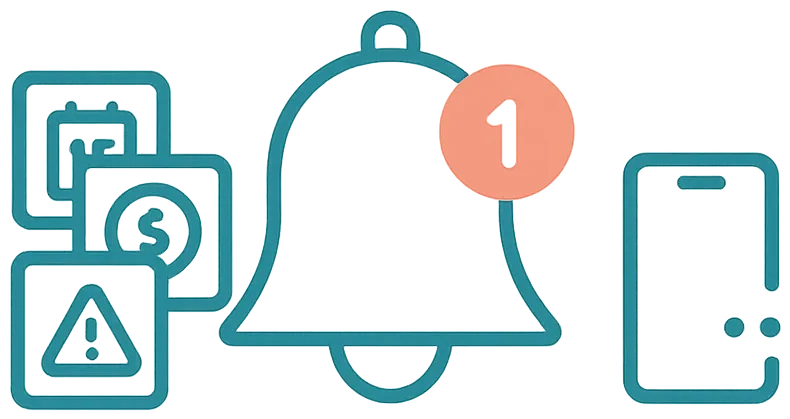
Airflow Integrated — Stay informed without being overwhelmed. Notifications tell you what matters, when it matters.
What you get notified about
Airflow sends notifications for events that need your attention — not every system event, just the ones that matter for running your business.
Booking notifications
- New booking received — a forwarded email was processed and a booking created
- Booking modification — dates, pricing, or guest count changed
- Booking cancellation — a booking was cancelled
- Guest check-in today — reminder on the morning of arrival
Payment notifications
- Payment received — a guest completed a payment via your portal
- Balance due reminder — an upcoming payment due date for a guest
- Subscription renewed — your Airflow plan was charged
System notifications
- Connection issue — an accounting or email connection needs re-authorisation
- Credit balance low — your action credits are running low
- Email processing failed — a forwarded email couldn't be processed
Team notifications
- Invitation accepted — a team member joined your organisation
- Role change — your access level was updated
Where notifications appear
In the portal
The notification bell in the portal header shows a badge count of unread notifications. Click it to see your notification list with timestamps and quick-action links.
In your inbox
Critical notifications are also sent to your email so you don't miss them even when you're not in the portal. These include new bookings, payments, and connection issues.
Managing notifications
From the Notifications page you can:
- Mark as read — clear individual notifications
- Mark all as read — clear everything at once
- Filter by type — show only booking, payment, or system notifications
Notification preferences can be configured from your account settings to control what gets emailed versus what stays in-portal only.
Related help articles
- Your Activity Timeline — Detailed log of every action
- Automated Guest Communications — What triggers guest emails
- Your Connected Ecosystem — Connection health monitoring
Previous: Calendar & Channel Sync Next: Plans & Upgrading