Pin up a code. Your team gets to work.
Print a QR code for each listing and pin it up. Staff scan it to open that listing's checklist and tick items off as a team, with no email address, no app and no login. Damage reports and stock changes stay behind a personal login.
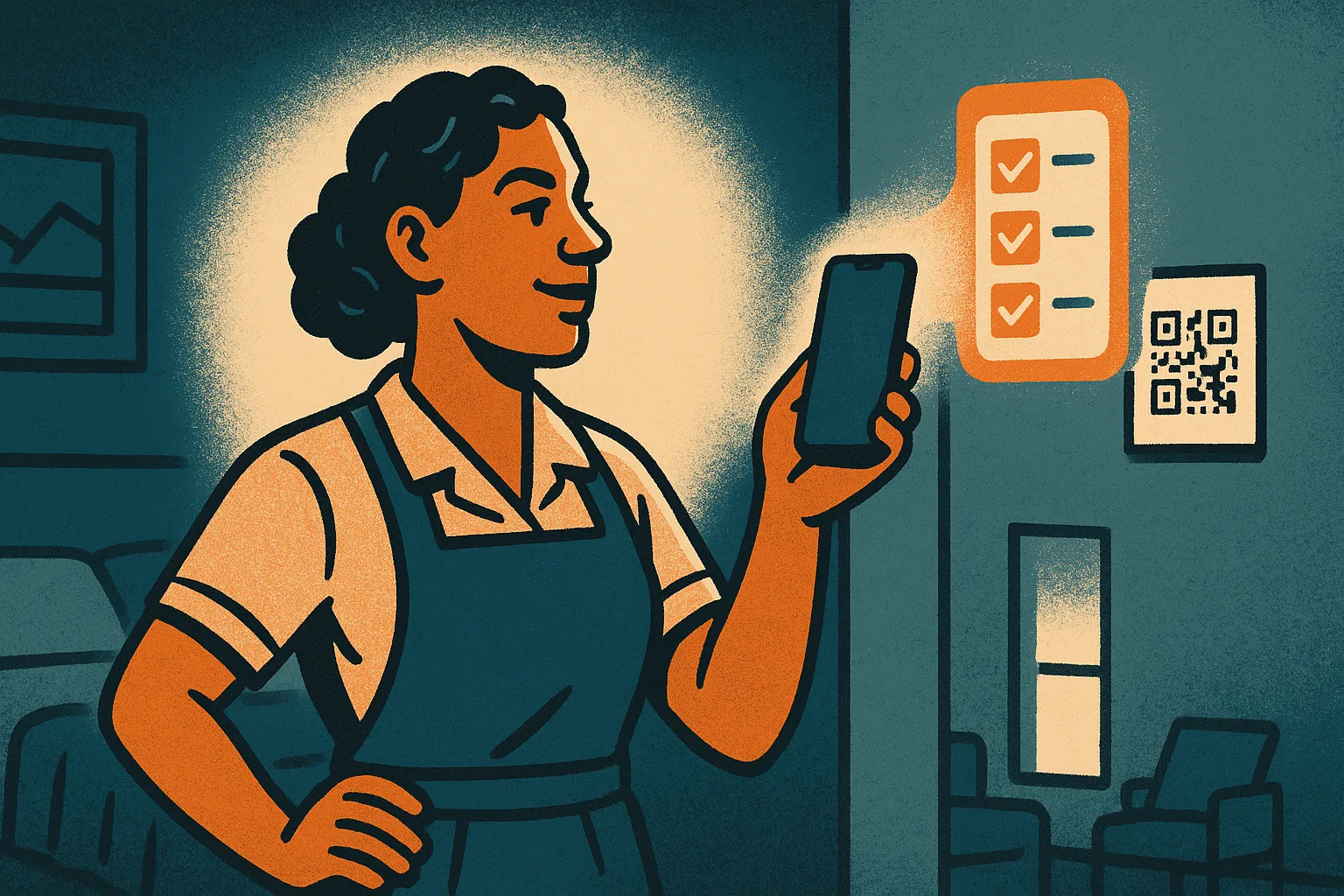
Pin it up, scan it, get to work
Getting your cleaning and maintenance crew into a system is usually the hardest part of running several listings. Many of the people doing the work on the ground don't have a company email, don't want to install another app, and shouldn't have to remember a password to wipe down a kitchen.
So Airflow gives each listing a printable QR code. Pin it up in the linen cupboard or by the front door. A staff member scans it with their phone camera and the listing's checklist opens. There is no sign-up, no login and nothing to download.
The whole team works the same list
Because everyone scans the same code, they all land on the same checklist. When one person ticks "bathrooms cleaned", the tick is saved to the shared list, so the next person to open it sees what is already done and what is left.
Built around your bookings
The code shows the checklists that are open for that listing. Before a guest arrives it shows the pre-arrival checks. After a guest leaves it shows the turnover clean. When nothing is open, it starts your day-to-day checklist.
What the code can and cannot do
QR access is deliberately limited to one listing's checklists: ticking items and marking a checklist finished. It shows no payment details, no financials and no settings. A checklist made from a booking shows the guest's name and booking reference, nothing more. Work done through the code is recorded against the shared code, not a named person. Reporting damage with a photo or recording stock needs a personal email login in the team portal.
Lost a code? Reprint it
If a printout goes missing or a team member moves on, regenerate the code from your portal and print the new one. The old code stops working as soon as you regenerate.
QR checklists are part of the Operations Management add-on. See pricing.
Key benefits
Why QR Checklists for Staff matters
No email, no app
Staff without an email address or a downloaded app can still get the checklist. They scan a printed code with any phone camera and start ticking. There is nothing to sign up for.
One code, the whole team
Everyone who scans the same code opens the same checklist, so a cleaning crew works through one shared list and sees what is already done.
Limited on purpose
A scanned code can only open and tick that one listing's checklists. No payment details, no financials, no settings. Damage reports and stock changes need a personal login.
FAQ
Common questions about QR Checklists for Staff
Do staff need an email address or an account?
No. The QR code is all they need. They scan it with any phone camera and the listing's checklist opens. No sign-up, no password, no app to install.
What happens if a code is lost or a staff member leaves?
Regenerate the code from your portal and reprint it. The previous printout stops working straight away, so anyone still holding it loses access.
Can someone report damage or change stock with just the QR code?
No. The QR code only opens checklists: ticking items and marking a checklist finished. Reporting damage or recording stock needs a personal email login in the team portal.
More from Dashboard & Reporting
Related features
Guides & insights
From the blog

Multi-Currency Airbnb Income in Xero
A foreign-currency booking involves three exchange rates, not one. Which rate belongs on the guest invoice, the payment and the Xero entry, and why.
Read article →
Airbnb Payouts Don't Match Your Invoices — Here's Why
The guest paid €1,200. After Airbnb's ~15% host-only fee and a currency conversion, your bank received £867. Your Xero invoice says something else entirely. Here's what's happening — and how to fix it.
Read article →
Quote in Their Currency, Bank in Yours
Quote a guest in their currency and keep your books in yours. How Airflow locks the exchange rate, tracks the balance owed, and keeps Xero reconciled.
Read article →Get your cleaning team set up in minutes
Start free today. A card is needed at sign-up.
Start your free trial See plans and pricing